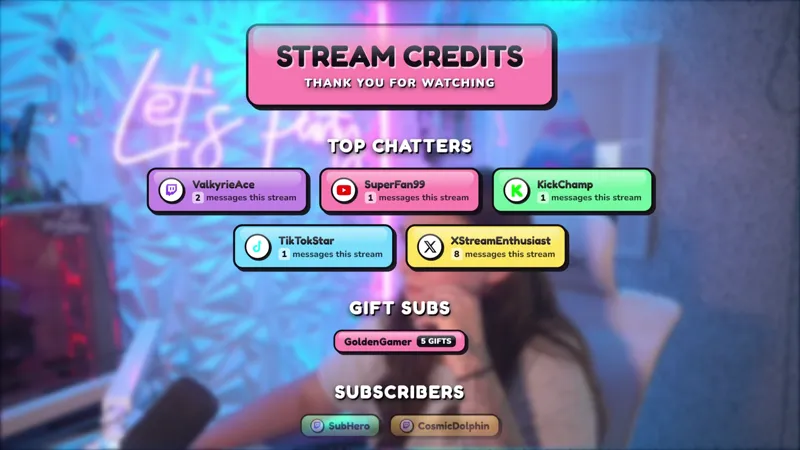
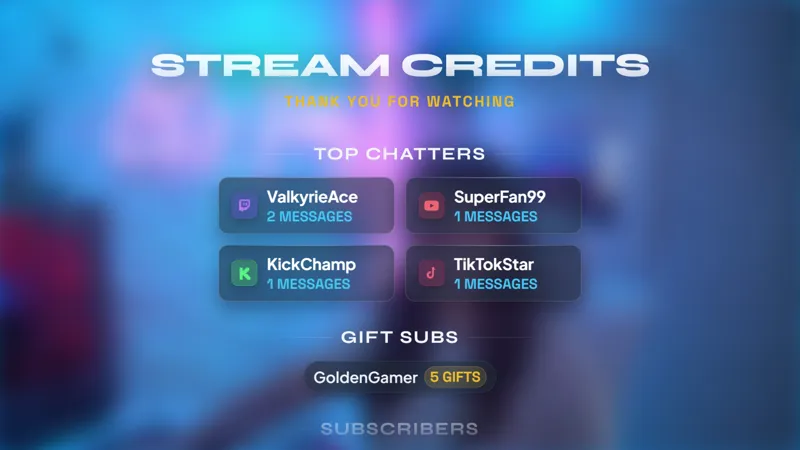
Thank Your Viewers with Star Wars-Inspired Stream End Credits
Show your viewers your appreciation for their support during stream with this Star Wars inspired End Credits that you can add to your Ending Soon screen.
By Meld
Use this element in Meld or OBS
Copy its link, then paste it where you stream.
-
Have Meld Studio or Spark Plug
Open Meld Studio, or OBS with the Spark Plug plugin installed. Elements need one of them to work.
-
Copy the link
Copy element puts the element's link on your clipboard.
-
Paste it
In Meld Studio, press ⌘V or Ctrl+V and it lands in your scene. In OBS, add a Browser source and paste the link as its URL.
The final moments of a broadcast are a chance to thank the people who made it worth hosting. Star Wars Inspired End Credits gives that appreciation a place on your Ending Soon screen, using a visual direction inspired by the familiar space-film theme. It is a free gallery element for the part of the show where you say goodbye.
Instead of ending immediately after the last game or conversation, leave a little room for a closing scene. You can address the audience, reflect on the session, and acknowledge the support you received while the end credits form part of the presentation. The element suits a deliberate sign-off rather than an abrupt jump to being offline.
Give your closing scene its own moment
Add the credits element to your Ending Soon screen in Meld Studio. Check the scene as a complete composition before going live, including any other text, artwork, or camera view you plan to keep visible during the farewell. The credits should have enough room to be noticed without competing with essential closing information.
For a space-themed gaming session, this design can carry the visual direction through to the end of the broadcast. For a variety stream, it can give the sign-off a distinct style of its own. In either case, the purpose is the same: show viewers your appreciation for their support during the time you spent together.
The Star Wars reference describes the inspiration for the design. Treat it as a themed end-credit element for your stream, rather than a claim that your broadcast is an official part of the film or game series.
Make appreciation part of your stream routine
An Ending Soon screen works best when you know what you want to say alongside it. Decide whether you will recap a favorite moment, thank the community as a whole, or simply offer a calm farewell. These are ways to host your ending, not extra controls or features you need to configure in the element.
The overlay supports Twitch, YouTube Live, Kick, and TikTok Live. Viewers watching on any of those destinations can see the closing presentation as part of your scene, so your sign-off can include the whole audience rather than only one platform.
Download Meld Studio and add Star Wars Inspired End Credits to your Ending Soon screen. Streamers keeping an established OBS production can use Spark Plug for OBS as the alternative way to bring the credits into their closing layout.
Use cases
-
Closing a space-themed gaming stream
Add the credits to your Ending Soon screen after a themed gaming session. Give viewers a dedicated moment of appreciation before the broadcast ends.
-
A community-focused sign-off
Make thanking the audience part of your closing routine instead of rushing straight from the last activity to an offline screen. The credits provide a visual companion to your farewell.
Frequently asked questions
Where should I use these end credits?
Add the element to your Ending Soon screen to thank viewers for their support during the stream. Preview it within your closing scene before using it in a live broadcast.
Is this an official Star Wars product?
This gallery element uses a Star Wars-inspired visual direction for stream end credits. The name describes its inspiration, not an official game or film product.
Is it free, and which platforms work?
The end credits are free with Meld Studio and support Twitch, YouTube Live, Kick, and TikTok Live. Use the same closing scene across every platform you stream to.
Can I use these end credits with OBS Studio?
Download Meld Studio to add the credits to your scene, or use Spark Plug for OBS to keep your existing OBS workflow. Spark Plug brings gallery overlays and Meld Spark help with customization in seconds into OBS.