Celebrate Your Chat with Colorful End of Stream Credits
A fun way to show appreciation to your community by thanking them in your end credits, along with a leaderboard of top chatters!
Get End of Stream Credits free
Included with Meld Studio. Or stay in OBS with Spark Plug.
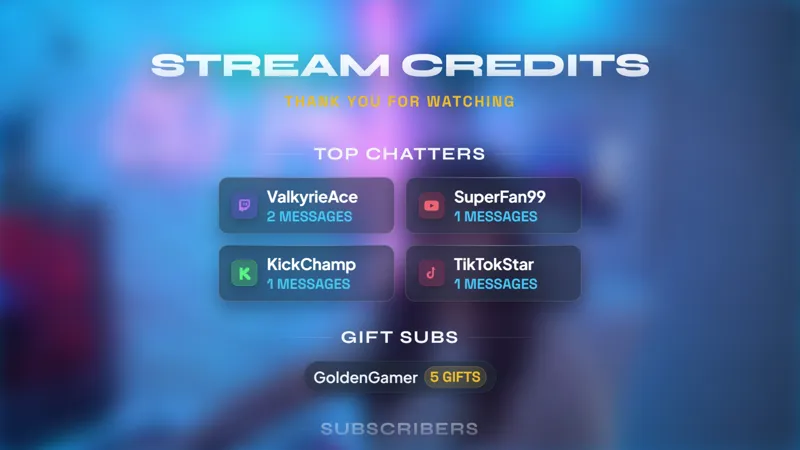
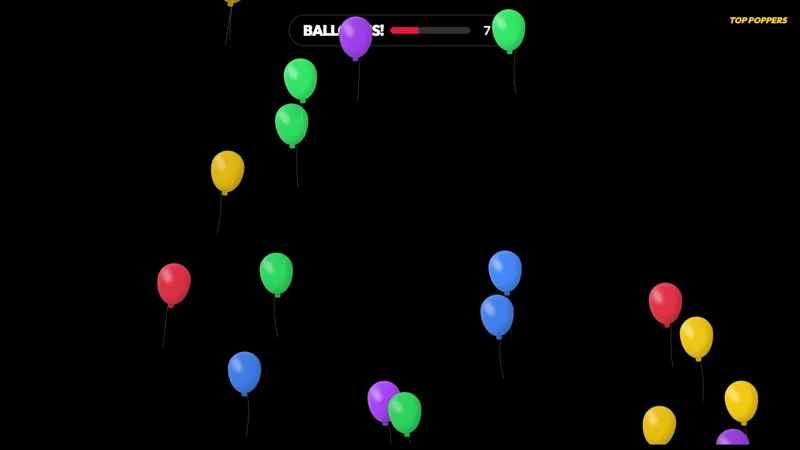
A lively stream deserves more than a sudden stop when the main content is over. End of Stream Credits gives the final scene its own burst of color while thanking the community and showing a leaderboard of the viewers who kept chat moving.
The overlay is free with Meld Studio and works with Twitch, YouTube Live, Kick, and TikTok Live. It is designed for the point where the show is finished but you still want a polished moment to say goodbye.
Turn the sign-off into recognition
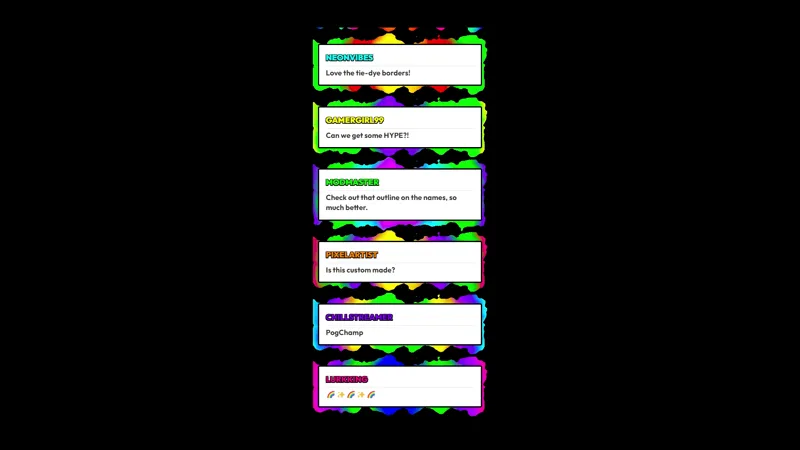
The credits layout puts community participation at the center of the ending. A clear thank-you establishes the purpose of the scene, and the top-chatters leaderboard gives active viewers a final appearance on screen. Instead of treating the last minute as dead time, the overlay makes it part of the broadcast.
Its colorful presentation suits channels that lean playful, upbeat, or high energy. It can follow a variety session, creative stream, community game night, or any broadcast where chat has been an important part of the experience. The closing scene feels connected to what happened before it because the leaderboard is about the people who took part.
Twitch, YouTube Live, Kick, and TikTok Live all fit the same streaming workflow in Meld. That makes the credits useful for multistreamers who want the final thank-you to reflect a wider audience rather than ending with a scene built around only one platform.
Give the final minutes a purpose
Switch to End of Stream Credits after the main segment is complete and let it carry the visual side of your sign-off. You can use that time to recap a favorite moment, thank everyone for joining, prepare the next destination, or simply let the ending breathe before the broadcast stops.
The top-chatters leaderboard adds a small sense of occasion without turning the closing scene into another competition. It acknowledges that conversation helped shape the stream and gives familiar names a moment of recognition. For regular viewers, that can make the goodbye feel personal. For newcomers, it signals that participation is noticed.
This version is a strong fit when you want your ending screen to feel bright and expressive. The colorful treatment keeps the scene visually active while the credits message makes it unmistakable that the show is wrapping up.
Download Meld Studio and add End of Stream Credits as the final scene in your broadcast. If you want to keep your existing OBS setup, Spark Plug for OBS loads the same colorful credits as a browser source, with support for Twitch, YouTube Live, Kick, and TikTok Live.
Use cases
-
Ending an upbeat variety stream
Carry the energy of a lively broadcast into the final scene with a colorful credits presentation. The top-chatters leaderboard gives active community members a visible thank-you before everyone signs off.
-
Recognizing viewers after a community event
Wrap a community night or special broadcast with a screen that centers audience participation. The credits format provides time to thank viewers while the leaderboard highlights the conversation around the event.
Frequently asked questions
What appears in the End of Stream Credits overlay?
The overlay combines a community thank-you with a leaderboard of top chatters. It creates a dedicated closing screen where viewer participation stays visible while you finish the broadcast.
Which platforms support End of Stream Credits?
It works with Twitch, YouTube Live, Kick, and TikTok Live. Meld brings the platforms you stream to into one workflow so your closing credits can recognize the community around the broadcast.
Can I use End of Stream Credits in OBS Studio?
Yes. Spark Plug for OBS adds the credits to your existing OBS scene as a browser source, and Meld Spark can help you customize the overlay in seconds without writing code.
Is this colorful stream credits overlay free?
Yes. End of Stream Credits is included free with Meld Studio. You can add the supplied credits and top-chatters presentation to a closing scene without purchasing the gallery element separately.