Start Your Stream with a Free GTA 6-Inspired Neon Scene
Welcome to Vice City, streamer edition. This GTA 6-inspired Starting Soon scene brings neon, sunsets, and serious hype to your stream before you go live.
By Meld
Get GTA 6 Starting Soon Scene free
Included with Meld Studio. Or stay in OBS with Spark Plug.
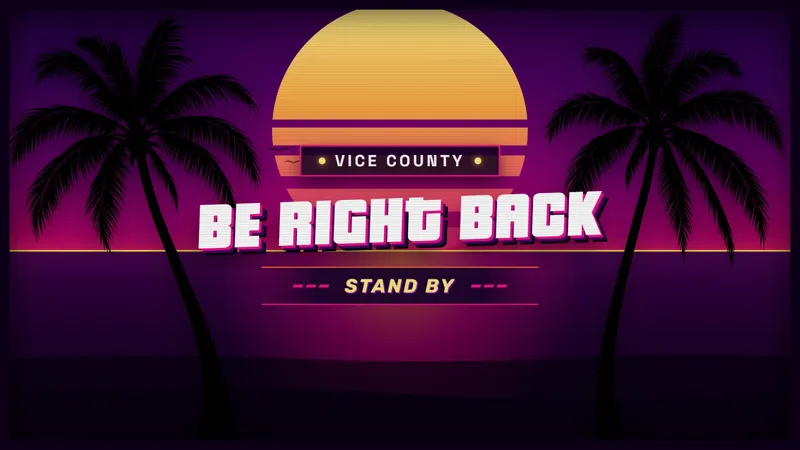
Early arrivals should know they have reached the right stream, even while you are still getting ready. This free GTA 6-inspired Starting Soon scene gives them a neon sunset welcome before the main broadcast begins. The Vice City-inspired direction establishes a mood for the evening without needing the game or your camera to carry the opening.
Use it for the few minutes between beginning the broadcast and being ready to host. A clear opening scene tells viewers that the show is on its way. You can finish your preparation while the audience sees a deliberate part of the stream instead of an unfinished view of your working layout.
A neon opening before the main show
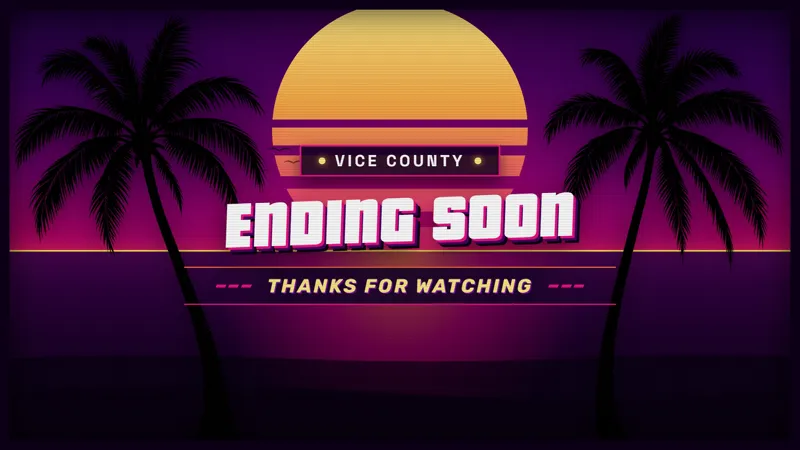
The scene combines a Starting Soon presentation with the neon and sunset styling described in the gallery submission. That makes it a natural choice for a GTA-focused channel or a gaming night with a bright, city-inspired visual theme. The reference is about the appearance of the scene, not an official connection to the game.
Because this is an opening scene, its job is different from a camera border or a chat widget. It gives the waiting period its own visual identity. Choose it when you want that period to look like part of the broadcast, rather than trying to use a small decorative element to fill an entire screen.
Twitch, YouTube Live, Kick, and TikTok Live are all supported. The same opening look can accompany the stream wherever your audience watches, which helps keep the start of the show consistent across your broadcast destinations.
Plan the handoff into your stream
Think about the first thing you want viewers to see after the waiting period. You might move into a conversation with your community, a camera-led introduction, or the game itself. The Starting Soon scene gives that next moment a clear beginning by separating preparation from the content you are ready to present.
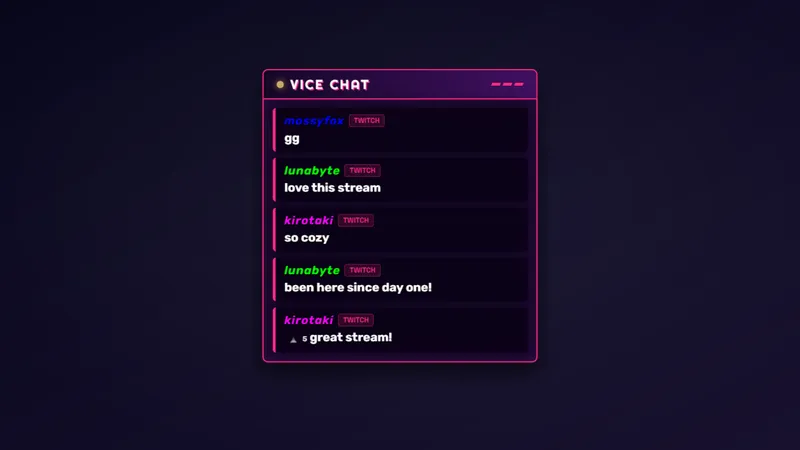
The neon direction can also connect an opening to other themed pieces in your layout. That is a visual choice for the production, not a requirement to use a complete set. A single opening scene can be enough when the rest of your broadcast already has a look you want to keep.
Before going live, preview the opening at the size your viewers watch and make sure the main message is easy to read. Download Meld Studio and add the Starting Soon scene to your broadcast. For streamers staying in OBS, Spark Plug for OBS is the alternative path to the same GTA 6-inspired opening.
Use cases
-
Welcoming early arrivals
Give viewers a clear Starting Soon screen while you finish getting ready. The neon sunset treatment sets the visual direction before you move into the main part of the broadcast.
-
Opening a themed gaming night
Begin a GTA-focused discussion or gaming evening with a Vice City-inspired scene. Its styling establishes the theme without needing gameplay footage on screen before the session starts.
Frequently asked questions
What is this Starting Soon scene for?
It is a free GTA 6-inspired opening scene with neon and sunset styling. Use it while viewers arrive before you switch to the main content of your broadcast.
Which streaming platforms does the scene support?
The scene works with Twitch, YouTube Live, Kick, and TikTok Live. Use the same opening look on every platform you stream to rather than choosing a different theme for each destination.
Can I use this Starting Soon scene in OBS Studio?
Yes. Download Meld Studio to add the scene, or use Spark Plug for OBS to keep your OBS setup. Spark Plug brings gallery overlays and Meld Spark's help with customization in seconds into OBS.