Frame Your Camera with a GTA 6-Inspired Rectangular Neon Edge
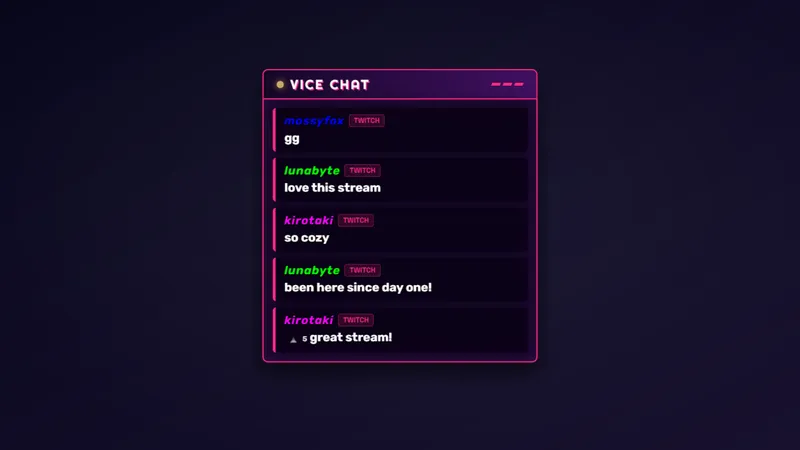
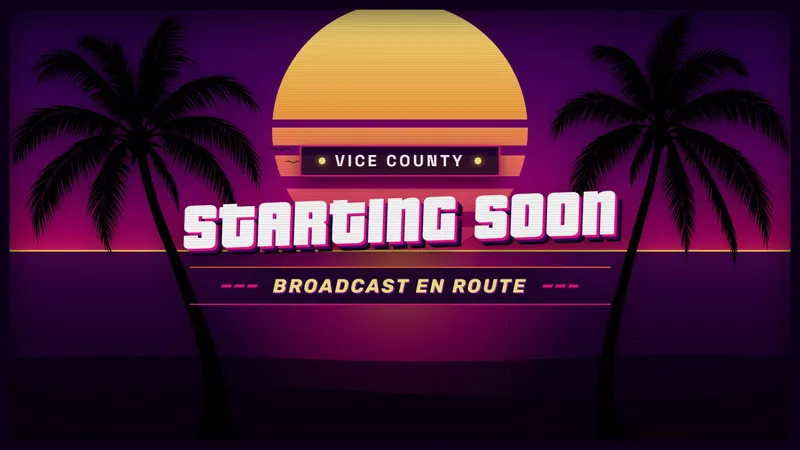
Frame your face in Vice City style. This GTA 6-inspired rectangular camera border gives your webcam a clean, neon-lit look that fits any layout.
By Meld
Get GTA 6 Camera Border free
Included with Meld Studio. Or stay in OBS with Spark Plug.
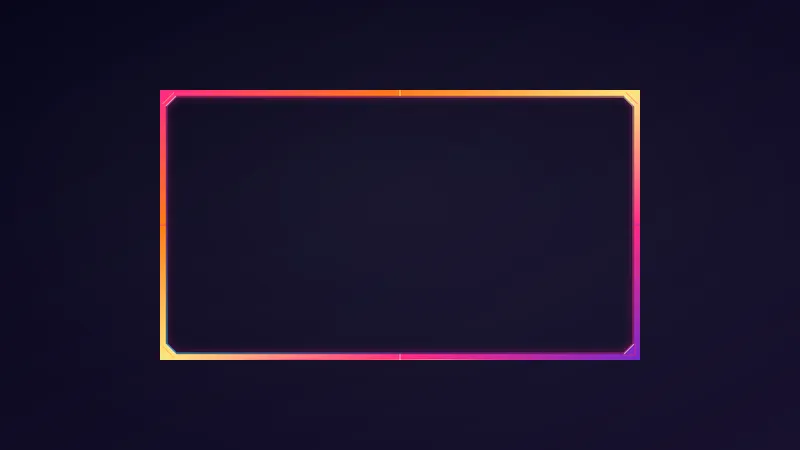
When your webcam already sits in a rectangular space, a themed edge can be enough to tie it into the rest of the broadcast. This free GTA 6-inspired camera border gives that space a clean neon-lit look. The Vice City styling surrounds the host without asking the camera area to take on a different shape.
It is a straightforward choice for a scene where gameplay and webcam each have their own place. The camera remains a rectangle, and the border provides the visual treatment around it. If you like the neon direction but do not want a circular camera composition, this is the version to consider.
The rectangular camera option
The defining features are the rectangular form and the GTA 6-inspired neon appearance. This item frames your face, not your game footage. That separation helps when deciding which part of a scene needs a themed accent: choose the camera border when it is the host’s area you want to emphasize.
The clean edge can sit within a gaming layout or accompany a camera-led conversation. In either case, the Vice City reference is about visual style. It does not turn the border into an official game product, and it does not need a specific game moment to explain why it is there.
Twitch, YouTube Live, Kick, and TikTok Live are all supported. The same camera framing can be part of the scene you broadcast to those platforms. Its purpose is presentation rather than a chat-driven activity, so the decision is mostly about how you want the host to appear alongside the rest of the show.
Choosing where the neon belongs
A rectangular webcam frame is useful when your composition relies on straight edges and separate content areas. Look at the relationship between the camera, gameplay, and any text already on screen. The border can establish the camera’s boundary while leaving the main subject of the stream elsewhere in the layout.
During a discussion between sessions, that same boundary gives the host view a consistent theme. During gameplay, it marks out your camera as its own part of the broadcast. These are two ways to use a decorative frame, not additional features or operating modes.
For a GTA-focused channel, the inspiration is an obvious fit. For a variety channel, choose it because the neon look belongs in your scene, even when the conversation moves to another game. Download Meld Studio and add the rectangular camera border to a scene. Spark Plug for OBS is the alternative for bringing it into an OBS setup you want to keep.
Use cases
-
A rectangular webcam beside gameplay
Use the rectangular frame when your camera area follows a familiar box-shaped composition. The neon edge gives that part of the scene a GTA 6-inspired identity alongside your footage.
-
A themed host view between sessions
Keep the Vice City visual direction during a conversation between games. Framing the webcam lets the host remain the focus while the border supplies a clean, recognizable neon accent.
Frequently asked questions
Is this border rectangular or round?
This version is a rectangular camera border with a clean neon-lit look. It frames your webcam in GTA 6-inspired Vice City style rather than using the circular shape of the round border.
Which platforms can I stream to with it?
Twitch, YouTube Live, Kick, and TikTok Live are all supported. The border is a visual part of your scene, so its camera framing serves the broadcast across those four platforms.
Can I keep OBS Studio and use this border?
Yes. Spark Plug for OBS brings the border into your existing OBS scenes. The free plugin also provides Meld Spark for prompt-assisted customization in seconds.