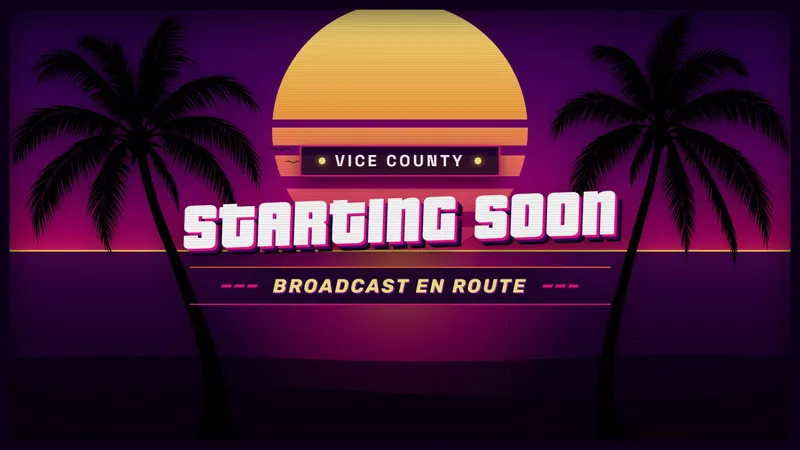
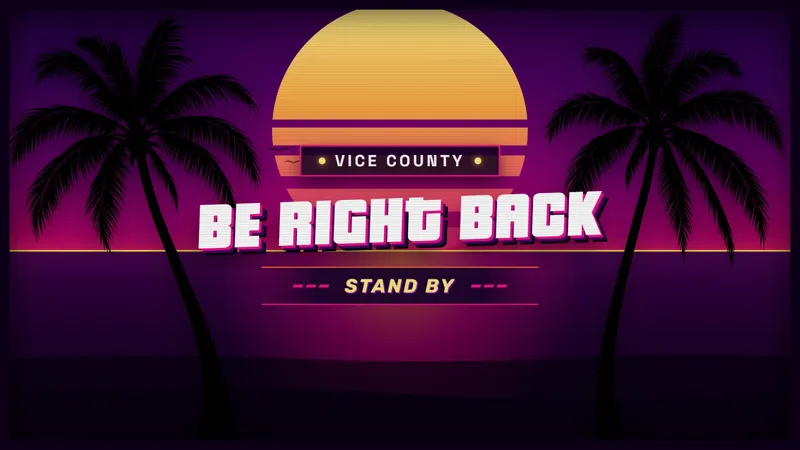
Give Your Footage a GTA 6-Inspired Neon Game Border
This GTA 6-inspired game border wraps your footage in neon Vice City style for a polished, professional stream.
By Meld
Get GTA 6 Game Border free
Included with Meld Studio. Or stay in OBS with Spark Plug.
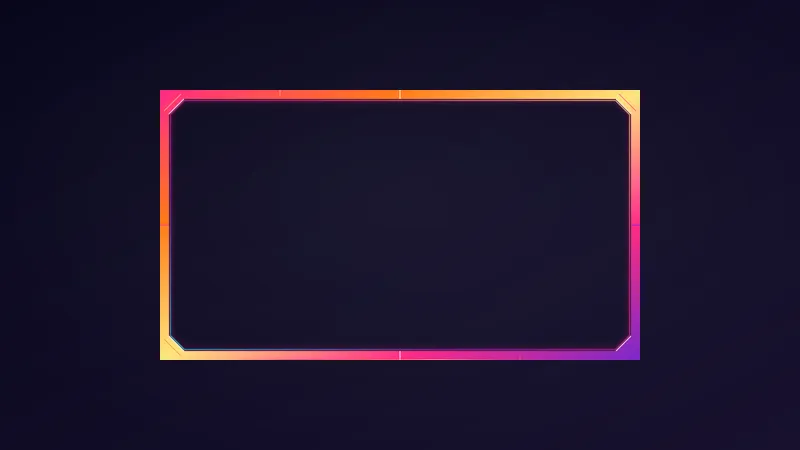
Gameplay can be the main attraction and still benefit from a deliberate frame. This free GTA 6-inspired game border wraps your footage in Vice City neon style, giving the game area a visual identity within the broadcast. It is the option for streamers who want the theme around the action rather than only around their face.
That difference is worth keeping in mind when planning a layout. A webcam border emphasizes the host’s presence. A game border emphasizes the footage as a composed part of the scene. Choose this item when the outer edge of the game view is where you want the neon treatment to live.
Vice City styling around the footage
The border’s appeal is its GTA 6-inspired appearance. The neon reference supplies a recognizable direction for a gaming broadcast, particularly one built around a city-themed look. The footage remains your content; the surrounding border gives it a finished edge within that presentation.
For a GTA discussion or play session, the inspiration connects naturally with the subject. It can also suit a variety broadcast where neon is part of the channel’s visual taste. That is a choice about aesthetics, not a claim of official affiliation or a special integration with the game.
The overlay supports Twitch, YouTube Live, Kick, and TikTok Live. Its role is the same across those platforms: a border around your footage within the stream scene. There is no need to plan a viewer activity around it. You choose the frame because of how it presents the game area, not because chat needs another set of instructions.
Make the game area feel intentional
Consider the frame in relation to everything else your audience will see. If the game is the focus of the scene, its boundary can help establish the overall visual direction. The neon border makes that boundary part of the design instead of leaving all the theme work to a camera frame or a separate chat display.
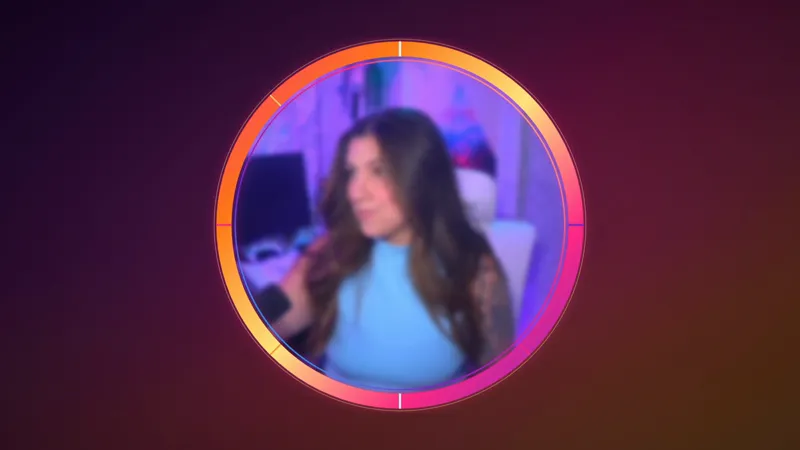
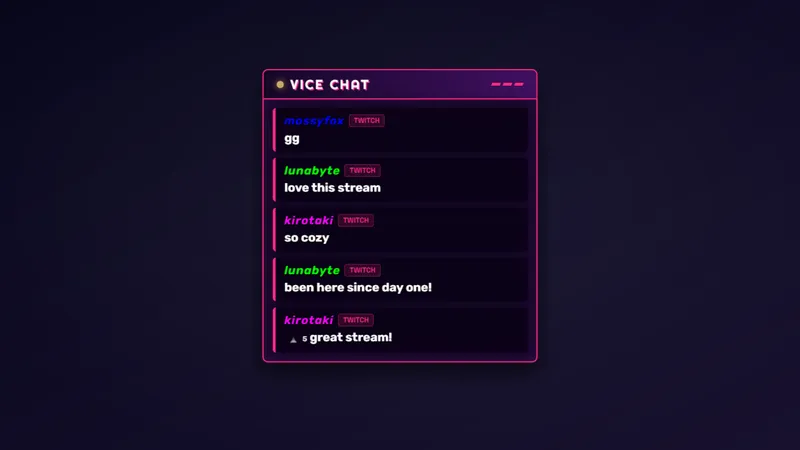
It is especially relevant when you are deciding between several kinds of themed overlay. Start with the part of the broadcast you actually want to frame. This item is for footage, so its purpose remains distinct from a round camera border, a rectangular webcam border, or a message feed.
Use it for sessions where the Vice City look fits the show you want to present. Download Meld Studio and add the game border to a scene. For streamers keeping an existing OBS workflow, Spark Plug for OBS provides the alternative way to bring the overlay into that setup.
Use cases
-
A gameplay-focused broadcast
Choose this border when the footage is the part of the scene you want to frame. The GTA 6-inspired neon treatment puts the visual theme around the game rather than around your webcam.
-
A consistent look for gaming sessions
Use the Vice City styling as the visual direction for an evening of games. The footage remains the subject while the border gives its surrounding edge a deliberate place in the broadcast composition.
Frequently asked questions
Is this a webcam border or a game border?
This item wraps your game footage in GTA 6-inspired Vice City neon style. Choose it when you want to frame the gameplay area rather than the camera view of the host.
Does it work on all four core streaming platforms?
Yes. You can use it for Twitch, YouTube Live, Kick, and TikTok Live streams. The border supplies visual framing within your scene across those supported destinations.
Does this game border work with OBS Studio?
Yes. Spark Plug for OBS lets you use the overlay in existing OBS scenes. The free plugin also brings Meld Spark to OBS for customization with help from prompts in seconds.