Take a Break with a Free GTA 6-Inspired Neon Scene
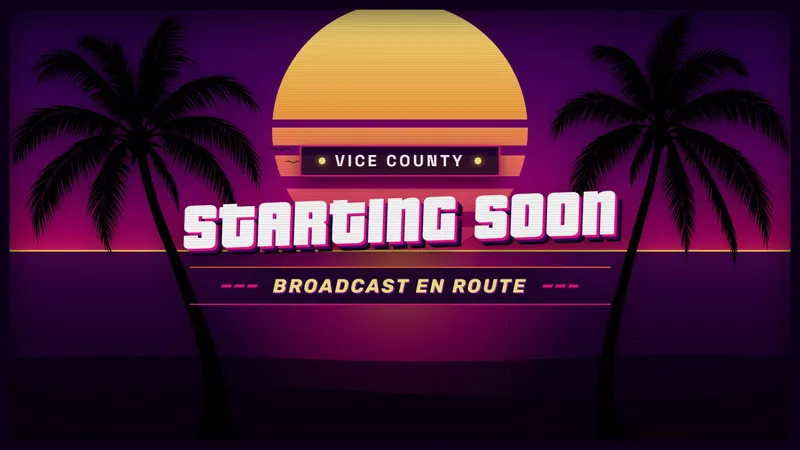
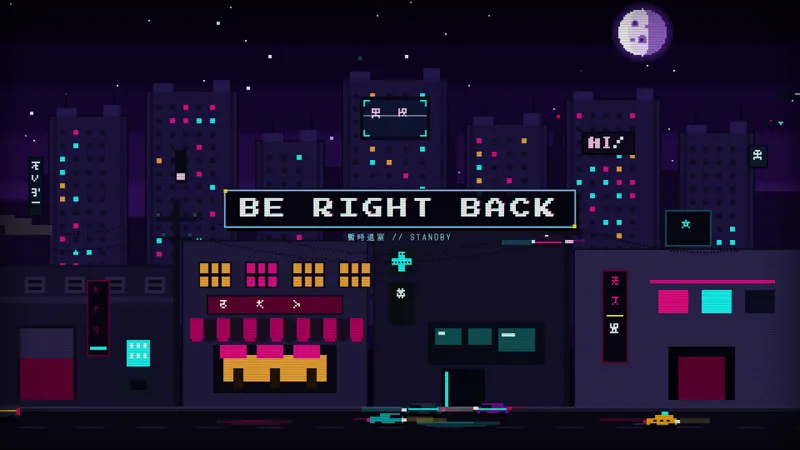
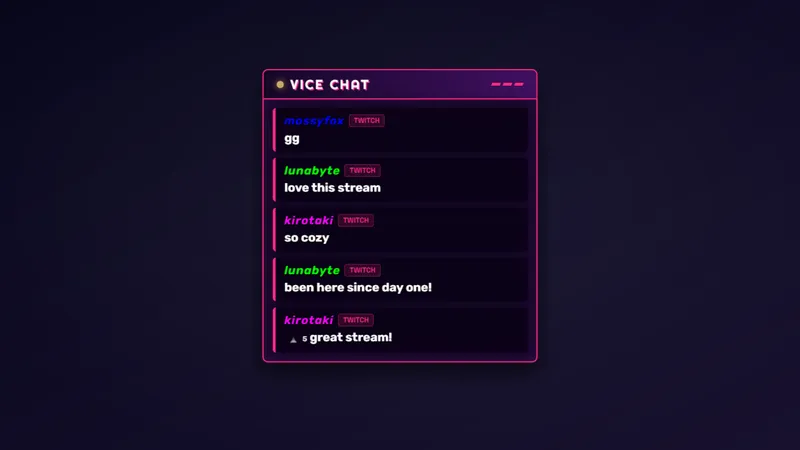
Even Vice City needs a pit stop. This GTA 6-inspired BRB scene keeps your stream looking sharp while you step away, with neon style that holds chat's attention until you're back.
By Meld
Get GTA 6 Be Right Back Scene free
Included with Meld Studio. Or stay in OBS with Spark Plug.
A quick break does not have to leave viewers wondering whether the stream is over. This free GTA 6-inspired Be Right Back scene marks the pause with neon Vice City styling. It gives the audience a clear place to wait while you step away, then leaves the return to the show in your hands.
The distinction between a pause and a sign-off matters during a long gaming session. A BRB screen says that you are coming back. Instead of leaving an unattended camera or a game view on screen, you can show a scene chosen specifically for the interval between one part of the broadcast and the next.
Give the break its own scene
The visual direction is GTA 6-inspired neon, connecting the break to a bright, city-themed gaming layout. It is a styling reference for your broadcast rather than an official game product. You can use that reference because it fits the evening, whether you are playing a game or spending time talking with the community.
This item is a BRB scene rather than a small overlay meant to sit beside your content. Its purpose is to take over the presentation while the main activity is paused. That makes the choice straightforward: use it when you want the break itself to be the message on screen.
The scene supports Twitch, YouTube Live, Kick, and TikTok Live. Viewers watching on different destinations can see the same visual indication that you have stepped away, with a consistent look across the platforms you stream to.
Make returning part of the plan
Before a break, tell your audience what is happening and switch to the BRB scene. When you are ready, return to the camera, conversation, or game view you want to continue. Those hosting decisions provide the context; the scene supplies the visual marker for the pause.
During a multiplayer evening, it can sit between sessions while you get ready for the next one. During a community discussion, it creates a clear interruption before you pick up the conversation again. Neither use requires treating the BRB screen as a separate activity for viewers to manage.
If you use other neon-themed elements, consider how the break connects visually to the main scene. Matching every part of the production is optional, but a deliberate break screen can help the interval feel like part of the show. Download Meld Studio and add the BRB scene to your setup. Spark Plug for OBS is the alternative for bringing it into an OBS production you want to keep.
Use cases
-
A short pause between games
Switch to a clear Be Right Back scene when you need a moment away. Viewers see a deliberate pause in the broadcast with the same neon styling you chose for your gaming night.
-
Keeping the theme during a longer session
Use the Vice City-inspired scene for breaks during an evening of games or community discussion. It marks the interruption without making the stream look as though the session has ended.
Frequently asked questions
Is this a break scene or an ending scene?
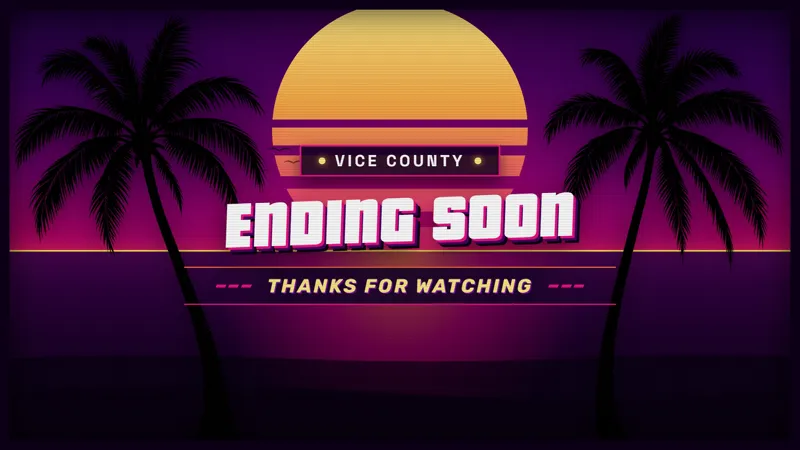
This is a Be Right Back scene for the times you plan to return. It uses GTA 6-inspired neon styling to mark a temporary pause rather than the end of the broadcast.
Is the BRB scene free on every supported platform?
It is free with Meld Studio and works with Twitch, YouTube Live, Kick, and TikTok Live. Keep the same break-screen appearance on every platform you stream to.
Does this BRB scene work with OBS Studio?
Yes. Download Meld Studio to add the scene, or use Spark Plug for OBS for an existing OBS setup. Spark Plug brings gallery overlays and Meld Spark's help with customization in seconds into OBS.