Free Gold Star Curtain Lights Overlay for Christmas Streams
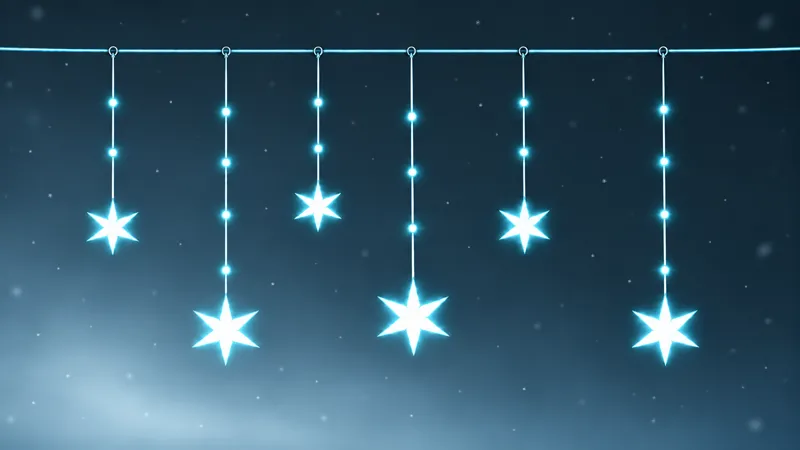
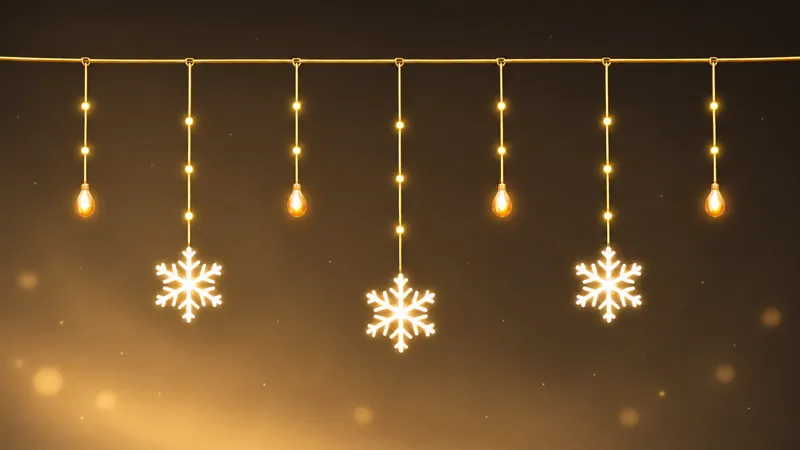
A curtain of golden stars on strands of fairy lights hanging from the top of your stream. Christmas and holiday decor that twinkles all stream and flashes brighter on every follow, sub, gift, raid, tip and bits.
By Meld
Use this element in Meld or OBS
Copy its link, then paste it where you stream.
-
Have Meld Studio or Spark Plug
Open Meld Studio, or OBS with the Spark Plug plugin installed. Elements need one of them to work.
-
Copy the link
Copy element puts the element's link on your clipboard.
-
Paste it
In Meld Studio, press ⌘V or Ctrl+V and it lands in your scene. In OBS, add a Browser source and paste the link as its URL.
A star is the one shape that says Christmas from across the room, and Gold Star Curtain Lights puts a whole curtain of them on your stream. It is a free holiday overlay: golden stars hang on strands of fairy lights from the top of the frame and twinkle for the entire broadcast. You drag it into a scene and the decor is done.
How it reacts to your stream
The curtain is not a static picture. It responds to what happens on your channel by flashing brighter. A new follower triggers it. So does a new or returning subscriber, a raid coming in, a purchase, and any tip, bit, cheer, or Super Chat. Gifted subs flash brighter and for longer, so a gift drop feels bigger than a single follow.
Because the reaction is a change in brightness, nothing pops up over your gameplay or your camera. Viewers see the top of the screen light up, and you keep playing. Between events the stars simply twinkle, which keeps the holiday look steady through quiet stretches.
The overlay pulls events from every platform you stream to. Twitch, YouTube Live, Kick, and TikTok Live activity all drive the same curtain, so multistreamers get one set of lights reacting to one combined audience.
Why streamers use it
Seasonal decor usually means rebuilding a layout or buying an asset pack. This is one overlay on top of the scene you already have. The strands hang from the top edge, so your webcam frame, game capture, and chat panel stay where they are.
It also suits streamers who dislike loud alerts. The stars carry follows, subs, and raids as a quiet celebration, while gift subs still get a clearly longer moment. Gold keeps the look warm and classic, a good fit for cozy streams, charity marathons, and any channel that wants December to look like December.
Who this is for
Gamers, Just Chatting hosts, variety streamers, and holiday charity streams, anyone with open space along the top of the layout. It works as the only seasonal touch on a scene or as one layer among other holiday decor.
Adding it to your stream
Download Meld Studio and add the overlay to a scene. If you already run OBS and would rather stay there, the free Spark Plug for OBS plugin brings the same overlay into your existing scene. Either way, no scripts and no subscription, and your Twitch, YouTube, Kick, and TikTok connections work from a single sign-in.
Use cases
-
Giving a December stream a Christmas frame
A game capture or a Just Chatting scene does not change just because the calendar did. Hang the star curtain along the top edge and the same layout reads as Christmas for the whole month, without moving your camera or covering the action.
-
Making gifted subs and raids visible
When a viewer gifts subs, the lights flash brighter and for longer than they do for a single follow. An incoming raid gets the same brighter flash, so the handover shows up on screen instead of only in chat.
-
Holiday charity streams and tip goals
Tips, bits, cheers, and Super Chats all make the lights flash brighter. During a charity stream that gives every donation a response on screen, with no separate alert to set up for each one.
Stream events it reacts to
Frequently asked questions
Is the gold star curtain lights overlay free?
Yes. Gold Star Curtain Lights is free to use in your stream. There is no watermark and no per-stream limit, so you can leave it up for the whole holiday season.
Which streaming platforms does it work with?
Twitch, YouTube Live, Kick, and TikTok Live are all supported. Meld signs you in once and pulls events from every platform you stream to, so a follow on any of them makes the stars flash brighter.
Which stream events make the lights flash?
The lights flash brighter for follows, new and returning subscriptions, gift subs, raids, purchases, and tips, bits, cheers, and Super Chats. Gift subs get a brighter and longer flash than the rest.
Does it work with OBS Studio?
Yes. Spark Plug for OBS adds the overlay to your existing OBS scene, so you do not have to switch apps. You can use it as it is, or customize it with help from Meld Spark in seconds.
How do I add it to my stream?
Download Meld Studio, then add the overlay to a scene. If you would rather stay in OBS, install the free Spark Plug for OBS plugin and add it from there.