Free Christmas Lights Overlay That Flashes on Every Stream Event
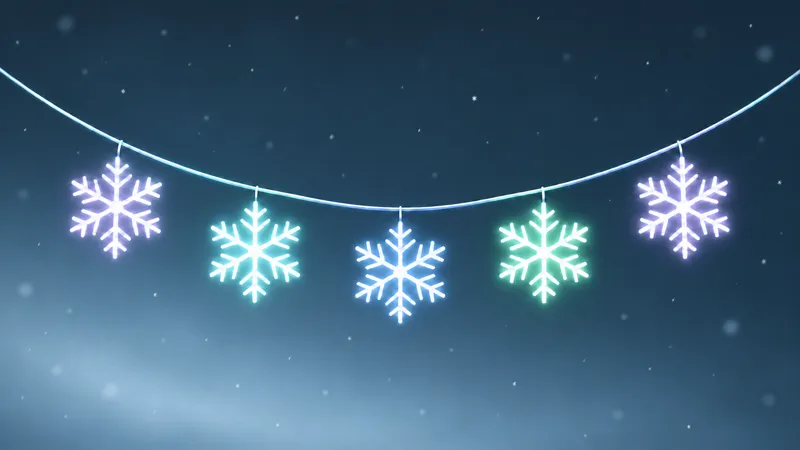
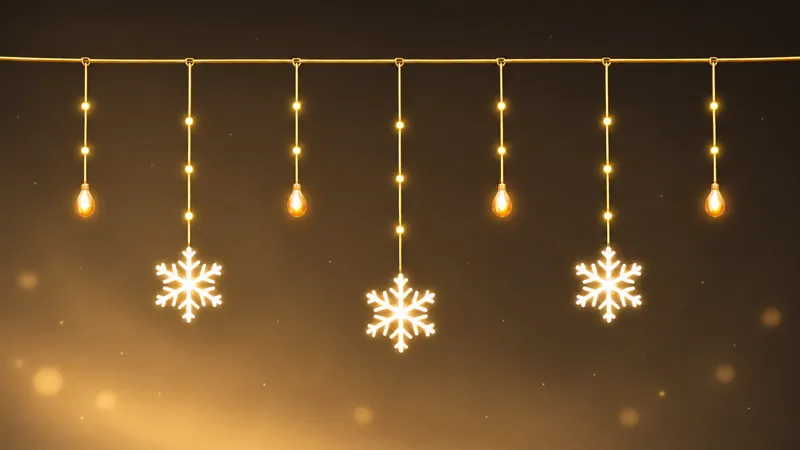
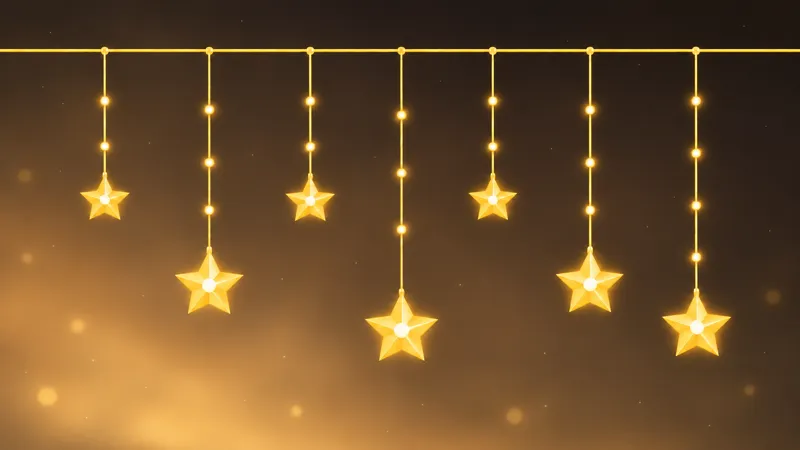
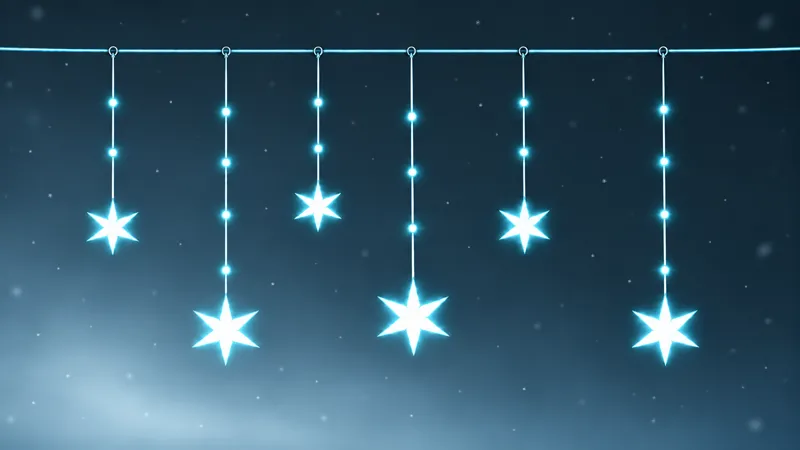
A string of classic Christmas bulbs in red, green, yellow, blue and orange that drapes across the top of your stream. Christmas and holiday decor that glows all stream and flashes brighter on every follow, sub, gift, raid, tip and bits.
By Meld
Use this element in Meld or OBS
Copy its link, then paste it where you stream.
-
Have Meld Studio or Spark Plug
Open Meld Studio, or OBS with the Spark Plug plugin installed. Elements need one of them to work.
-
Copy the link
Copy element puts the element's link on your clipboard.
-
Paste it
In Meld Studio, press ⌘V or Ctrl+V and it lands in your scene. In OBS, add a Browser source and paste the link as its URL.
Dark game footage, a gray desk, a blue chat panel: plenty of December streams look the same as they did in June. A single string of Christmas lights across the top of the frame fixes that, and Christmas Lights is a free overlay that does it in one drag. It hangs a line of classic bulbs in red, green, yellow, blue, and orange along the top of your stream and leaves them glowing for the whole broadcast.
How it reacts to your stream
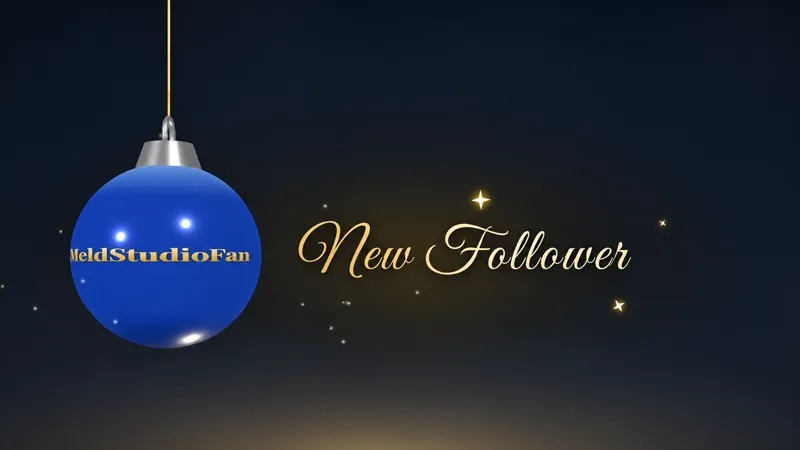
The lights are not just decoration. They respond to what is happening on your channel. A new follower makes the bulbs flash brighter. So does a new or returning subscriber, a raid arriving, a purchase, and any tip, bit, cheer, or Super Chat. Gifted subs get the same brighter flash, but it lasts longer, so a generous gift reads differently from a single follow.
Because the reaction is a change in brightness rather than a banner, it never blocks your gameplay or your camera. Viewers notice the room lighting up, and you keep playing. Between events the string simply glows, which keeps the holiday look steady during quiet stretches.
The overlay pulls events from every platform you stream to. Twitch, YouTube Live, Kick, and TikTok Live activity all drive the same string of bulbs, so multistreamers get one set of lights reacting to one combined audience.
Why streamers use it
It is the easy way to make a stream feel seasonal. You do not need to rebuild your layout, buy a pack of assets, or set up a separate alert for each event type. Drop the lights on top of an existing scene and the holiday mood is there.
It also gives events a quiet celebration. Streamers who dislike loud pop-ups can let the bulbs carry follows and subs, while raids and big gifts still get a clear visual moment.
Who this is for
Streamers running holiday and Christmas streams, cozy variety channels, gift-sub drives, and anyone who wants a festive layer on top of the scenes they already have. It works over gameplay, a webcam scene, or a starting soon screen.
Adding it to your stream
Download Meld Studio and add the overlay to a scene, and it is ready to go. If you already run OBS and would rather stay there, the free Spark Plug for OBS plugin brings the same lights into your existing OBS scene. Either way, it costs nothing, and it reacts to chat and events across Twitch, YouTube, Kick, and TikTok from a single sign-in.
Use cases
-
Dressing up a stream for the holidays
A December stream with no seasonal touch can feel like any other night. Drape the lights across the top of a game capture, a Just Chatting scene, or a starting soon screen and the whole layout reads as festive without redesigning anything underneath.
-
Making a sub or raid land with the whole room
When a raid comes in or a pile of gifted subs drops, the bulbs flash brighter and, for gifted subs, for longer. Viewers see the celebration without a pop-up covering your gameplay, which suits streams where the screen is already busy.
Stream events it reacts to
Frequently asked questions
Is the Christmas lights overlay free?
Yes. Every overlay in the Meld gallery is free to use. Add it to a scene in Meld Studio and the lights are live, with no watermark and no per-stream limit.
Which streaming platforms does it work with?
Twitch, YouTube Live, Kick, and TikTok Live are all supported. Meld signs you in once and pulls events from every platform you stream to, so a follow on one platform and a sub on another both make the lights flash.
Does it work with OBS Studio?
Yes. Spark Plug for OBS brings the Christmas Lights overlay into your existing OBS scene, and you can customize it with help from Meld Spark in seconds. You keep your current setup and still get the reactive bulbs.
Which stream events make the lights flash?
Follows, subscriptions, gifted subs, raids, purchases, and tips, bits, cheers, and Super Chats all make the bulbs flash brighter. Gifted subs get a longer flash than the rest, so a big gift stands out from a single follow.
What colors are the bulbs?
The string uses classic bulb colors: red, green, yellow, blue, and orange. It hangs across the top of your stream and keeps glowing between events, so the scene never looks switched off.