Free Cyberpunk Webcam Border with a Subtle Glitch Effect
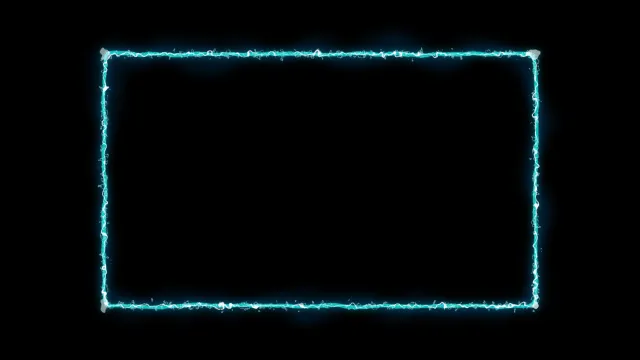
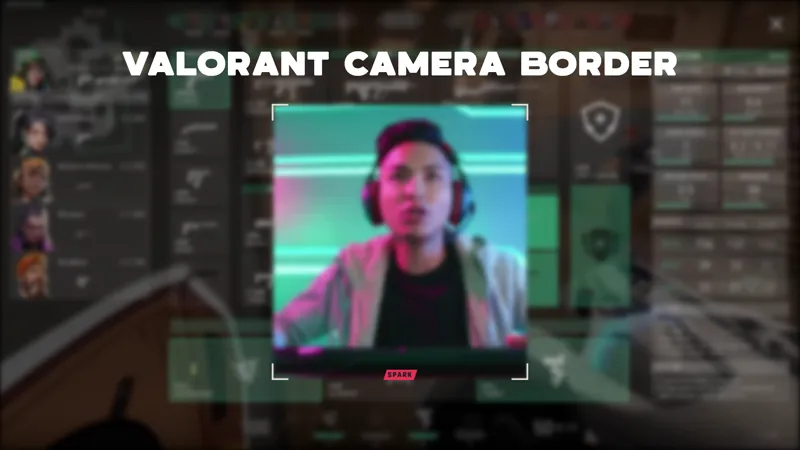
A cyberpunk webcam frame with a subtle glitch effect. Stretches cleanly for both vertical and horizontal cam setups.
By Meld
Get Cyberpunk Webcam Border free
Included with Meld Studio. Or stay in OBS with Spark Plug.
The cyberpunk look has a specific signature: hard neon edges and a glitch that hits often enough to feel alive but not so hard that the eye fatigues. Cyberpunk Webcam Border is built around that exact balance. A neon-lit frame wraps your cam tile, a subtle glitch ripples through the edges on a slow cadence, and the whole thing stretches cleanly for vertical or horizontal cam crops.
It is free with Meld Studio. No watermark, no setup fee, no subscription required.
What sits around the cam
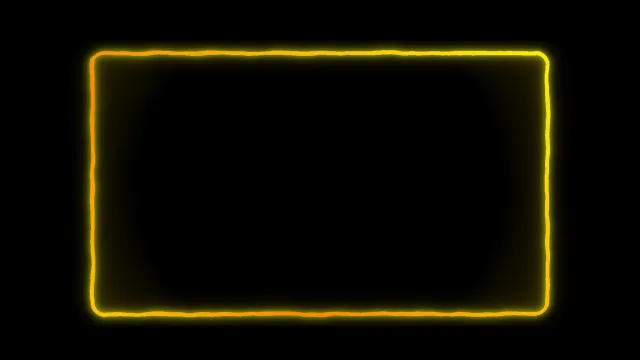
The border is a continuous neon outline that hugs the perimeter of your webcam source. The base palette runs hot: electric blues, magentas, and accent neons that read against dark scenes the way a holo-display reads in a cyberpunk film. A glitch effect ripples through the frame at irregular intervals, breaking the line for a fraction of a second before snapping back. The motion is intentionally low-key, so the cam tile sits inside something animated rather than under something distracting.
The composition stretches cleanly for both vertical and horizontal cams. A portrait TikTok Live crop and a landscape Twitch cam wear the same border without distortion, so a multistreamer can use one frame across every aspect ratio they ship to.
The overlay broadcasts identically to Twitch, YouTube Live, Kick, and TikTok Live through a single Meld sign-in.
Reshaping it with Meld Spark
Meld Spark, the AI overlay editor built into Meld Studio, lets you tune the energy of the frame to the segment you are running. The gallery tip ships with a starter prompt: “Stronger glitch pulses during raids, softer during chill segments, and shift the neon to teal and magenta.” Run it and the frame applies the new behavior plus the new palette in seconds. Use the same shape of prompt for chromatic shifts, glitch frequency, or border thickness adjustments. Changes persist between sessions.
Who this fits
FPS streamers, action gamers, cyberpunk-themed creators, EDM and synthwave music streamers, and anyone running a high-contrast scene where neon already does the heavy lifting visually. It pairs well with the rest of the neon and glitch-leaning gallery if you want a fully themed cyberpunk layout, and it works as a standalone cam frame on a more minimal scene.
Adding it to your stream
Download Meld Studio and the cyberpunk border drops on top of your webcam source with no configuration. If you already run OBS, the free Spark Plug for OBS plugin loads the same animated frame as a browser source inside your existing OBS layout, with the same Meld Spark prompts available for tuning the glitch and the palette on the fly.
Use cases
-
FPS, action, and cyberpunk-themed games
Action shooters and cyberpunk-leaning titles deserve a cam frame that speaks the same visual language as the game on screen. The neon palette and subtle glitch line up with high-contrast scenes, so the cam tile reads as part of the same world rather than a separate UI element.
-
Vertical TikTok Live setups
The frame stretches cleanly for both vertical and horizontal cam crops. Streamers running TikTok Live or a portrait-oriented Kick scene can use the same border that fits their horizontal Twitch and YouTube layouts, with the glitch and neon styling intact.
Frequently asked questions
Is the Cyberpunk Webcam Border free?
Yes. It is included free with Meld Studio. No watermark, no paywall, no per-stream limit. Drop it on top of your webcam source in a scene and the neon border with the subtle glitch starts running immediately.
Which platforms does it support?
Every platform you stream to. The border is a purely visual overlay, so it broadcasts identically to Twitch, YouTube Live, Kick, and TikTok Live, in both vertical and horizontal cam orientations from a single Meld sign-in.
Does this work with OBS Studio?
Yes. Spark Plug for OBS loads the cyberpunk border into your existing OBS scene as a browser source, and Meld Spark lets you push the glitch harder, soften it, or shift the neon palette from a plain-English prompt in seconds.
Can I dial the glitch up for hype moments?
Yes. Meld Spark, the AI overlay editor inside Meld Studio, handles intensity changes in plain English. The gallery tip ships with a starter prompt: "Stronger glitch pulses during raids, softer during chill segments, and shift the neon to teal and magenta." Run it and the frame applies the new behavior.
Will the border fit a vertical cam crop?
Yes. The composition is built to stretch cleanly for both vertical and horizontal cam setups. A portrait TikTok Live cam and a landscape Twitch cam both wear the same neon and glitch treatment without distortion.