Free Chat-Reactive Neon Ghosts That Appear When Viewers Talk
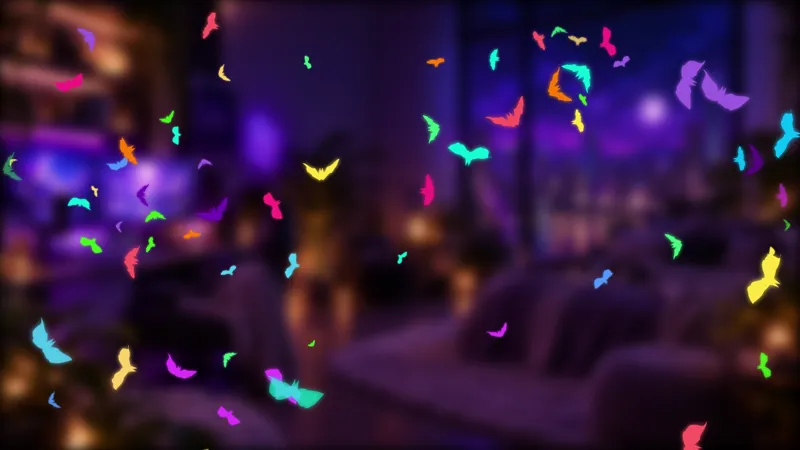
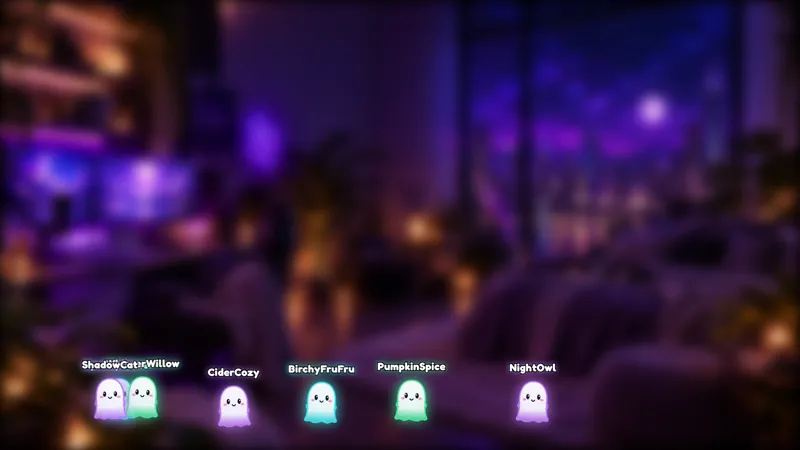
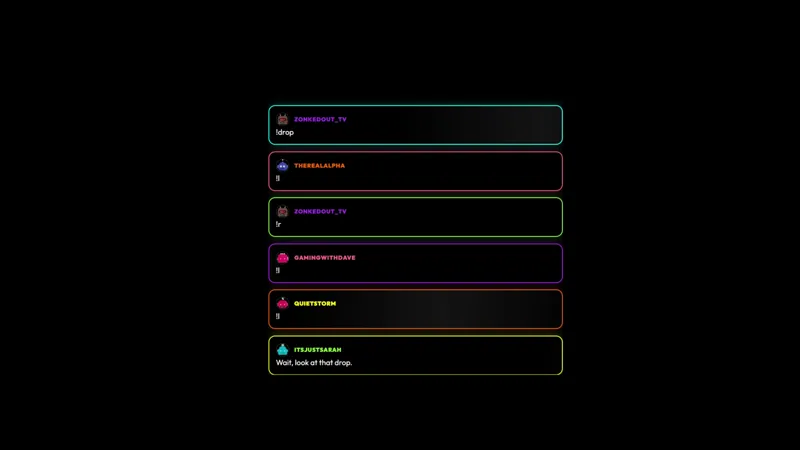
Bring a little neon haunting to your stream. Glowing ghost outlines pop up around your canvas when viewers chat, then fade away.
Get Chat-Reactive Neon Ghosts free
Included with Meld Studio. Or stay in OBS with Spark Plug.
A message arrives, a glowing ghost appears, and a moment later it fades away. Chat-Reactive Neon Ghosts gives your conversation a small seasonal response without asking viewers to learn a command. The free overlay adds neon ghost outlines around your canvas whenever viewers chat, turning ordinary participation into part of the scene.
It suits a Halloween hangout, a community catch-up, or a layout that already uses neon accents. The ghosts provide the visual connection to chat while you continue hosting. Viewers do not have to choose a character, send a special keyword, or pause the discussion to participate in the effect.
Chat messages bring the ghosts onto the canvas
The interaction is simple: ghosts appear in response to chat messages. Their glowing outlines pop up around the canvas and then fade away. Introduce that relationship when you first show the overlay so the audience understands why the ghosts are appearing without needing a separate set of instructions.
This is an effect that responds to the conversation, not a command game. Someone greeting the stream can contribute in the same way as someone answering your latest question: by sending a message. You can keep the discussion focused on the activity rather than asking chat to repeat a trigger word for the visuals.
The overlay supports Twitch, YouTube Live, Kick, and TikTok Live. That makes it a seasonal option for every platform you stream to, whether the evening is a dedicated Halloween show or your regular community stream with a few themed additions.
Leave space for a little neon haunting
The outlines appear around the canvas, so preview the effect alongside the content viewers need to follow. Keep important gameplay information, camera details, and text readable when ghosts are visible. A scene with some open space gives the glow room to be noticed without taking attention away from the show.
For a relaxed chatting segment, the ghosts can accompany greetings, questions, and the back-and-forth of the discussion. For a game stream, check the composition before going live and decide where the effect fits best. Because the ghosts fade away, the visual response comes and goes rather than becoming a permanent collection of characters on screen.
The distinction is worth making when choosing your overlay: these ghosts react visually to messages. They are not presented as a viewer-controlled avatar system or an on-screen message feed. Choose this element when you want a little glow and Halloween atmosphere connected to ordinary chat participation.
Download Meld Studio and add Chat-Reactive Neon Ghosts to a scene for your next stream. Streamers keeping an established OBS setup can use Spark Plug for OBS as the alternative path to the same gallery element.
How it works
- 1 No command needed. Ghosts appear in response to chat messages.
- 2 Glowing ghost outlines pop up around your canvas, then fade away.
Use cases
-
A Halloween catch-up with chat
Add a little haunting to an October conversation without teaching viewers a command. Their messages bring glowing ghost outlines onto the canvas, connecting the seasonal decoration to the discussion.
-
Neon accents for community streams
Pair the outlined ghosts with a scene that has room for occasional visual reactions. The ghosts fade away after appearing, letting the chat response come and go alongside the main content.
Stream events it reacts to
Frequently asked questions
What makes the neon ghosts appear?
Ghosts appear in response to viewer chat messages. There is no command needed: viewers can keep talking normally and the glowing outlines appear around the canvas, then fade away.
Do these ghosts display viewer messages or act as avatars?
This element is a visual chat reaction: glowing ghost outlines appear when viewers chat and then fade away. It is not described as a message display or a viewer-controlled avatar widget.
Is the overlay free, and which platforms does it support?
Chat-Reactive Neon Ghosts is free with Meld Studio and supports Twitch, YouTube Live, Kick, and TikTok Live. Use it on every platform you stream to for a seasonal response to the conversation.
Does this ghost overlay work with OBS Studio?
Yes. Download Meld Studio to add the overlay to a scene, or use Spark Plug for OBS to stay in your existing OBS setup. Spark Plug brings gallery overlays and Meld Spark's help with customization in seconds into OBS.