Free Cozy Garden Reminders to Hydrate, Stretch, and Plug Your Socials
Gentle garden-themed reminders to nudge you and your chat to hydrate, stretch, follow your socials, and more.
By Meld
Get Cozy Garden Reminders free
Included with Meld Studio. Or stay in OBS with Spark Plug.
Every few minutes a small garden-themed card drifts onto the canvas with a gentle nudge: drink some water, stand up and stretch, drop a follow if you are enjoying the stream, check the Discord. Cozy Garden Reminders cycles through the prompts you care about in the same soft, painterly language as the rest of the Cozy Garden set, so the reminders feel like part of the room rather than ads pasted onto the stream.
It is free with Meld Studio. No watermark, no setup fee, no subscription required.
What the cards do
The overlay rotates through a list of reminder cards on a schedule you control. Default cards cover the basics that long streams forget about: hydrate, stretch, posture check. You can add your own lines for socials, Discord invites, newsletter signups, channel rules, or anything you want chat to see periodically. Each card slides in softly, sits long enough to read, and slides out without a loud sound or screen-claiming animation.
The cycle handles long sessions well. A subathon, a multi-hour painting commission stream, or a Stardew Valley playthrough surfaces every reminder once, then loops, so viewers who arrive halfway through still see the rotation without feeling spammed. Streams from Twitch, YouTube Live, Kick, and TikTok Live can all run the same garden reminder cycle to whatever audience is watching.
Tuning the reminders with Meld Spark
Meld Spark, the AI overlay editor included with Meld Studio, lets you reshape the cycle without touching code. The gallery tip ships with a ready prompt: “Add reminders for my Discord and newsletter, cycle them every 12 minutes.” Run it and the new cards drop in and the timing updates immediately.
You can take the prompt further. Disable specific reminders for shorter streams, lengthen the gap between cards on chill content, add a card that appears only during marathon hours, or rewrite the hydrate copy in your own voice. Every change persists between sessions, so the rotation feels consistent across streams.
Who this fits
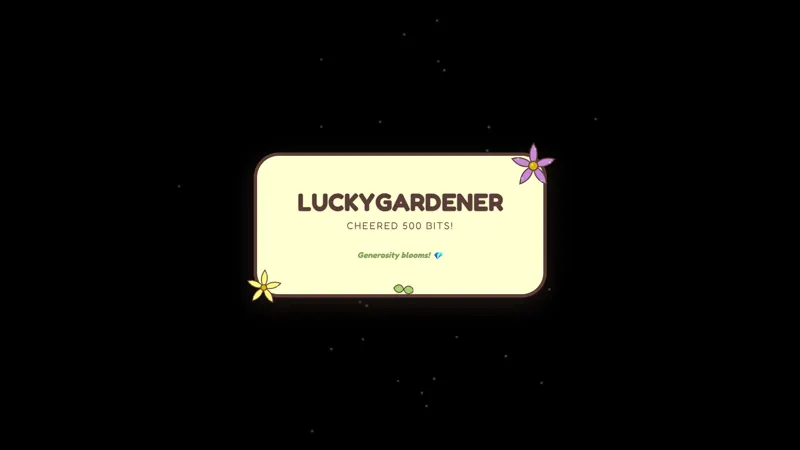
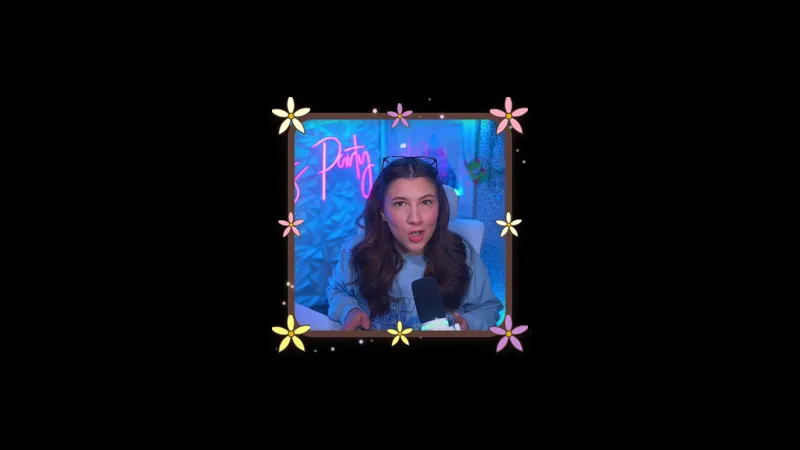
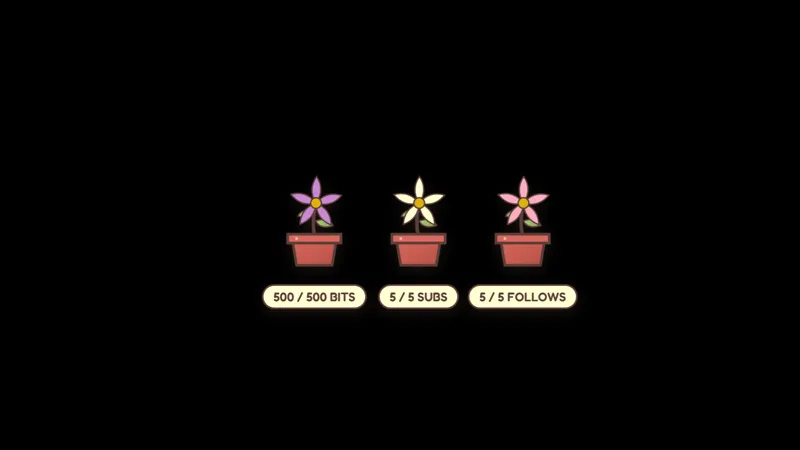
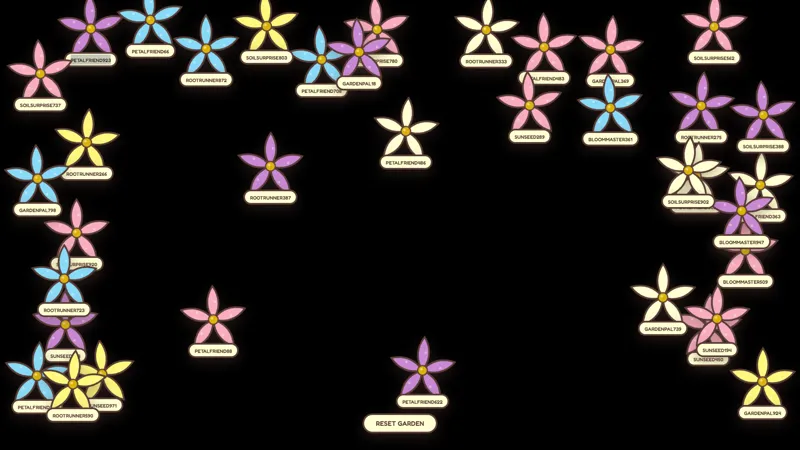
Cozy gaming streamers, slow-content creators, art and craft channels, journaling and ASMR hosts, and any streamer who wants to remind themselves and their audience to take care of themselves during long sessions. The card style pairs naturally with the rest of the Cozy Garden set, so you can build a full themed scene with consistent visual language across alerts, camera borders, goals, sub walls, and reminders.
Adding it to your stream
Download Meld Studio and the reminder cycle drops into a scene with the default cards already wired up. If you already run OBS, the free Spark Plug for OBS plugin loads Cozy Garden Reminders as a browser source inside your existing OBS layout, with the same cycle behavior and the same Meld Spark control over reminder copy, timing, and which cards run.
Use cases
-
Long sessions where care reminders fit the show
Multi-hour playthroughs and subathons make it easy to forget to drink water or stand up. A small garden card that drifts onto the canvas every few minutes prompts both you and chat to hydrate and stretch, without breaking the calm pace of the stream the way a loud alert sound would.
-
Cozy creators who want to plug Discord and newsletters gently
Hard-sell follow reminders feel out of place on knitting hours, journaling streams, or farming sim runs. The garden cards rotate through your own lines, like a Discord invite or newsletter signup, in the same soft visual language as the rest of the stream, so the plug lands without disrupting the room.
Frequently asked questions
Are the Cozy Garden Reminders free?
Yes. Cozy Garden Reminders ship free with Meld Studio. There is no paywall, no watermark, and no usage cap. Drop the overlay into a scene and the cards begin cycling on the schedule you choose.
Can the reminders run alongside any platform I stream to?
Yes. Meld signs you in once across Twitch, YouTube Live, Kick, and TikTok Live, so the same garden reminder cycle plays for your audience regardless of which platforms you broadcast to. The reminders are visual cards that fit any platform's chat and viewer mix.
Does this work in OBS Studio?
Yes. Spark Plug for OBS loads the garden reminders into your existing OBS scene as a browser source, and Meld Spark lets you add new reminder lines, change cycle timing, or rewrite the prompts from a plain-English request in seconds.
Can I write my own reminder lines for socials and channel rules?
Yes. The gallery tip is built around this. Pick which reminders cycle, how often they appear, and write your own copy for socials, Discord invites, newsletter plugs, or chat rules. A Meld Spark prompt like "Add reminders for my Discord and newsletter, cycle them every 12 minutes" adds them and sets the schedule.
How often do reminders appear by default?
The cards cycle on a calm schedule that fits cozy pacing rather than interrupting it. You can adjust the timing with a Meld Spark prompt to run more frequently during long sessions or less often during shorter streams. Changes persist between sessions, so the rhythm stays consistent.