Free Chat-Reactive Circuit Board BRB Screen with Pulsing Traces
A BRB screen that animates with incoming chat messages. Keeps viewers engaged while you step away.
By Meld
Get Circuit Board Be Right Back free
Included with Meld Studio. Or stay in OBS with Spark Plug.
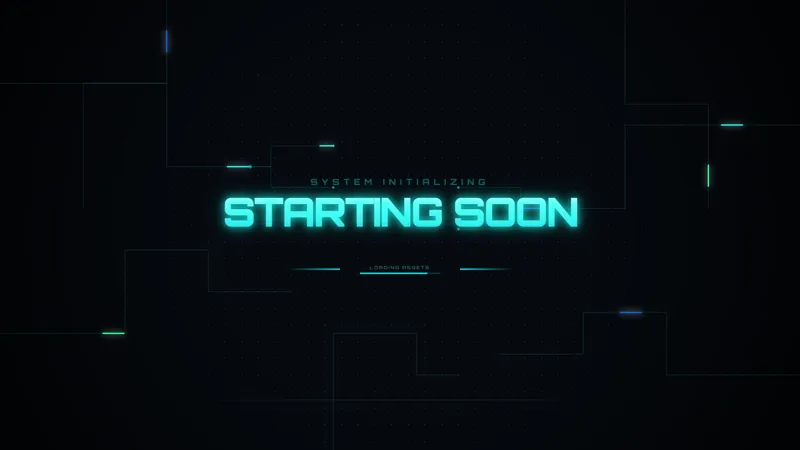
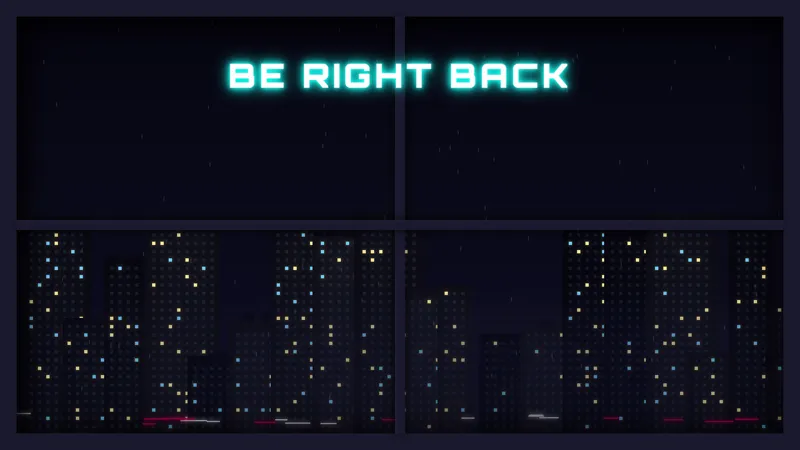
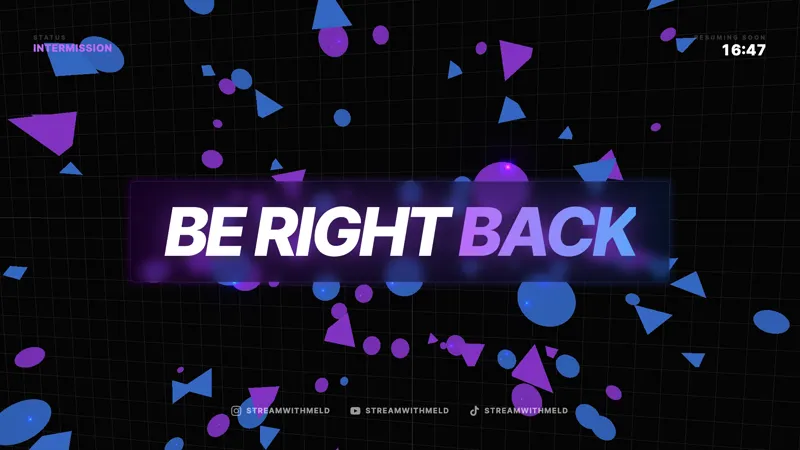
Step away from a coding marathon, a hardware repair, or any tech-focused stream and the Circuit Board BRB takes over the canvas. The screen fills with a printed-circuit motif, copper traces winding across the board, and pulses of light running along those traces every time chat sends a message. Viewers staying in chat see the board light up in response to their own activity for the entire duration of the break.
It is free with Meld Studio. No watermark, no setup fee, no subscription required.
What viewers see while you are away
The BRB displays a stylized circuit board across the full canvas. Traces fan out across the layout the way they would on a real PCB, with components, vias, and termination pads anchoring the composition. As chat messages come in, pulses of light travel along the traces, branching at junctions and fading at endpoints. The result reads as a board that is alive and processing data, with chat as the input.
Quiet chat produces a slow, ambient pulse pattern. A busy room turns the screen into a steady light show. That continuous response to audience activity solves the BRB problem of viewers losing interest within the first 30 seconds of a static graphic.
When to reach for it
Use it during the standard 5 to 15 minute mid-stream break: bathroom runs, food, hardware swaps, raid intermissions, anything that pulls you off camera. It fits especially well for programming streams, electronics builds, retro hardware repair channels, hacking and security content, and any tech-focused Just Chatting room where the show’s visual identity already trends technical.
It pairs with the Circuit Board Starting Soon scene to give a tech-content stream a single visual identity from the open through every break. Run both and viewers see the same circuit aesthetic across the entire broadcast.
Customizing with Meld Spark
Meld Spark, the AI overlay editor inside Meld Studio, takes plain-English changes. Add a “Back in 5 minutes” message in the middle of the board, fade the pulses as the timer counts down, recolor the traces from green to amber, or change the message text for different break lengths. A prompt like “Show a Back in 5 minutes message and fade the pulses as the timer runs down” applies in seconds and persists between sessions.
For repeat events like sponsor breaks or scheduled intermissions, set the message once and the BRB looks the same every time you switch to it.
Adding it to your stream
Download Meld Studio and the BRB scene drops into your scene list with no configuration. If you already run OBS, the free Spark Plug for OBS plugin loads the same scene as a browser source inside your existing OBS layout. The chat-reactive pulses work identically across Twitch, YouTube Live, Kick, and TikTok Live.
Use cases
-
Coding, hardware, and tech-content breaks
For programming streams, electronics builds, retro repair channels, and tech-focused Just Chatting, a circuit-board BRB matches the show's visual identity. Stepping away to grab water mid-debugging session no longer means cutting to a generic graphic that has nothing to do with what the channel is actually about.
-
Keeping chat engaged through a 5 to 10 minute break
The traces pulse in response to every chat message, so viewers can keep typing and watch the screen react while you are off camera. Instead of a static image that loses attention, the BRB rewards anyone still in chat with visible feedback for the duration of the break.
Frequently asked questions
Is the Circuit Board BRB screen free?
Yes. The Circuit Board Be Right Back scene is included free with Meld Studio. No watermark, no paywall, and no usage cap. Drop it into a scene and switch to it any time you need to step away.
How does the chat reactivity work?
Incoming chat messages drive pulses along the circuit traces. The more activity in chat, the more animated the board becomes. Quiet chat reads as a slow, calm pulse, while a busy room turns the screen into a coordinated light show.
Which platforms feed the chat reactivity?
Twitch, YouTube Live, Kick, and TikTok Live all feed the same animation. Meld signs you in once and the BRB pulses in response to every chat from every platform you stream to, so a multi-platform broadcast stays visually unified during breaks.
Does it work in OBS Studio?
Yes. Spark Plug for OBS loads the BRB into your existing OBS scene as a browser source, and Meld Spark can change the message, fade the pulses, or recolor the traces from a plain-English prompt in seconds without touching code.
Can I add a Back in 5 Minutes message and a fade-out?
Yes. Meld Spark, the AI overlay editor included with Meld Studio, handles both in plain English. A prompt like "Show a Back in 5 minutes message and fade the pulses as the timer runs down" applies the change immediately and persists between sessions.
Does it pair with the Circuit Board Starting Soon scene?
Yes. The BRB and the matching Circuit Board Starting Soon screen share the same circuit aesthetic, the same trace style, and the same reactive behavior. Run them together for a cohesive look across the open, breaks, and any time you step away mid-stream.