Free Esports-Style Starting Soon Scene with Chat-Reactive Pulses
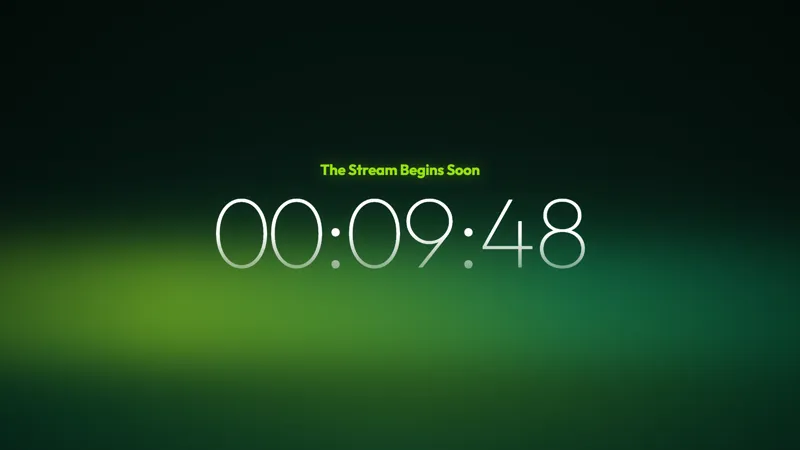
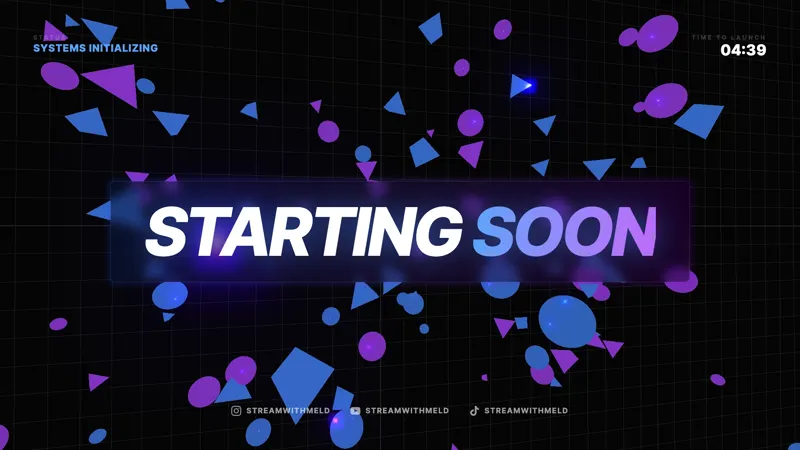
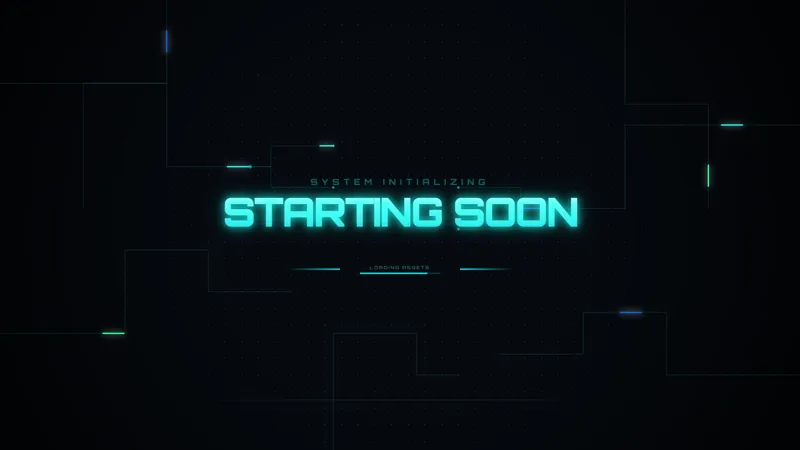
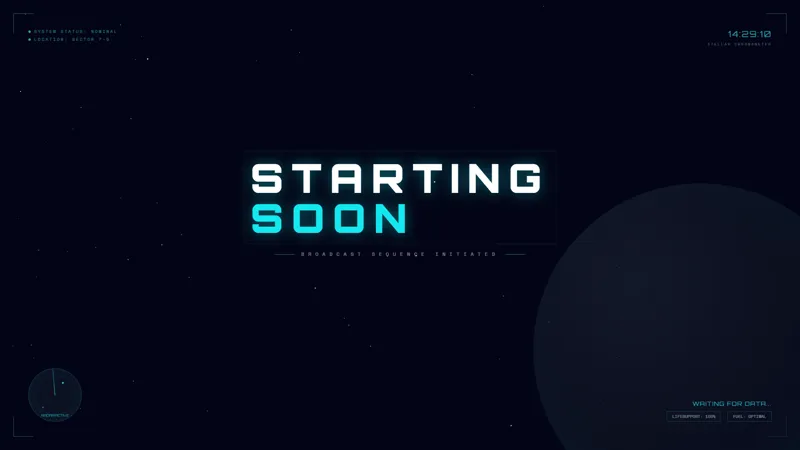
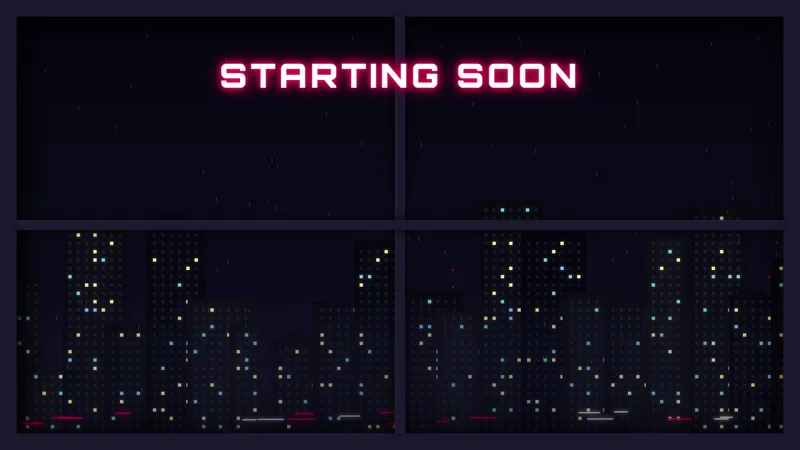
A high-energy esports-style starting soon scene. Fluid animated gradients, glitch typography, and chat-reactive pulses build pre-stream hype with a cinematic, pro-broadcast feel.
By Meld
Get Esports Starting Soon free
Included with Meld Studio. Or stay in OBS with Spark Plug.
Fluid animated gradients sweep across the canvas. Glitch typography distorts on the beat. The placeholder social row sits along the bottom waiting for your handles, and the whole scene pulses in response to chat activity as viewers stack into the room. The Esports Starting Soon scene goes for a cinematic pro-broadcast feel rather than a casual count-up.
It is free with Meld Studio. No watermark, no setup fee, no subscription required.
What is on screen
The scene fills the canvas with three layered elements. A deep gradient field shifts colors fluidly underneath everything, glitch-distorted typography handles the on-screen messaging and the countdown, and a row of social handle placeholders runs along the bottom for your Twitch, YouTube, Kick, TikTok, and Instagram links. The reactive pulse layer responds to incoming chat messages, so the scene visibly intensifies as your pre-stream room fills up.
That reactivity is what separates the scene from a static esports template. A frozen pro-broadcast graphic looks identical at minute one and minute eight. This one builds. Viewers arriving early can see the audience growing through the visuals themselves, which gives early arrivals a reason to chat, knowing their messages drive the energy on screen.
When to reach for it
Use it for tournament nights, ranked grinds, scrim sessions, finals broadcasts, and any high-energy gaming stream where the pre-stream window matters for retention. It also fits content premieres, sponsored event streams, and big announcement broadcasts where the open needs to feel like an event rather than a loading screen.
The chat reactivity makes it especially useful for streamers running multi-platform broadcasts. Pulses pull from Twitch, YouTube Live, Kick, and TikTok Live simultaneously, so a fragmented audience across four platforms still reads as one unified room on the starting soon screen.
Customizing with Meld Spark
Meld Spark, the AI overlay editor inside Meld Studio, takes plain-English changes. Swap the placeholder handles for your real ones, retune the gradient to your team palette, change the countdown to match your intro length, or adjust the glitch intensity to dial the energy up or down. A prompt like “Update the socials to @mystreamer on Twitch, YouTube, and Instagram, shift the gradient to deep blue and magenta, and set the countdown to 10 minutes” applies all three changes at once.
Configurations persist between sessions, so a tournament-night recipe runs identically every weekend without manual setup.
Adding it to your stream
Download Meld Studio and the starting soon scene drops into your scene list with no configuration. If you already run OBS, the free Spark Plug for OBS plugin loads the same scene as a browser source inside your existing OBS layout, no migration required. The result broadcasts identically across Twitch, YouTube Live, Kick, and TikTok Live.
Use cases
-
Tournament nights and ranked grinds
Competitive streams need a pre-stream that matches the intensity of the run. The fluid gradients and glitch typography read as cinematic pro-broadcast, the kind of open you would expect to see before a finals match rather than a casual session. The chat-reactive pulses build hype directly with the audience showing up early.
-
Hype-driven gaming channels
For shooter, fighter, MOBA, and battle-royale streamers whose content runs on adrenaline, a calm starting soon undersells the tone. The esports-style scene commits to the energy from the first frame. Viewers arriving 5 minutes early are already in the right headspace before you go live.
Frequently asked questions
Is the Esports Starting Soon screen free?
Yes. The Esports Starting Soon scene is included free with Meld Studio. No watermark, no paywall, and no usage cap. Drop it into a scene and the animated gradients and glitch typography are ready immediately.
What does chat-reactive mean for this overlay?
The scene pulses in time with chat activity. As viewers send messages across Twitch, YouTube Live, Kick, and TikTok Live, the pulses respond, so the pre-stream visibly heats up as more people arrive instead of sitting at the same energy regardless of audience.
Will it work on every platform I stream to?
Yes. The scene broadcasts identically across Twitch, YouTube Live, Kick, and TikTok Live, and the chat-reactive pulses pull from every platform you sign in to. One starting soon screen reflects every chat at once.
Does it work in OBS Studio?
Yes. Spark Plug for OBS loads the scene into your existing OBS scene as a browser source, and Meld Spark can swap the placeholder social handles, retime the countdown, or shift the gradient from a plain-English prompt in seconds.
How do I replace the placeholder social handles?
The scene ships with placeholder handles across the social row. Meld Spark replaces them in plain English. A prompt like "Update the socials to @mystreamer on Twitch, YouTube, and Instagram" updates every handle in seconds and the change persists between sessions.
Can I change the countdown length and palette?
Yes. Meld Spark handles both. A prompt like "Shift the gradient to deep blue and magenta and set the countdown to 10 minutes" applies the new look and timing immediately. Run the same recipe for every event and the scene is consistent across streams.