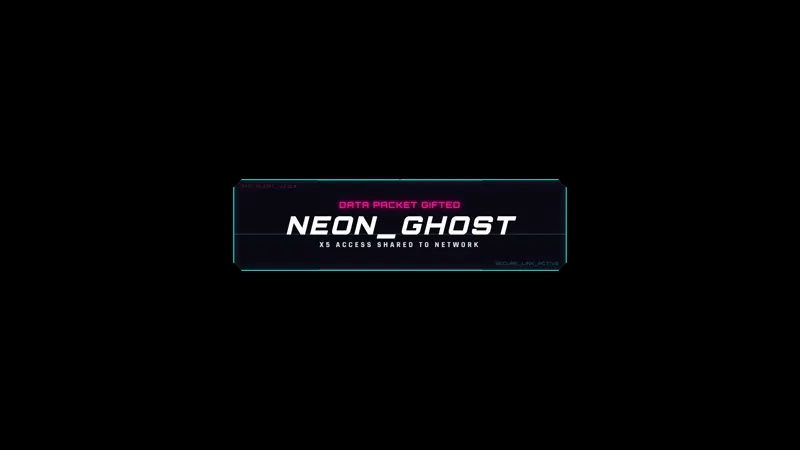
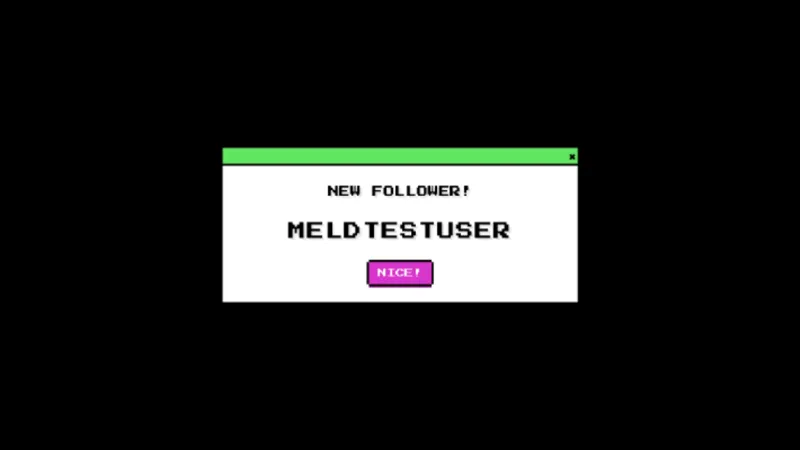
Celebrate Follows and Subscriptions with a Celestial Alert Sign
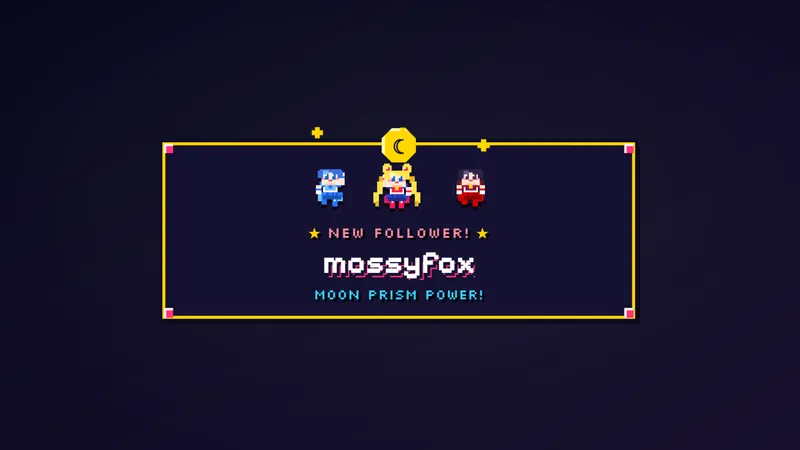
Give your stream alerts a touch of magic with a celestial-inspired sign that celebrates follows, subscriptions, and other community moments as they happen.
By Meld
Use this element in Meld or OBS
Copy its link, then paste it where you stream.
-
Have Meld Studio or Spark Plug
Open Meld Studio, or OBS with the Spark Plug plugin installed. Elements need one of them to work.
-
Copy the link
Copy element puts the element's link on your clipboard.
-
Paste it
In Meld Studio, press ⌘V or Ctrl+V and it lands in your scene. In OBS, add a Browser source and paste the link as its URL.
A new follow deserves to be noticed even when you are in the middle of a story or game. Celestial Sign turns that community moment into an on-screen celebration with a celestial-inspired alert sign. The free element also celebrates subscriptions, giving two familiar forms of audience support a place in your stream’s visual presentation.
Use the sign when you want alerts that belong with a magical or celestial scene. Its role is to mark an event as it happens, not to ask the audience to pause for a separate activity. You can keep hosting while the alert gives you a cue to acknowledge the person who joined or supported the community.
Celebrate follows and subscriptions as they happen
The documented reactions are follows and subscriptions. When those supported events arrive, the celestial-inspired sign celebrates them on screen. There are no chat commands listed for viewers to memorize, so introducing the overlay does not require teaching a new set of words before the audience can enjoy it.
For new follows, the sign can accompany a quick welcome during a natural pause in the conversation. For subscriptions, it can give your thank-you a visual counterpart. How you acknowledge each event is up to your hosting style; the overlay provides the sign rather than a script you need to follow.
Celestial Sign supports Twitch, YouTube Live, Kick, and TikTok Live. Keep your explanation tied to the documented event names rather than assuming every destination offers an identical set of subscription or follow features. The sign belongs to the stream scene your viewers see across those platforms.
Leave space for your alerts in the scene
Before going live, preview the sign beside your camera, captions, and any game information that must stay readable. An alert works best when viewers can notice it without losing track of the show. Choose a position that gives the sign a clear area instead of layering it over another important message.
During a community catch-up, the alert can sit alongside your conversation as new people arrive. During gameplay, consider where the interface is busiest and keep that area available for the game. These are placement choices for your production, not extra trigger rules or controls claimed for the element.
Download Meld Studio and add Celestial Sign to your alert scene. Streamers who want to keep an established OBS production can use Spark Plug for OBS as the alternative way to include this celestial-inspired sign in their broadcasts.
Use cases
-
Welcoming new community members
Let a new follow bring the celestial-inspired sign into your stream. Use the visible alert as a cue to welcome the viewer without changing the subject of the entire broadcast.
-
Recognizing subscription support
Make subscription celebrations part of a coordinated celestial scene. The sign gives the event a visible moment while you continue hosting your stream.
Stream events it reacts to
Frequently asked questions
Which events does Celestial Sign celebrate?
The documented events are follows and subscriptions. Each gives the celestial-inspired sign a community moment to celebrate; no chat commands are listed for this element.
Is this a subscriber goal tracker?
Celestial Sign is an alert element for celebrating follows and subscriptions as they happen. It is not described as a goal tracker with milestone thresholds.
Is Celestial Sign free, and which platforms work?
Celestial Sign is free with Meld Studio and supports Twitch, YouTube Live, Kick, and TikTok Live. The listed reactions apply to supported follow and subscription events.
Can I use Celestial Sign in OBS Studio?
Download Meld Studio to add the sign, or use Spark Plug for OBS to keep your current OBS setup. Spark Plug brings gallery overlays and Meld Spark help with customization in seconds into OBS.