Free Apex Legends XP Boost Stream Alerts for Every Platform
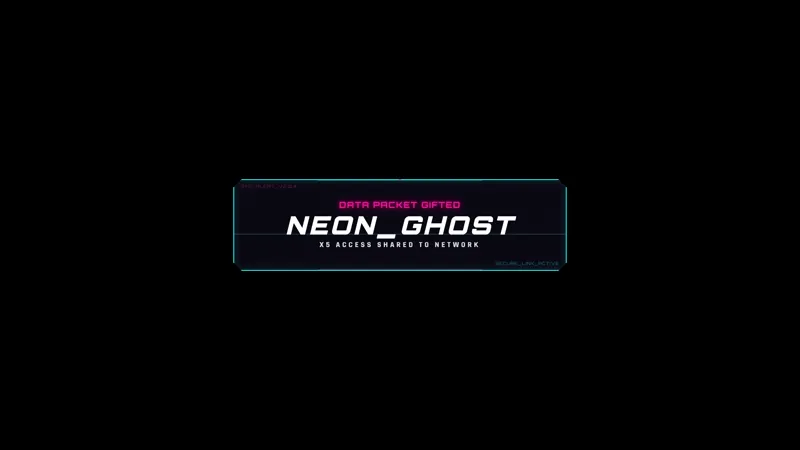
XP Boost styled alerts inspired by Apex Legends. Flashy XP-themed celebration visuals that look like an in-game XP boost notification.
By Meld
Get Apex Legends XP Boost Stylized Alerts free
Included with Meld Studio. Or stay in OBS with Spark Plug.
The XP boost notification in Apex Legends is built to feel rewarding. This alert overlay brings that same energy to your stream, firing an XP-themed celebration every time a viewer follows, subscribes, or raids your channel.
It is free with Meld Studio. No watermark, no paywall, no cap on how many times it fires.
What the alert looks like
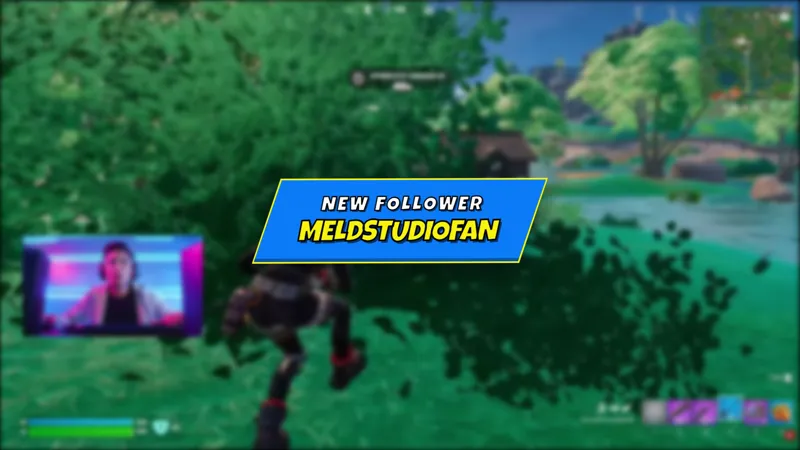
The visual takes direct cues from Apex Legends’ in-game XP boost screen: flashy, animated, and unmistakably tied to the game. When a stream event comes in, the pop-up appears, runs its animation, and clears without sitting on screen long enough to obstruct gameplay. For a game where every second of attention costs something, that balance matters.
The alert layer pulls events from Twitch, YouTube Live, Kick, and TikTok Live at the same time. Meld signs you in once and the overlay listens to every platform you broadcast to, so a raid from a Kick viewer and a subscription from a YouTube viewer both fire the same XP-themed moment on the same canvas. Multi-platform streams stay on a single unified alert system without any additional configuration.
Who this is for
Apex Legends streamers who want their alert layer to match the game they are playing. If your scene already carries the Apex look, using a generic alert popup breaks the visual continuity the moment a viewer follows. XP Boost Stylized Alerts solve that by treating each stream event as its own in-game reward instead of a plain notification.
It also fits gaming channels that want a high-energy, XP-style celebration and are not exclusively Apex streamers. The animation reads fast, which makes it a practical choice for FPS and battle royale streams where the gameplay tempo is high and alerts need to complete quickly.
Adding it to your stream
Download Meld Studio and drop the XP Boost alerts into a scene. The event connections to Twitch, YouTube Live, Kick, and TikTok Live set up automatically when you sign in. If you already run OBS and would rather stay there, the free Spark Plug for OBS plugin loads the same animated alerts into your existing OBS layout as a browser source. Either way, the alert fires on every supported stream event from the first session you go live.
Use cases
-
Apex Legends channels that want alerts matching the game
When your layout already carries the Apex Legends look, a generic white pop-up breaks the visual flow the moment someone follows or subscribes. XP Boost Stylized Alerts fire a celebration that mirrors the in-game XP boost notification, so each stream event lands inside the visual language your viewers already associate with the game.
-
High-energy gaming streams where the alert needs to hit fast
Mid-match, during a squad wipe, or right before a ring closes, you do not have time to look away from the screen. These XP-themed alerts are built to read at a glance: flashy enough to register, brief enough to clear before the next engagement starts. The celebration lands, viewers see it, and the game keeps going.
Frequently asked questions
Are the XP Boost Stylized Alerts free?
Yes. XP Boost Stylized Alerts are included free with Meld Studio. There is no paywall, no watermark, and no per-stream cap, so the alert fires on every stream you go live.
Which platforms do the alerts work on?
Twitch, YouTube Live, Kick, and TikTok Live are all supported. Meld signs you in once and routes events from every platform you stream to into the same alert layer, so a follow on Kick and a subscription on YouTube both fire the same XP-themed pop-up on the same canvas.
Does this work in OBS Studio?
Yes. Spark Plug for OBS loads the XP Boost alerts into your existing OBS scene as a browser source. You get the same animated alert and the same multi-platform event support without leaving OBS.
Do I need to play Apex Legends to use this alert?
No. The alert is styled after the Apex Legends XP boost visual, but any streamer who wants a high-energy, game-inspired celebration pop-up can use it. It fits any gaming channel that wants something flashier than a plain notification box.