Free Apex Legends Champion Picker Widget for Your Stream
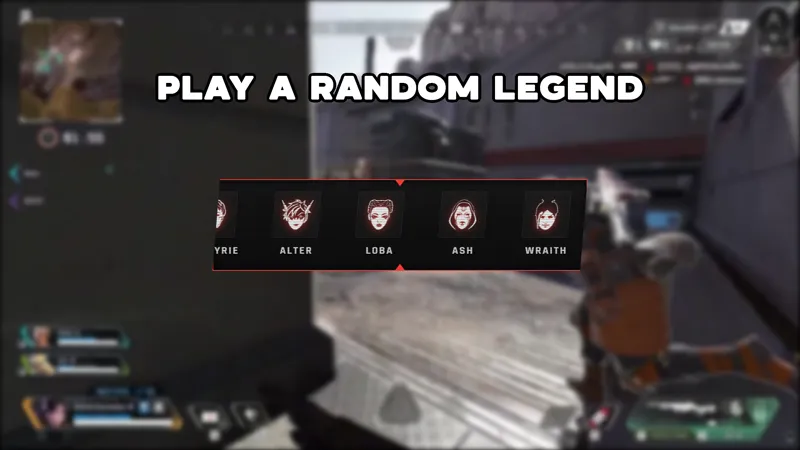
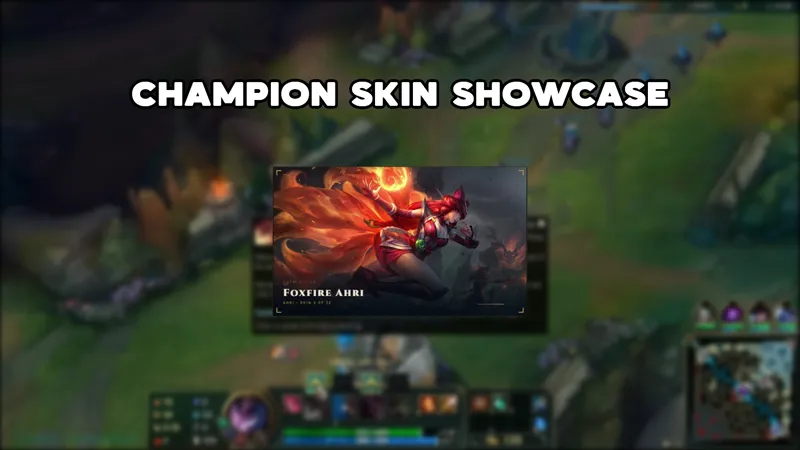
A widget that displays your selected Apex Legends legend on stream as a champion-pick showcase. Chat or the streamer can swap which legend appears with a quick command.
By Meld
Get Apex Legends Champion Picker free
Included with Meld Studio. Or stay in OBS with Spark Plug.
Switching legends between rounds or mid-session is a regular part of playing Apex Legends, and the Champion Picker widget keeps your stream up to date without any manual scene edits. A single chat command swaps the legend displayed on screen, so viewers always know who you are running.
It is free with Meld Studio. No watermark, no subscription required.
What the widget shows
The overlay displays your selected Apex Legends legend as a champion-pick showcase, framing the current pick in a styled on-screen card that reads clearly against a live gameplay background. When you or a viewer types !legend followed by a legend name in chat, the display updates to the new pick immediately.
Chat from Twitch, YouTube Live, Kick, and TikTok Live all feed the same widget. A viewer on YouTube and a viewer on Kick see the same champion card, and either can trigger a swap with the same command. Meld handles all four platform connections from a single sign-in, so there is no platform-by-platform setup.
When it fits your stream
The widget earns its place on any Apex Legends stream where legend selection is part of the content. Before a ranked lobby, swapping the card with your main and letting chat weigh in adds a small pre-match ritual. During a challenge run where the legend changes each game, the widget keeps the on-screen context accurate without requiring you to touch the scene between rounds.
It also works well as a passive display during requeue or loading screens. Viewers who join mid-session see the current legend immediately, which spares you from repeating the explanation in voice commentary.
Bringing it into your scene
Download Meld Studio and the widget drops into a scene in one step, with chat commands from every platform already connected. Swap legends as often as you want during a session: the !legend {name} command updates the display in real time.
For streamers who want to stay in OBS, the free Spark Plug for OBS plugin adds the champion-pick showcase to your existing OBS layout as a browser source. You get the same chat-driven updates and the same connections to Twitch, YouTube Live, Kick, and TikTok Live without leaving OBS or changing your scene structure.
Use cases
-
Showing off your main before a ranked match
When you are about to drop into a ranked lobby, swapping the legend display before the match starts tells viewers which legend you are running and why, without interrupting your voice commentary. Chat can also call out a swap with a quick command, turning legend selection into a brief community moment before the game kicks off.
-
Variety Apex players who swap legends regularly
Streamers who rotate between legends throughout a session use the widget to keep viewers oriented. A single chat command updates the display in seconds, so the overlay reflects your current pick accurately even across a long session with multiple legend changes. No manual scene switching required.
Chat commands
Frequently asked questions
Is the Apex Legends Champion Picker widget free?
Yes. The widget is included free with Meld Studio. There is no paywall, no watermark, and no per-stream usage cap. Download Meld Studio and the champion-pick showcase is ready to drop into a scene.
How do I change which legend is displayed?
Type !legend followed by the legend name in chat to swap the display to that legend. For example, !legend Wraith updates the showcase to Wraith immediately. You or anyone in chat can trigger the command, so viewers can participate in the legend selection process.
Which platforms does this work on?
The widget works on Twitch, YouTube Live, Kick, and TikTok Live. Meld signs you in once and reads chat from every platform you stream to, so a chat command from a Kick viewer updates the same display a Twitch viewer sees.
Does this work with OBS Studio?
Yes. Spark Plug for OBS loads the champion-pick showcase into your existing OBS scene as a browser source. You get the same chat-driven legend swaps and the same multi-platform chat connections without rebuilding your OBS layout. Meld Spark is also available through Spark Plug if you want to customize the widget from a plain-English prompt in seconds.