What should Spark create
for your stream?
Ready to use
Explore the gallery →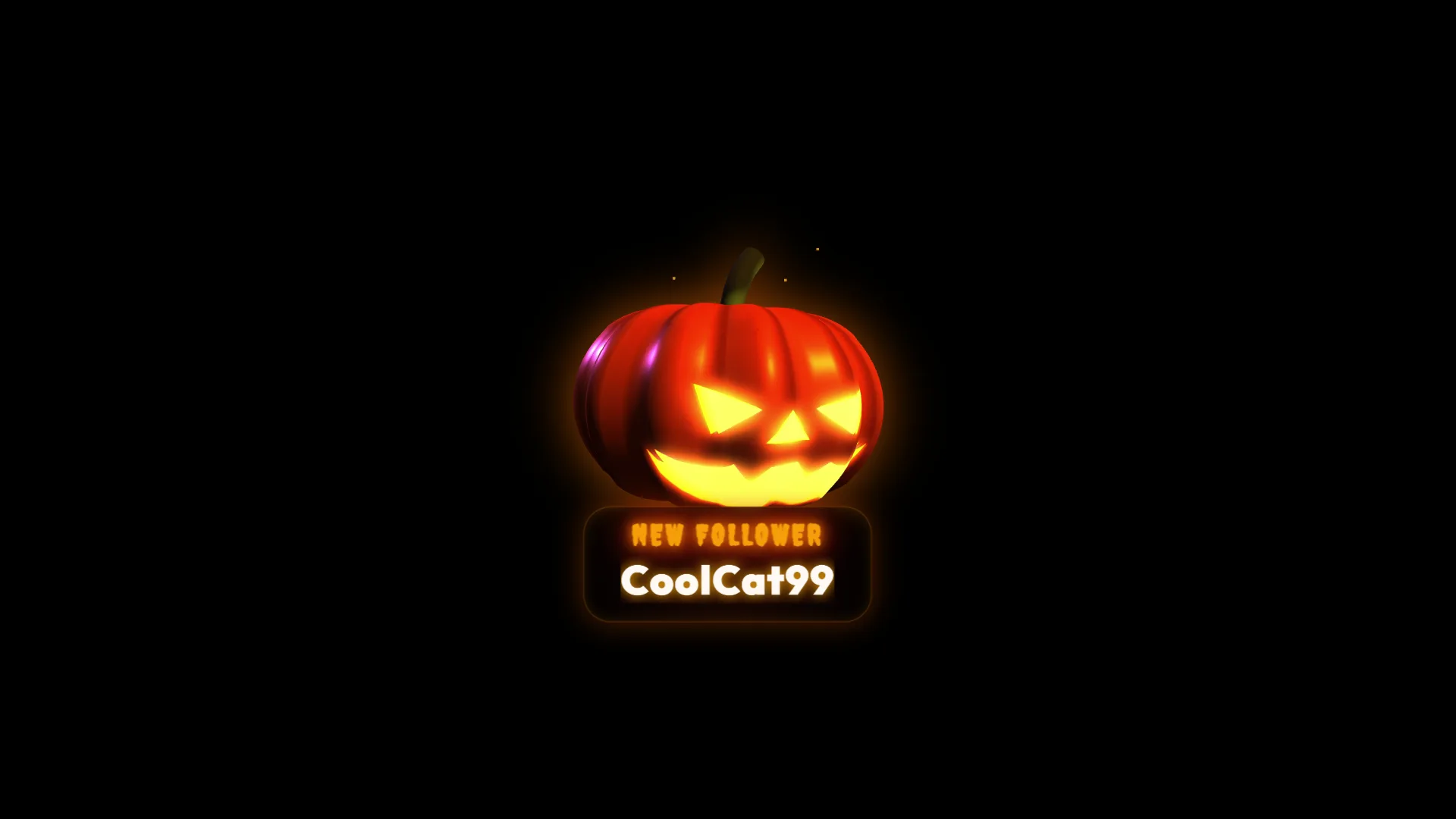
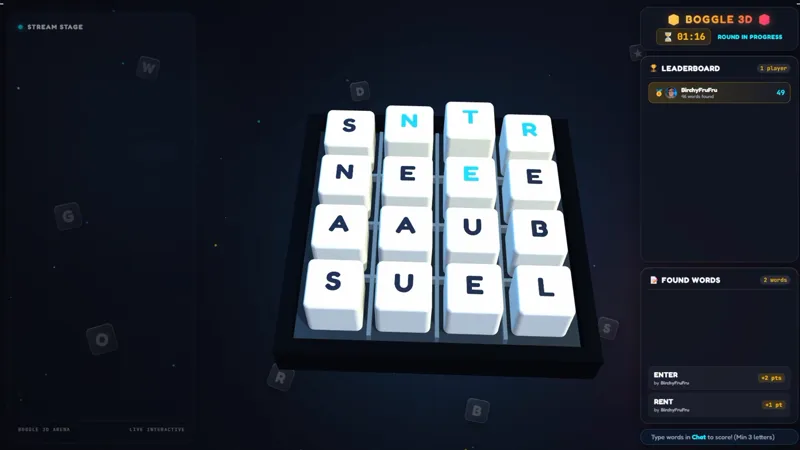
Works out of the box with
From an idea to
live on stream.
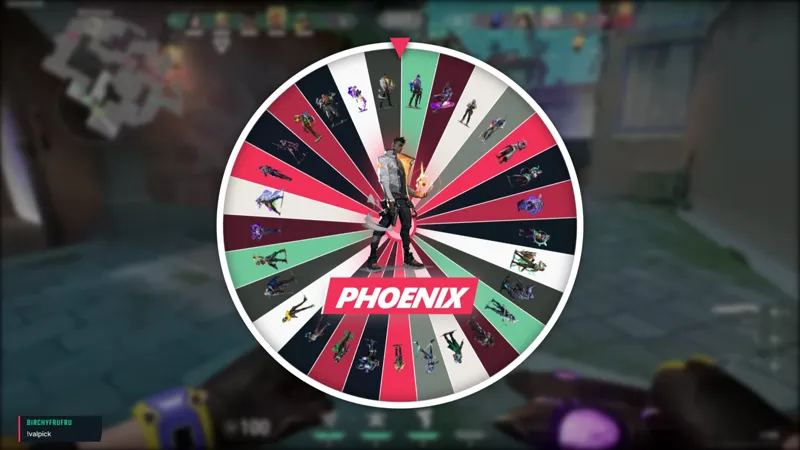
Build stream overlays as fast as you think of them.
- 01
Describe it
Tell Spark what you want. A chat overlay, a mini game, an alert, anything. Or drag an element from the gallery onto your canvas.
- 02
It appears on your canvas
Spark builds it live in your studio. Drag, resize, and customize it right there.
- 03
It just works
Your platforms are already connected. Go live and everything runs out of the box.
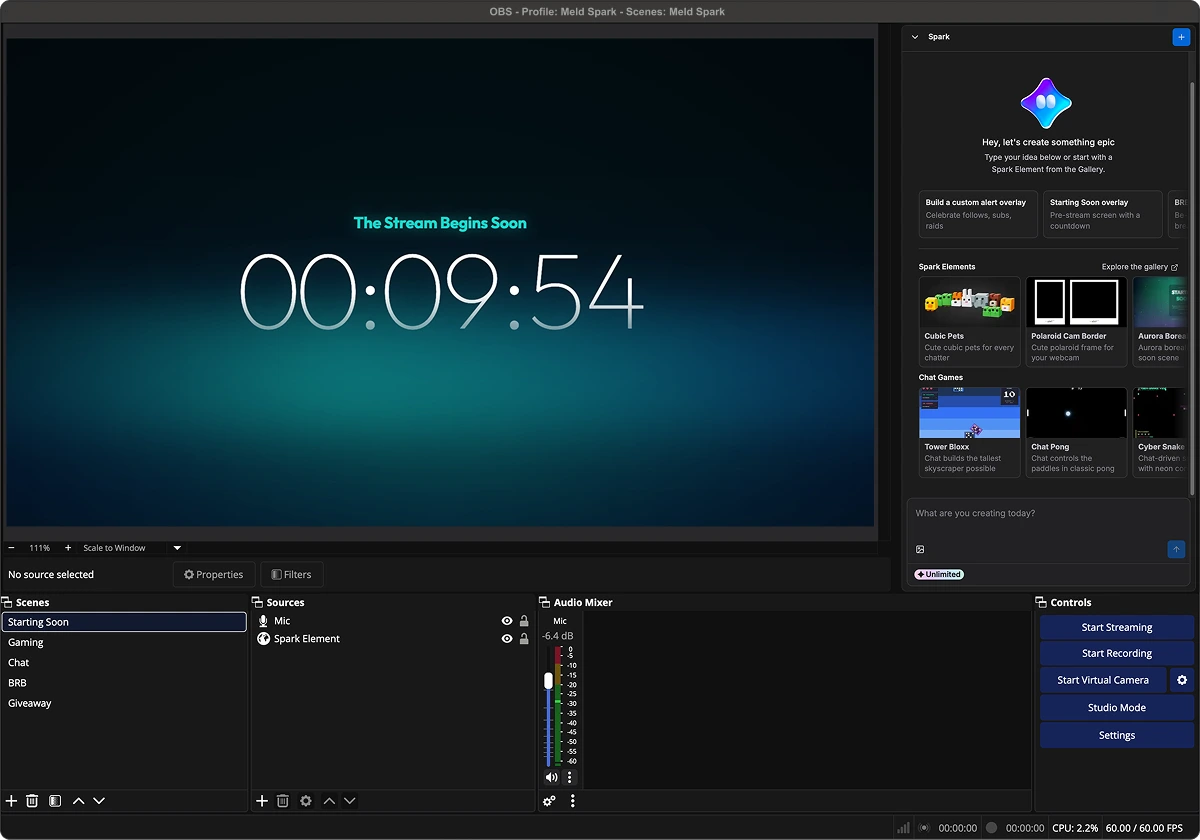
Get the Spark Plug.
Bring your ideas to life in real time using Meld Spark inside your existing OBS setup. Build custom overlays, alerts, timers, widgets, and much more, straight into your OBS scene.
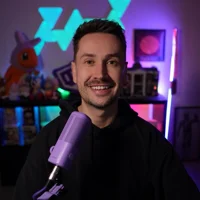
"Spark has made my stream more accessible and enjoyable, not just for me but for my viewers too."
b0bba

"Meld is about to change the game forever."
bbjess
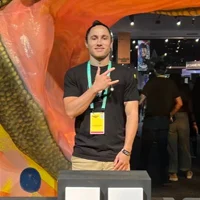
"I’ve never seen anything like this."
AlecBinks
"This is revolutionary. The fact that streamers can now create the overlays they want."
Driggsy
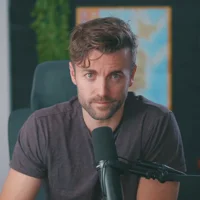
"I haven’t been excited for something like this in a while."
Harris Heller
"I like Meld because it just works.""
KreekCraft
Endless Ideas.
Live in Seconds.
Create stream overlays the moment inspiration hits, and bring something new to every stream.
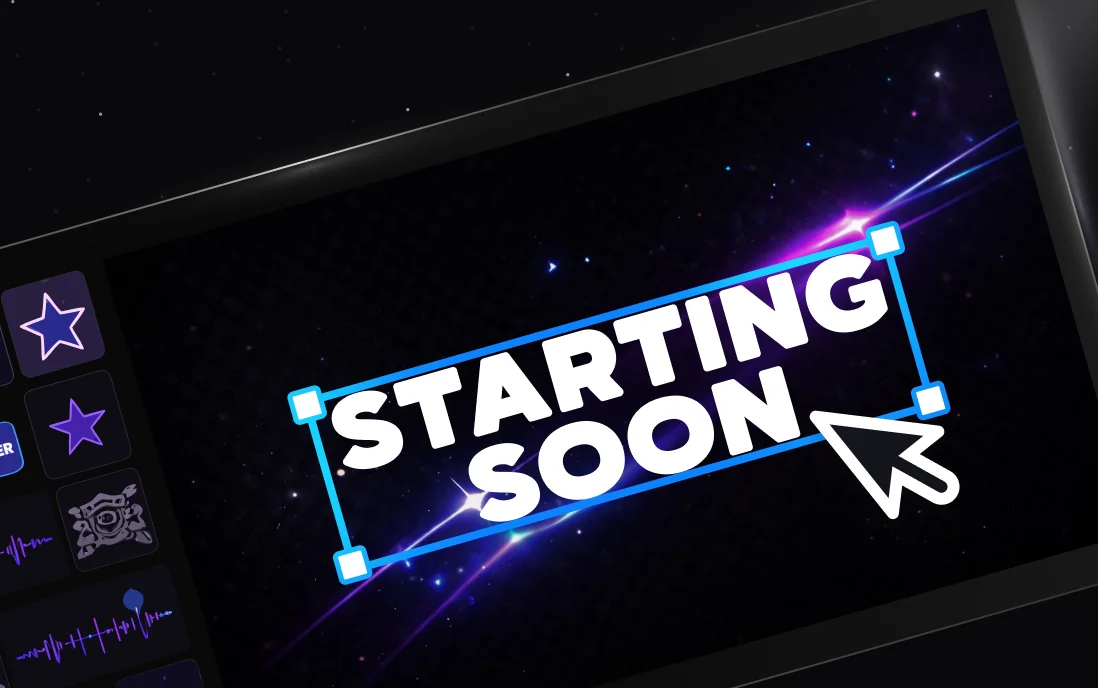
Instant in Your Scene
Spark creations land directly in your Meld scene. Drag, resize, and go live. No downloads, no imports, no setup.
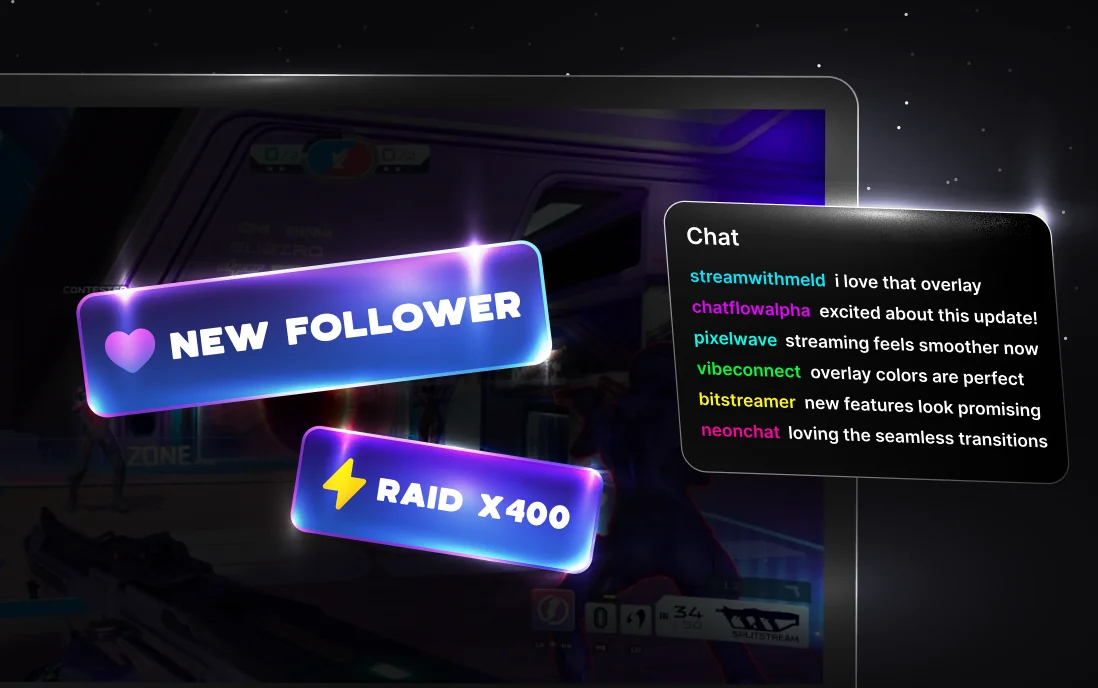
Reacts to Your Streams
Your overlays respond to follows, subs, raids, chat messages, commands, and more. Every stream moment becomes interactive.
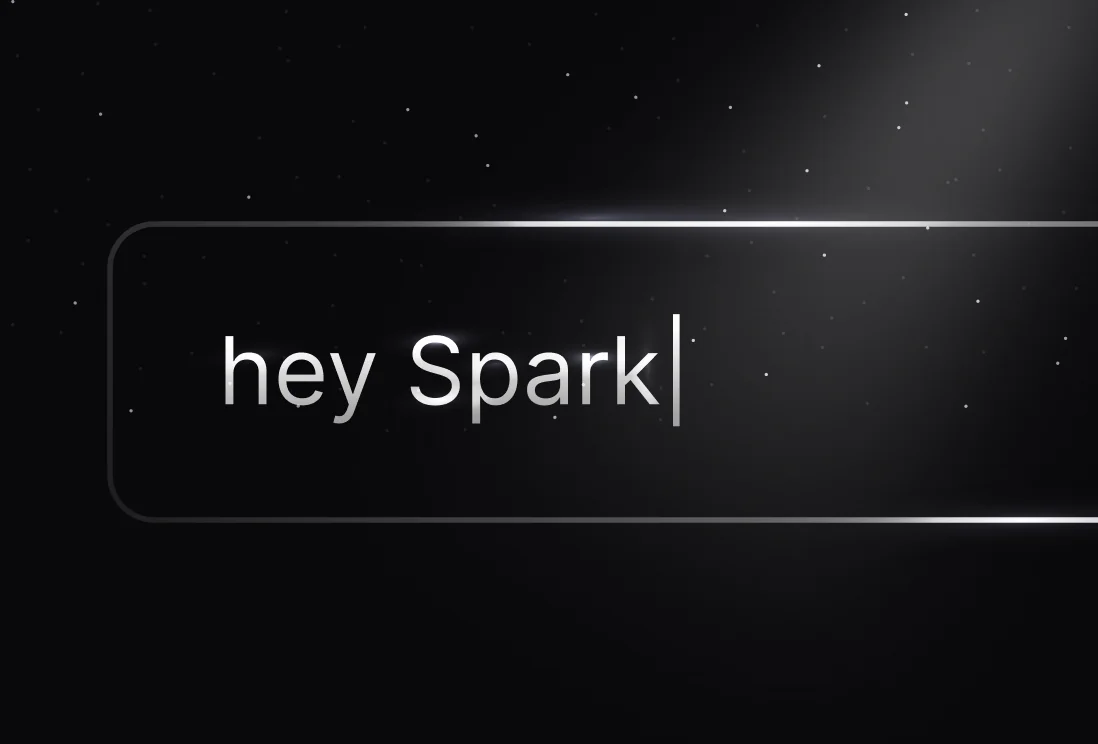
Just Ask Spark
Tweak colors, layouts, animations, and triggers. Every creation is yours to shape exactly the way you want.
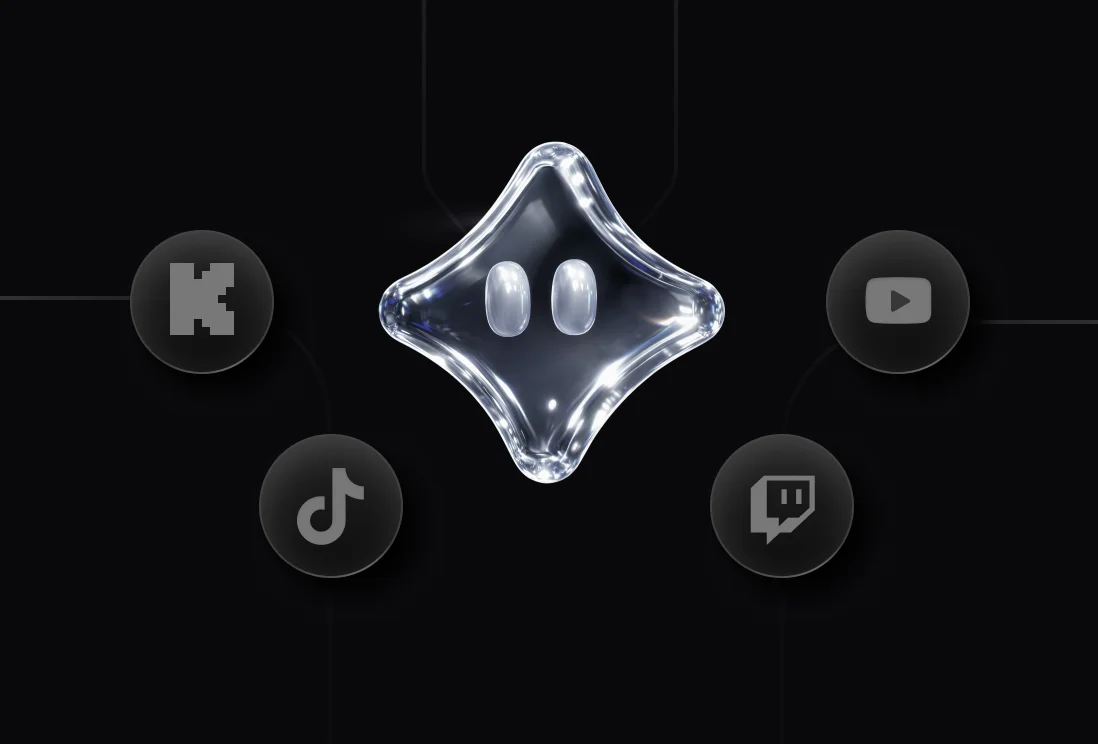
Works Everywhere
Built for Twitch, YouTube, Kick, and TikTok. Spark creations work across every platform Meld supports, out of the box.
Meld Studio is free.
Spark makes you stand out.
Meld Studio's core features are free and always will be. Spark gives you the creative tools to build a stream that's entirely yours.
Checking prices for your region. Plan buttons are unavailable until it finishes.
Meld Free
Free forever, no card
You get a full streaming setup: go live everywhere at once, record in 4K, clip the good bits, and drop in overlays from the gallery.
Meld Pro
Billed $200 annually · Save $40 a year
Enough to build a full alert set and a few new scenes each month, then keep tweaking them until they feel like yours.
Everything in Meld Free, plus:
- Extended Spark requests
- Smarter, more capable Spark models
- Priority processing so you're never waiting on Spark
- Voice-reactive overlays (STT)
- Collaborative Screen Draw
Yours to keep forever
Cancel anytime. Every overlay, alert, and scene you built stays in your stream.
Meld Max
Billed $600 annually · Save $120 a year
Enough to rebuild your whole look every month and still ship something new for each stream.
Everything in Meld Pro, plus:
- 10x higher Spark requests
- The most capable Spark models
- Highest priority processing
- First access to new Spark features
- Direct support from the Spark team
Most streamers spend $10 to $40 on static overlay packs that look like everyone else's. Pro gives you plenty of priority usage to experiment, iterate, and build out your stream. More than enough for a regular streamer who likes to tinker. Yours to keep forever.
Community & Support
Video Tutorials
Learn the essentials or dive into advanced features with step-by-step guides.
Docs
Comprehensive documentation for every feature and workflow.
Discord
Get help, share setups, and connect with other creators in real-time.
Transparency
Clear answers on how Spark works, what it touches, and what stays yours.
Frequently Asked Questions
What is Meld Spark?
Spark is a chat-based creative tool built directly into Meld Studio. You describe what you want in plain language and Spark builds it for you through a series of prompts.
What can Spark build?
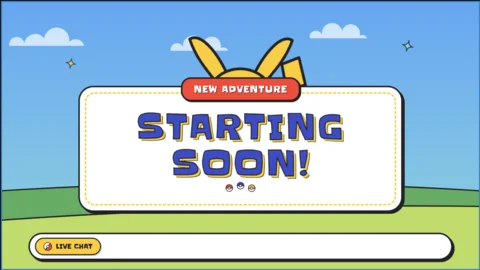
Spark can build anything that runs as a browser-based overlay in your scene. Things like animated alerts, starting soon screens, overlays, and more. It can also apply effects to existing layers, move layers between scenes, and edit anything it creates.
Does Spark use AI?
Spark uses Google Gemini to understand your requests and write code. Importantly, Spark's output is always code (HTML, CSS, and JavaScript), not generated images, audio or video. Think of it like having your own personal developer inside Meld Studio. It is not an image generator.
Can I use Meld Studio without Spark?
Yes! Spark is completely optional. Choosing not to use it has no impact on your normal Meld Studio experience.
Can Spark access my files, microphone, or camera?
No. Spark cannot read your filesystem, access your microphone, camera feed, or system audio. The only files it ever sees are ones you deliberately drag into the Spark chat yourself.
Can Spark replicate or steal a commissioned artist's work?
No. Because Spark writes code rather than generating images, it cannot reproduce, extract, or replicate artwork.
What about deepfakes or non-consensual content?
Spark is not a media generation tool and cannot produce deepfakes, fake images, or any non-consensual content. This is precisely why we built Spark to be purposeful and contained.