Free Rave Raid Alert Overlay for Incoming Raids
Turn your raids into a party with these rave lights.
By Meld
Use this element in Meld or OBS
Copy its link, then paste it where you stream.
-
Have Meld Studio or Spark Plug
Open Meld Studio, or OBS with the Spark Plug plugin installed. Elements need one of them to work.
-
Copy the link
Copy element puts the element's link on your clipboard.
-
Paste it
In Meld Studio, press ⌘V or Ctrl+V and it lands in your scene. In OBS, add a Browser source and paste the link as its URL.
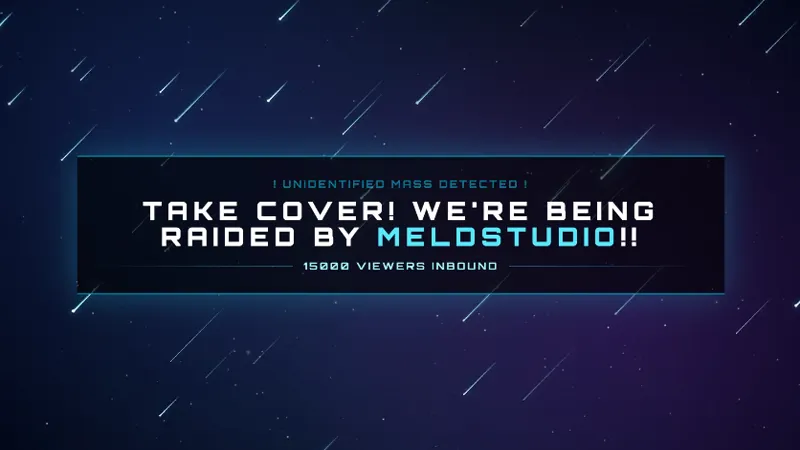
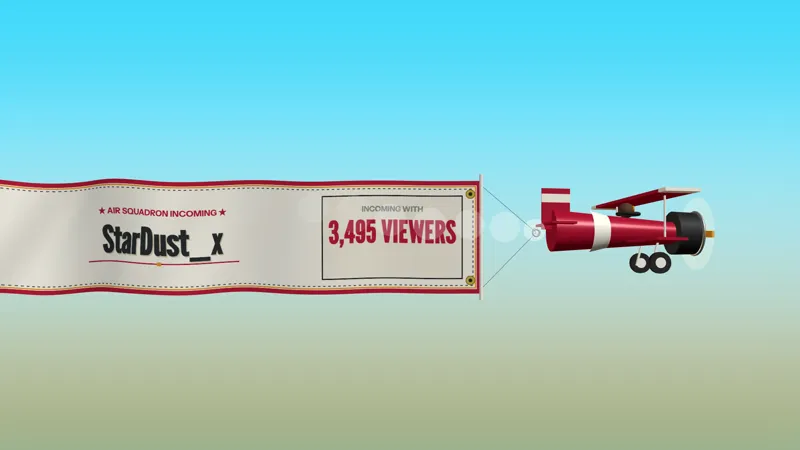
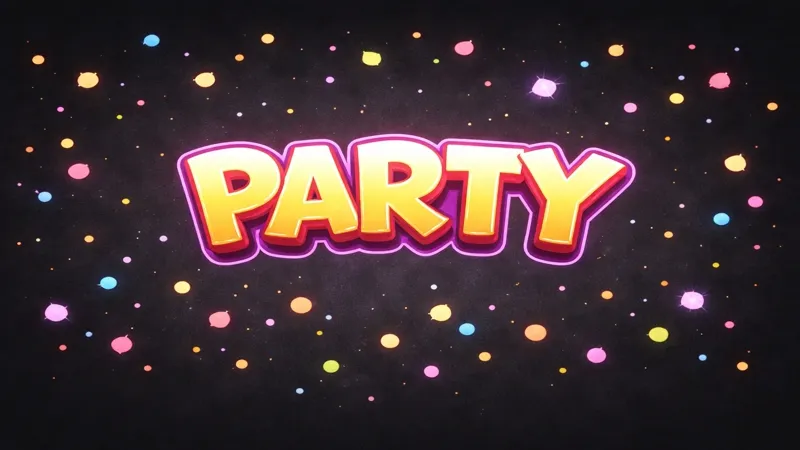
Raids are one of the fastest ways a stream changes pace. One second you are mid-segment, the next you have a new group of viewers arriving with their own energy. Rave Raid gives that handoff a visual cue that is hard to miss: a 30-second rave light sequence that starts when the raid lands.
Why it works for raid moments
The overlay is built around a single event, so it stays out of the way until it matters. When a raid occurs, the screen shifts into party mode with animated rave lights. That gives you a natural window to welcome the raider, thank the incoming viewers, explain what is happening on stream, and turn the arrival into a shared moment.
Because it is an alert overlay, Rave Raid works best as a scene accent rather than a permanent layout element. Keep your gameplay, camera, or Just Chatting layout intact, then let the light sequence take over briefly when the raid comes in. It reads clearly for viewers who just arrived and for regulars who want to celebrate the handoff.
Adding it to your setup
Download Meld Studio and add Rave Raid to the scene where raid alerts should appear. The overlay is free, and it works across Twitch, YouTube Live, Kick, and TikTok Live from the same Meld setup.
If your stream already runs through OBS, use Spark Plug for OBS to bring the same Spark element into your existing OBS scene. Meld Spark can also adjust the look without code. Ask for a different color palette, a longer rave sequence, or a softer light pattern and keep the alert matched to your channel.
Use cases
-
Welcoming a raid with instant energy
A raid can bring a wave of new viewers into chat in seconds. Rave Raid gives that moment a visible light show so the arrival feels like an event instead of a small notification in the corner.
-
Celebrating community handoffs
Use Rave Raid when another creator sends their viewers your way and you want the screen to acknowledge it immediately. The 30-second sequence gives you enough time to greet the raider, thank the community, and shift into the next segment.
Stream events it reacts to
Frequently asked questions
Is the Rave Raid alert overlay free?
Yes. Rave Raid is included free with Meld Studio. Add it to a scene and it can react to raid events without a separate subscription or paid overlay pack.
What event triggers Rave Raid?
Rave Raid reacts to incoming raid events. When a raid happens during stream, the overlay starts a 30-second rave light sequence on screen.
Which streaming platforms does it support?
Twitch, YouTube Live, Kick, and TikTok Live are all supported through Meld. Sign in once and the same free raid alert can be part of the scene you use across every platform you stream to.
Does it work with OBS Studio?
Yes. Spark Plug for OBS lets you use Rave Raid in an existing OBS scene, and Meld Spark can customize the colors or duration from a prompt in seconds. You can keep OBS while still using Spark overlays.