Display Your Current Valorant Agent with a Free Chat Overlay
Share with your chat which character you're playing in Valorant with a 'Currently Playing' overlay.
By Meld
Get Valorant Currently Playing Character Overlay free
Included with Meld Studio. Or stay in OBS with Spark Plug.
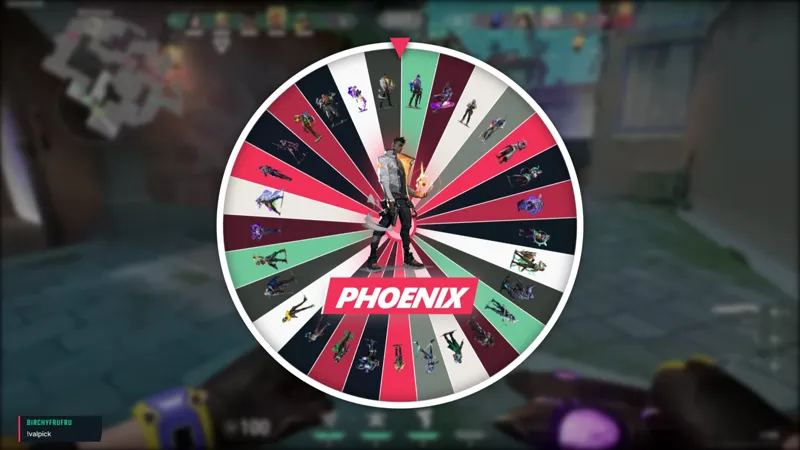
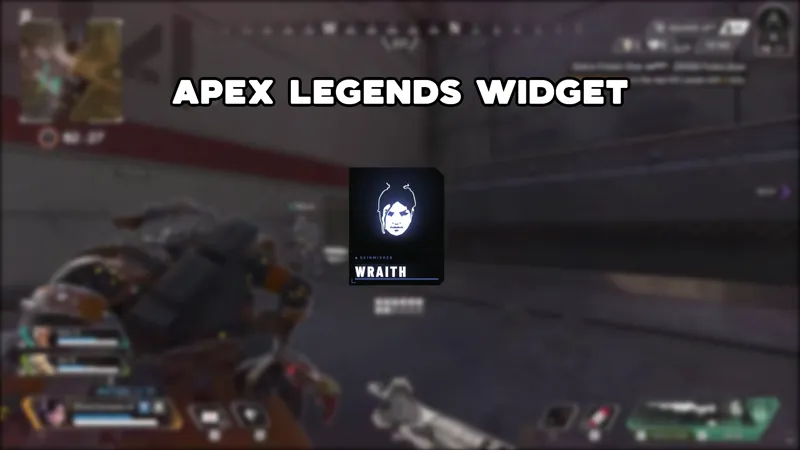
Typing the same answer into chat every time someone asks what agent you are running gets old fast. The Valorant Currently Playing Character Overlay puts that answer on screen as a persistent display, updated with one chat command whenever your pick changes.
It is free with Meld Studio. No watermark, no subscription required.
How the command works
Type !{NAME} in chat, where the name is the agent you just picked. Typing !Vyse switches the display to VYSE. For agents with slash names, the overlay handles both forms: !KAY/O works, and so does !kayo. The display updates on screen for everyone watching, across every platform you are live on at the same time.
You or any viewer can send the command. Some streamers trigger it themselves at the start of each round; others let chat race to call the pick first. Either way, the display stays current without interrupting the game or the commentary running over it.
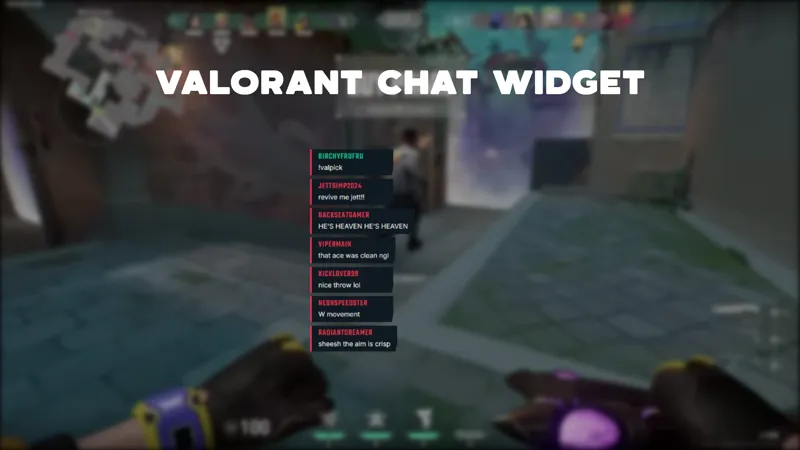
The overlay reads from Twitch, YouTube Live, Kick, and TikTok Live simultaneously. A command typed by a Kick viewer updates the display just as fast as one from Twitch, and everyone watching on YouTube sees the same result. Meld connects all four platforms from a single sign-in, so the command system works identically no matter where a viewer is watching from.
When to use it
The format fits any Valorant session where the audience needs context that does not reset every round. For ranked grind streams where you cycle through agents depending on map pool or team composition, the overlay removes the need to verbally re-announce your pick each time a new viewer joins.
For challenge runs, it acts as a live record visible to the whole room. If chat voted on your agent, or if you committed to finishing a win streak on a specific character, the display keeps that premise on screen for the entire session without any moderation overhead. Viewers arriving mid-stream see the current agent and understand what is at stake without needing to ask.
Adding it to your stream
Download Meld Studio and the overlay is ready to drop into any scene, with chat connections to Twitch, YouTube, Kick, and TikTok set through a single sign-in. If you prefer to stay in OBS, the free Spark Plug for OBS plugin loads the overlay as a browser source inside your existing scene with the same command system working across all four platforms.
Use cases
-
Staying focused on the game instead of answering chat
When you cycle through agents across maps or switch picks based on team composition, chat asks what you are playing at the start of every new round. A persistent on-screen display means new viewers see the answer immediately and you spend the round talking about your play, not fielding the same opening question.
-
Running an agent challenge or streak session
For sessions built around playing a specific character for a win streak or completing a challenge chat picked earlier, the overlay keeps the premise visible to viewers who arrive mid-stream. They see your current agent at a glance without needing to scroll back through chat to find the original callout.
Chat commands
Frequently asked questions
Is the Valorant Currently Playing Character Overlay free?
Yes. It is included free with Meld Studio. There is no paywall, no watermark, and no per-stream usage cap. Add it to a scene and the character display goes live immediately.
How do I change which agent is shown on screen?
Type the agent name as a chat command. Typing !Vyse in chat changes the display to VYSE. For agents with slash names, the overlay handles both forms: !KAY/O works, and !kayo is accepted as well. You or any viewer can send the command from Twitch, YouTube Live, Kick, or TikTok Live.
Which platforms support the chat command?
Twitch, YouTube Live, Kick, and TikTok Live are all supported. Meld signs you in once and reads chat from every platform you stream to simultaneously, so the command works from any of the four at the same time.
Does this work with OBS Studio?
Yes. Spark Plug for OBS loads the overlay into your existing OBS scene as a browser source, and Meld Spark lets you customize it in seconds from a plain-English prompt without leaving OBS or touching code.