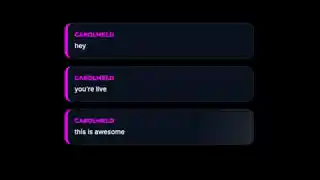
Free Scrapbook Chat with Stamps and Cut-Out Lettering
Show off chat like they're part of a scrapbook with stamps, ticket stubs and magazine cut-out letters!
Get Scrapbook Chat free
Included with Meld Studio. Or stay in OBS with Spark Plug.
A craft desk covered in paper scraps deserves a chat overlay that belongs in the same scene. Scrapbook Chat gives viewer messages a collage-inspired presentation with stamps, ticket stubs, and magazine cut-out letters. It is free with Meld Studio and turns the conversation into part of a handmade-looking layout instead of an unrelated box beside your camera.
You do not need to be making an actual scrapbook to use it. The visual direction suits journaling sessions, art discussions, relaxed catch-ups, and channels that prefer collected paper details to a polished digital frame. The subject is still your chat; the styling changes how that conversation sits on screen.
Paper details around your conversation
Stamps and ticket stubs establish the scrapbook theme, while the cut-out lettering brings in the feel of a magazine collage. Together, those details make the widget a distinct visual choice. If your current scene already includes notebooks, handmade artwork, or keepsakes, this is a way to give chat a related treatment without making the whole broadcast about the overlay.
Scrapbook Chat has no special viewer commands listed. You can introduce it as the place where messages appear rather than explaining a second interaction alongside your normal conversation. That keeps the focus on what viewers are saying, whether they are asking about your materials or sharing their own creative projects.
The widget supports Twitch, YouTube Live, Kick, and TikTok Live. Your choice of platform does not require a different visual theme, and viewers can participate in the conversation from every platform you stream to.
Give the collage space to read
Leave enough room in your scene for both the paper details and the messages. A narrow corner squeezed between other widgets can make a decorative chat treatment harder to appreciate. Try it beside a camera or desk view, then check the scene at the size your viewers will actually watch, especially on a phone.
For a crafting stream, chat can sit near the workspace without covering the project itself. For a community catch-up, give it a clear area next to your camera so the conversation has an obvious place in the composition. Those are layout choices, not extra widget controls: the goal is simply to keep the scrapbook design and the words readable together.
Download Meld Studio and add Scrapbook Chat to your next scene. If your production already lives in OBS, Spark Plug for OBS is the alternative path for bringing the same gallery widget into your existing setup.
Use cases
-
Crafting and journaling streams
Pair your chat with the paper materials already on your desk. Stamps, ticket stubs, and magazine-style lettering make viewer messages feel visually at home alongside a scrapbook or journaling session.
-
Community catch-ups with a handmade look
Give a relaxed chatting scene a collage-inspired treatment rather than a conventional message box. Leave room beside your camera for viewers to read the conversation and notice the scrapbook details.
Frequently asked questions
What does Scrapbook Chat look like?
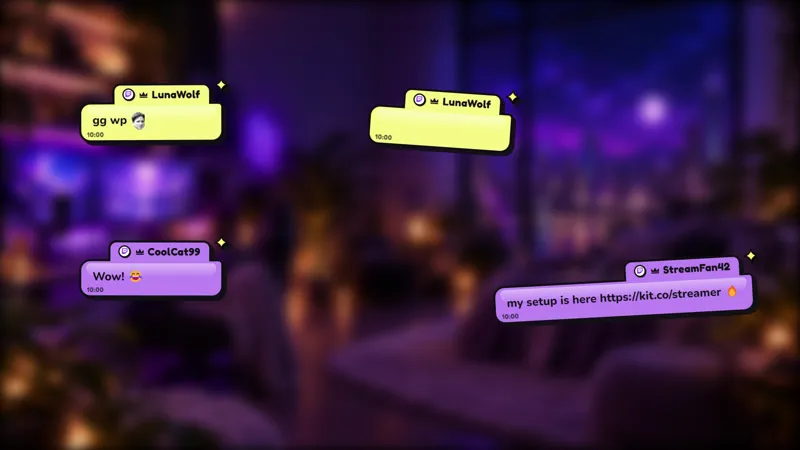
The widget presents chat with stamps, ticket stubs, and magazine cut-out letters. Its scrapbook styling gives the conversation a paper-collage look rather than a conventional plain chat box.
Do viewers need a special chat command?
No special commands are listed for Scrapbook Chat. It is a chat widget for showing viewer messages, so there is no separate command sequence to teach your audience before a conversation.
Is Scrapbook Chat free on every streaming platform?
Scrapbook Chat is free with Meld Studio. It supports Twitch, YouTube Live, Kick, and TikTok Live, so the same scrapbook look can accompany your conversation wherever you stream.
Can I use Scrapbook Chat in OBS Studio?
Yes. Download Meld Studio to add the widget to a scene, or use Spark Plug for OBS if you prefer your existing OBS layout. The plugin brings the gallery overlays and Meld Spark's help with customization in seconds into OBS.