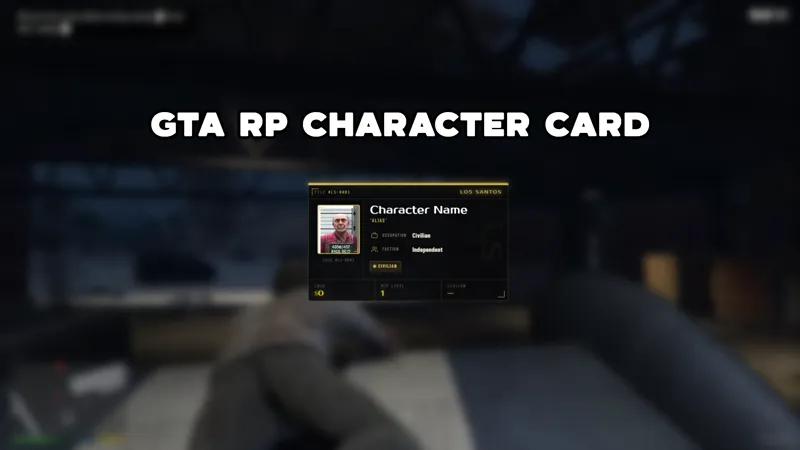
Free GTA-Style Police Scanner Chat Widget
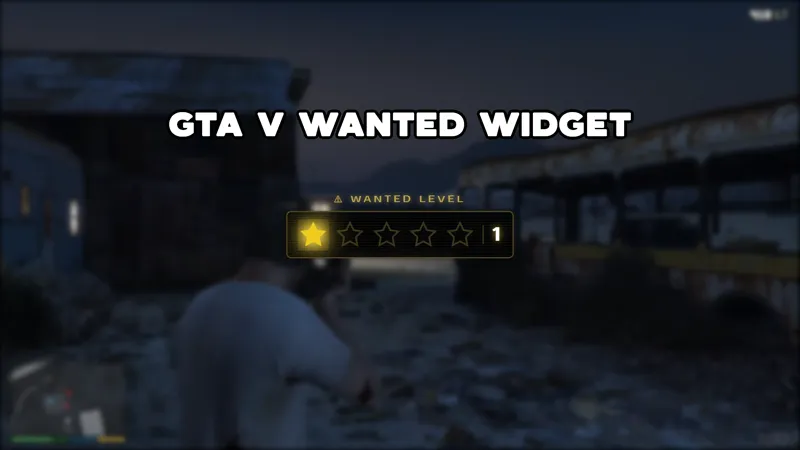
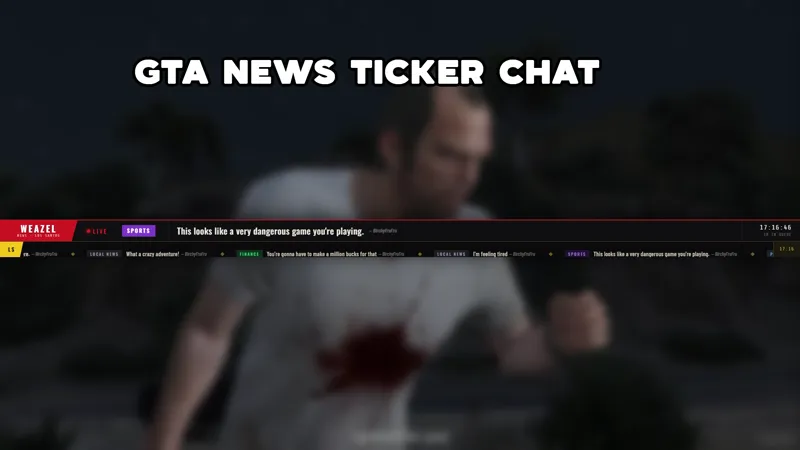
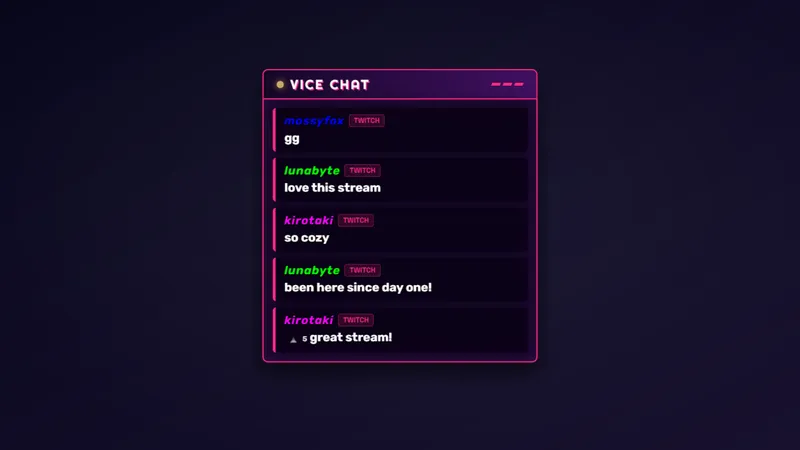
A GTA V inspired police scanner overlay for Twitch, YouTube, Kick, and TikTok that turns live chat messages into scrolling dispatch calls, with priority alerts, BOLO notices, and full mod command support. Allow your chat to be part of the RP experience!
By Meld
Get GTA V Police Scanner Chat Widget free
Included with Meld Studio. Or stay in OBS with Spark Plug.
A police scanner turns ordinary chat movement into GTA RP atmosphere. This free scanner widget formats live messages as dispatch calls, priority alerts, BOLO notices, and coded entries, so viewers feel like they are listening to the world around your character.
It works especially well for patrols, pursuits, EMS scenes, detective work, and server events where a scrolling feed can make the scene feel bigger than one player.
What the Scanner Adds
The base feed turns chat into dispatch-style entries. Moderators and broadcasters can add stronger signals with commands: !alert [message] pushes a red priority banner, !bolo [message] issues a Be On The Lookout entry, !code [10-4/etc] [message] posts a coded dispatch line, and !scanner [clear/pause/resume] controls the feed state.
The widget can also be customized through URL parameters for agency, channel, frequency, unit, and viewer visibility. That lets you style the scanner as BCSO dispatch, LSPD radio, a private security channel, or whatever fits your GTA RP server.
Twitch, YouTube Live, Kick, and TikTok Live all work through the same Meld sign-in. Multistreamed RP sessions can keep one shared scanner feed instead of separate platform-specific widgets.
Keeping Chat in the Scene
The scanner gives viewers a way to contribute without breaking immersion. A normal chat message can become ambient dispatch texture, while mod-only commands keep major alerts controlled. If the feed gets too busy, pause or clear it with the scanner command and bring it back when the scene needs motion again.
Download Meld Studio and place the scanner widget in your stream for free. OBS users can keep their existing setup by using Spark Plug for OBS, which loads the same overlay as a browser source with the same command support.
Use cases
-
Police and EMS roleplay streams
Scanner-style dispatch gives law enforcement and EMS scenes a constant layer of world detail. Chat messages become radio traffic, while priority commands let moderators push important calls during a pursuit or scene.
-
Letting chat join the RP atmosphere
Viewers can become part of the dispatch texture without taking over the stream. The feed turns chat into scrolling calls, BOLO notices, and coded entries that match the GTA RP setting.
Chat commands
Frequently asked questions
Is the GTA police scanner widget free?
Yes. The police scanner chat widget is included free with Meld Studio. There is no watermark, template fee, or usage cap for adding it to your stream.
What scanner commands are included?
Moderators and broadcasters can use !alert for priority banners, !bolo for Be On The Lookout entries, !code for coded dispatch messages, and !scanner to clear, pause, or resume the feed.
Does this police scanner widget work in OBS Studio?
Yes. Spark Plug for OBS places the scanner widget in your existing OBS scene as a browser source, and Meld Spark can help tune the agency label, channel feel, or command behavior in seconds.
Can I limit which chat messages appear?
Yes. The widget supports a viewer visibility setting through URL parameters. Set viewers=false when you want the scanner to show only streamer and moderator chat.