Free GTA-Style Wanted Level Widget for Stream Chat
A GTA V themed Twitch overlay that lets streamers and moderators update a live 1 to 5 star wanted level using simple chat commands, built for Meld Studio and OBS browser sources.
By Meld
Get GTA 5-Star Wanted Widget free
Included with Meld Studio. Or stay in OBS with Spark Plug.
Nothing sells a GTA RP moment faster than a wanted level climbing on screen while the situation gets worse. This free GTA-style widget gives streamers and moderators a live 1 to 5 star display that can be changed from chat, hidden when the scene is over, and used in Meld Studio or OBS.
The widget is built for streams where the story moves quickly. A chase starts, a moderator sends !Wanted up, and the stars increase without the streamer opening settings. A clean getaway happens, and !Wanted clear removes the pressure from the layout.
How Chat Controls the Stars
The command set is intentionally small. Use !Wanted {1-5} to jump straight to a specific wanted level, !Wanted {up/down} to raise or lower the current level, and !Wanted {clear/0} to hide the widget. Those controls make it easy to match the overlay to whatever is happening in the RP scene.
Because the commands are meant for broadcasters and moderators, the widget works well for structured roleplay. Chat can react to the story, while trusted helpers keep the visual state accurate. That matters during police pursuits, heists, patrols, traffic stops, and court scenes where the streamer needs to stay in character.
The overlay works across Twitch, YouTube Live, Kick, and TikTok Live. If you multistream a GTA session, your moderation team can use the same command flow without needing separate overlays per platform.
Adding It to a GTA RP Layout
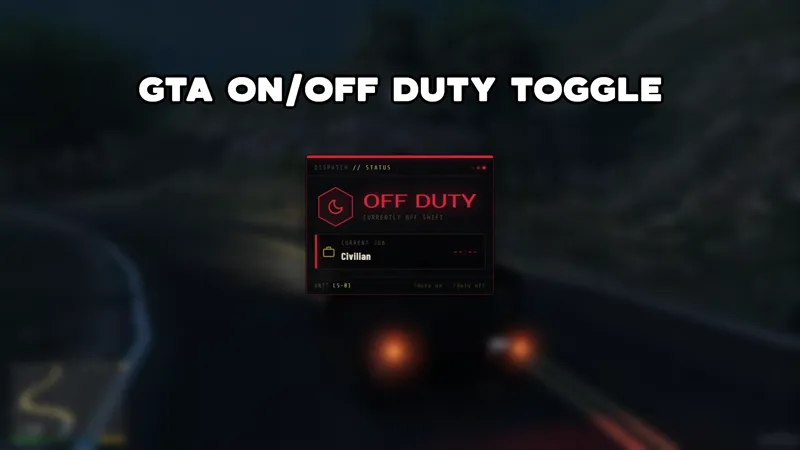
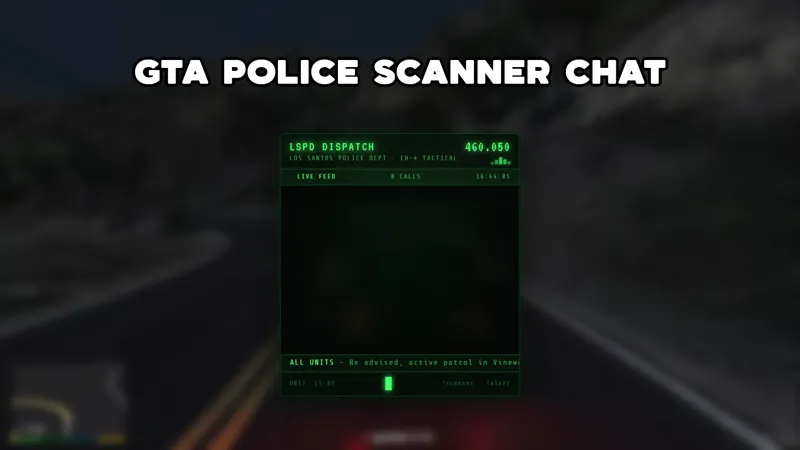
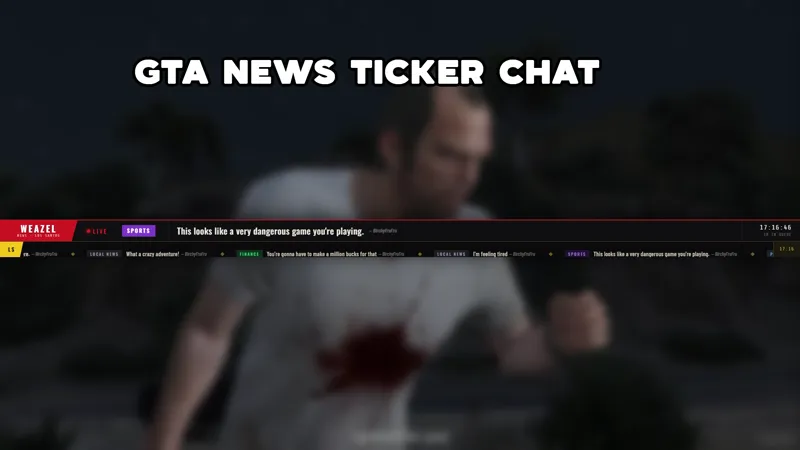
The wanted widget fits camera scenes, full gameplay scenes, or a dedicated RP dashboard. Keep it visible during tense moments, then clear it when the scene resets. It can sit near a minimap, character card, scanner feed, or news ticker without taking over the screen.
Download Meld Studio and add the widget to your scene for free. If your setup already lives in OBS, Spark Plug for OBS brings the same overlay into your existing scene as a browser source, with chat commands and multi-platform support intact.
Use cases
-
Roleplay scenes with moderator control
During a chase, arrest, or courtroom bit, moderators can change the wanted level without interrupting the streamer. The stars update on screen while the RP continues, so chat sees the stakes rise in the same visual language as the scene.
-
Community challenges during GTA streams
A streamer can turn a heist, race, or patrol into a chat-controlled challenge. Mods can bump the wanted level up when the run gets chaotic, lower it after a clean escape, or clear the widget when the scene ends.
Chat commands
Frequently asked questions
Is the GTA wanted level widget free?
Yes. The GTA 5-Star Wanted Widget is included free with Meld Studio. There is no watermark, usage cap, or paid template requirement. Add it to a scene and let your moderators control it from chat.
Which platforms does the widget support?
Twitch, YouTube Live, Kick, and TikTok Live are all supported. Meld signs you in once and listens for the same moderator commands across every platform you stream to.
Does this GTA wanted widget work in OBS Studio?
Yes. Spark Plug for OBS loads the wanted widget into your existing OBS scene as a browser source, and Meld Spark lets you tune the look or command behavior in seconds.
Who can use the wanted level commands?
The source setup is intended for the broadcaster and moderators. That keeps random viewers from spamming the stars while still giving trusted chat helpers a fast way to update the overlay during roleplay.