Free GTA RP Character Card Overlay for Streamers
A GTA V roleplay character card overlay for Twitch, YouTube, Kick, and TikTok streamers that displays your RP character's name, alias, job, faction, and status in a cinematic dossier style, fully customizable through URL parameters in Meld Studio. This widget can also be added to OBS as a Browser Source.
By Meld
Get GTA RP Character Card Widget free
Included with Meld Studio. Or stay in OBS with Spark Plug.
A GTA RP stream can be hard to follow when a viewer arrives in the middle of a scene. This free character card turns the essential roleplay details into a cinematic dossier: character name, alias, job, faction, cash, level, session, status, case ID, and photo.
Instead of pausing to recap who your character is, you can let the overlay carry that context. It gives new viewers a quick read on the story and gives regulars a polished visual anchor for the current session.
What the Card Shows
The widget is designed around roleplay identity. You can pass details through URL parameters, including name, alias, job, faction, faction color, cash, level, session, status, case ID, and a character photo. That makes it flexible enough for police, racers, medics, gang members, business owners, or any other RP archetype.
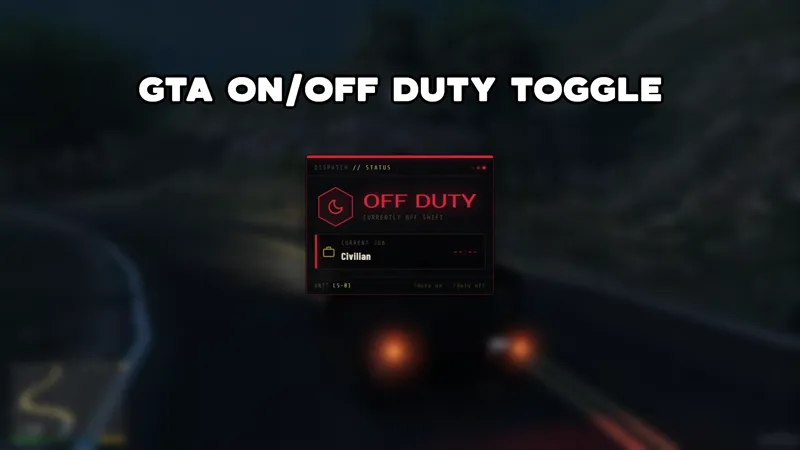
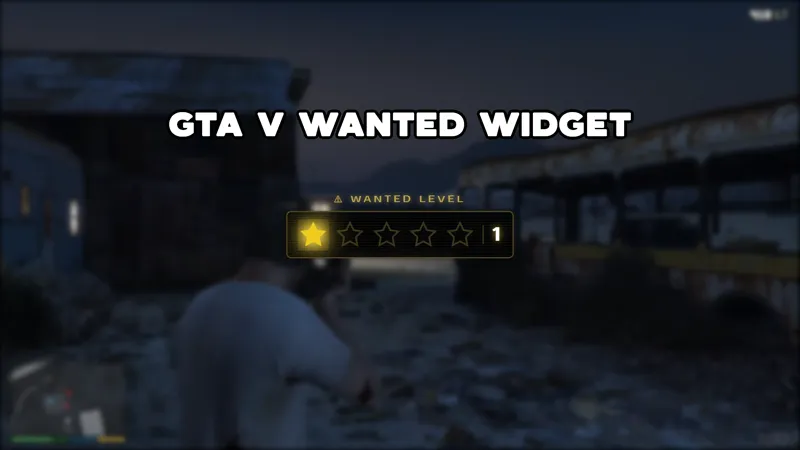
The card also supports status commands. Use !duty, !offduty, !Wanted, !civilian, or !dead to shift the visible state as your story changes. When the card should leave the scene, !hidecard and !showcard toggle visibility.
Because the card supports Twitch, YouTube Live, Kick, and TikTok Live, it works for multistreamed RP sessions without splitting your audience by platform. The same visual context stays on screen no matter where viewers are watching.
Where It Fits
Use the card at the start of a stream, during scene transitions, or whenever your character identity matters. It works especially well on a Just Chatting intro scene before you load into the server, or as a side panel during RP-heavy moments.
Download Meld Studio and add the character card to your scene for free. OBS streamers can use Spark Plug for OBS to bring the same browser-source widget into an existing layout, then adjust the card without rebuilding the scene from scratch.
Use cases
-
Introducing a roleplay character
New viewers often join halfway through a scene and need context fast. A character card gives them the name, alias, job, faction, and current status without the streamer needing to explain the whole backstory again.
-
Switching status during long RP sessions
When a character moves from civilian life to duty, a chase, or a downed state, chat commands update the card. The overlay becomes a quick visual reference for viewers tracking the session.
Chat commands
Frequently asked questions
Is the GTA RP character card overlay free?
Yes. The character card widget is included free with Meld Studio. You can add it to a scene without a watermark, paid template, or usage cap.
What can the character card display?
The widget can show your RP character name, alias, job, faction, faction color, cash, level, session, status, case ID, and photo through URL parameters. The visible result is a cinematic dossier-style card.
Does this character card work in OBS Studio?
Yes. Spark Plug for OBS lets you place the character card inside an existing OBS scene as a browser source, and Meld Spark can help adjust text, styling, or command behavior in seconds.
Can chat commands change the character status?
Yes. Commands can set the status to On Duty, Off Duty, Wanted, Civilian, or Deceased. Additional commands show or hide the card when you want the layout to breathe.