Give Every Stream Alert a Free Flying Ghost
A cute ghost appears on stream during alerts before flying toward the screen.
By Meld
Get Ghost Alert free
Included with Meld Studio. Or stay in OBS with Spark Plug.
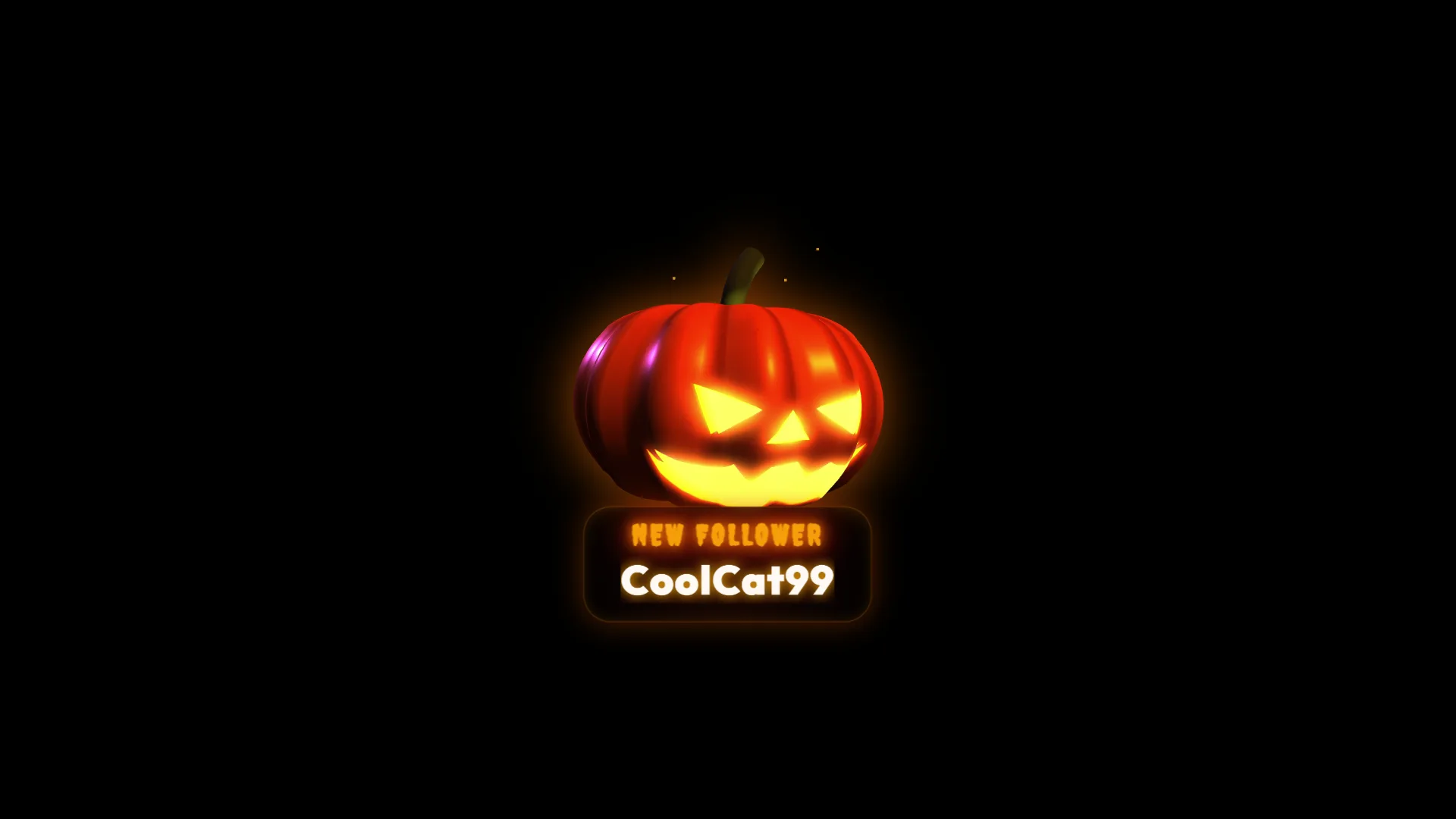
First the ghost arrives, then it comes straight toward the audience. Ghost Alert gives a stream notification a compact animated sequence built around a cute Halloween character. The ghost appears on screen during the alert before flying toward the camera, creating a finish that viewers can recognize even when the rest of the scene is busy.
Ghost Alert is free with Meld Studio and works for broadcasts on Twitch, YouTube Live, Kick, and TikTok Live. It is an easy seasonal change for an existing alert scene or a natural piece of a larger Halloween layout.
A playful kind of spooky
Not every Halloween stream needs a horror treatment. The cute ghost design keeps the mood light while still making the season obvious. Its entrance gives the alert a clear subject, and the movement toward the screen adds energy before the animation ends. That makes it useful for cozy games, variety streams, art broadcasts, and community events that want Halloween personality without a darker visual tone.
The alert is focused on one character and one readable action. It can sit alongside a seasonal camera border, themed chat element, or other autumn decoration without forcing every part of the canvas to compete. Between events, your regular content remains the center of attention. When an alert occurs, the ghost creates a brief visual interruption that feels intentional.
Use it for a night or a season
Add Ghost Alert for one costume stream, a Halloween marathon, an October schedule, or a recurring spooky game night. Because the animation is tied to stream alerts, it adds seasonal movement at meaningful moments rather than running continuously throughout the broadcast.
The same scene element supports Twitch, YouTube Live, Kick, and TikTok Live. You can retain one visual setup across a multistream and give the full audience the same flying ghost moment.
Download Meld Studio and place Ghost Alert in the scene used for your notifications. The character will appear during an alert and fly toward the screen, supplying a clear Halloween animation without requiring a chat command. Streamers who prefer OBS can use Spark Plug for OBS to add the free gallery element to an existing OBS scene and access Meld Spark for fast customization assistance.
Use cases
-
Cute Halloween stream themes
Add a recognizable spooky character without shifting the stream into a darker horror style. The ghost appears for the alert and flies toward the screen, giving the event a playful animated finish.
-
Seasonal alert refreshes
Swap the ghost into your alert scene for an October schedule or a single Halloween event. Its focused animation adds seasonal personality while leaving the rest of your layout available for your usual content.
Stream events it reacts to
Frequently asked questions
What happens when the Ghost Alert appears?
A cute ghost appears on the stream during an alert and then flies toward the screen. The movement gives the notification a clear beginning and an energetic seasonal finish.
Is the Ghost Alert overlay free?
Yes. Ghost Alert is included free with Meld Studio and does not require a separate purchase or add a watermark. Add it to your alert scene for a Halloween-ready animation.
Which platforms can use the Ghost Alert?
The overlay works for broadcasts on Twitch, YouTube Live, Kick, and TikTok Live. You can keep the same ghost alert in your scene while streaming to any or all of those platforms.
Does Ghost Alert work in OBS Studio?
Yes. Spark Plug for OBS places the ghost in your existing OBS alert scene and provides Meld Spark customization help in seconds without replacing your current production workflow.