Trigger a Free Trick or Treat Alert for Stream Support
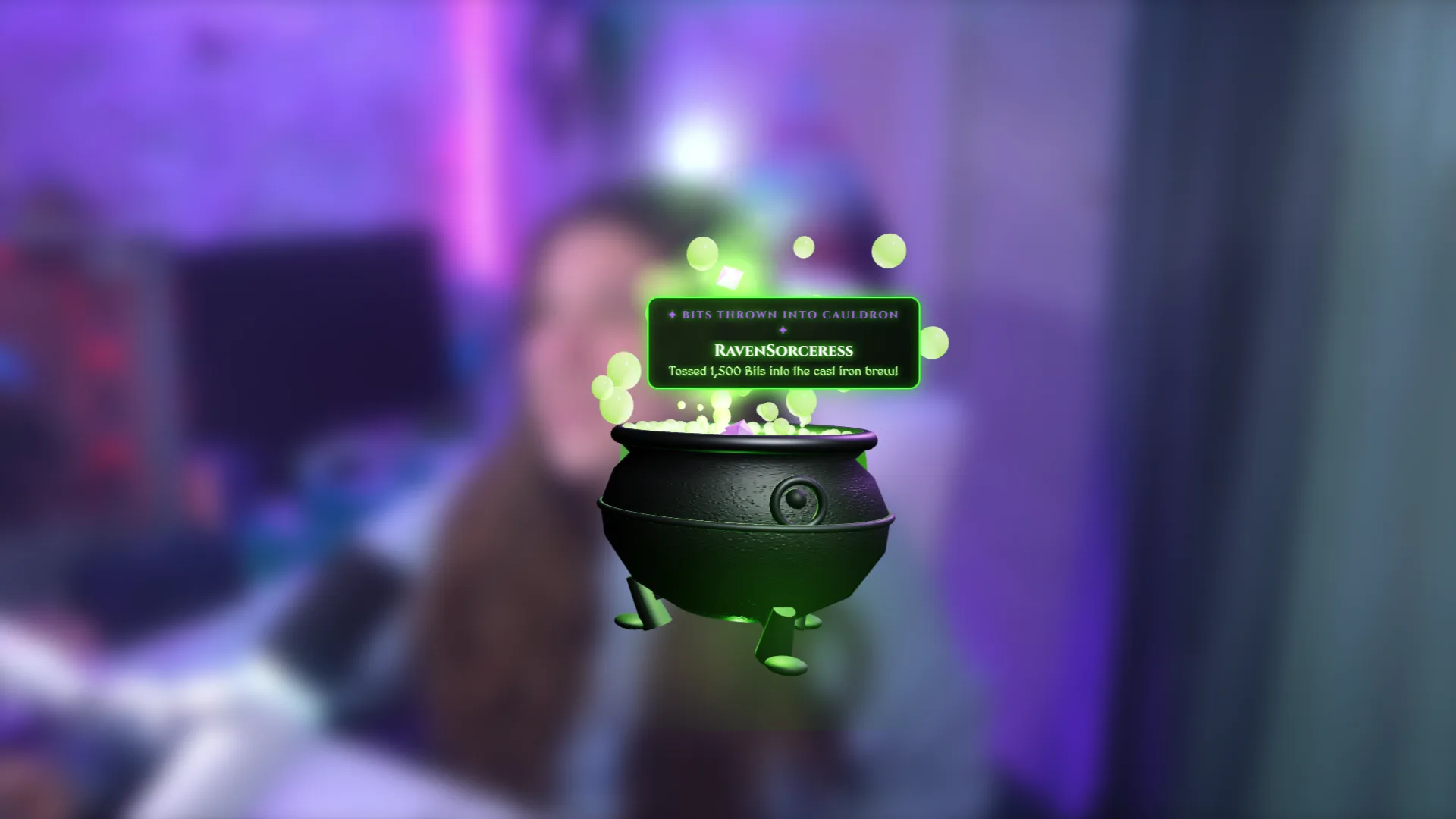
Trigger a Trick or Treat alert whenever someone subscribes, buys merch, sends Bits, or sends Kicks across Meld-integrated platforms.
By Meld
Get Trick or Treat Alert free
Included with Meld Studio. Or stay in OBS with Spark Plug.
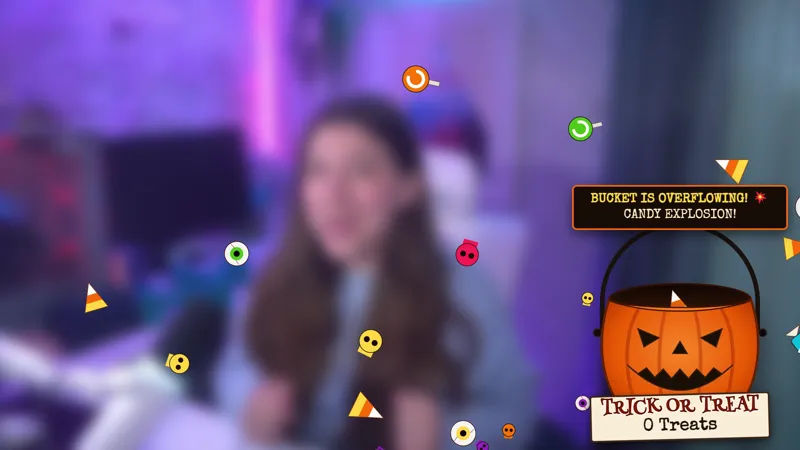
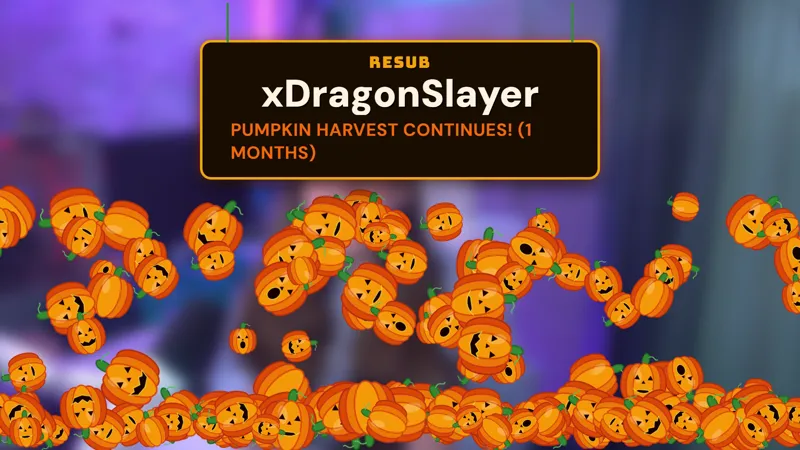
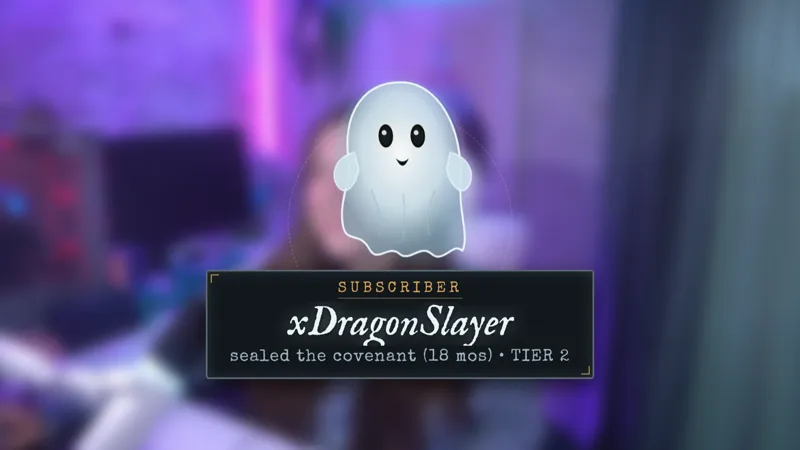
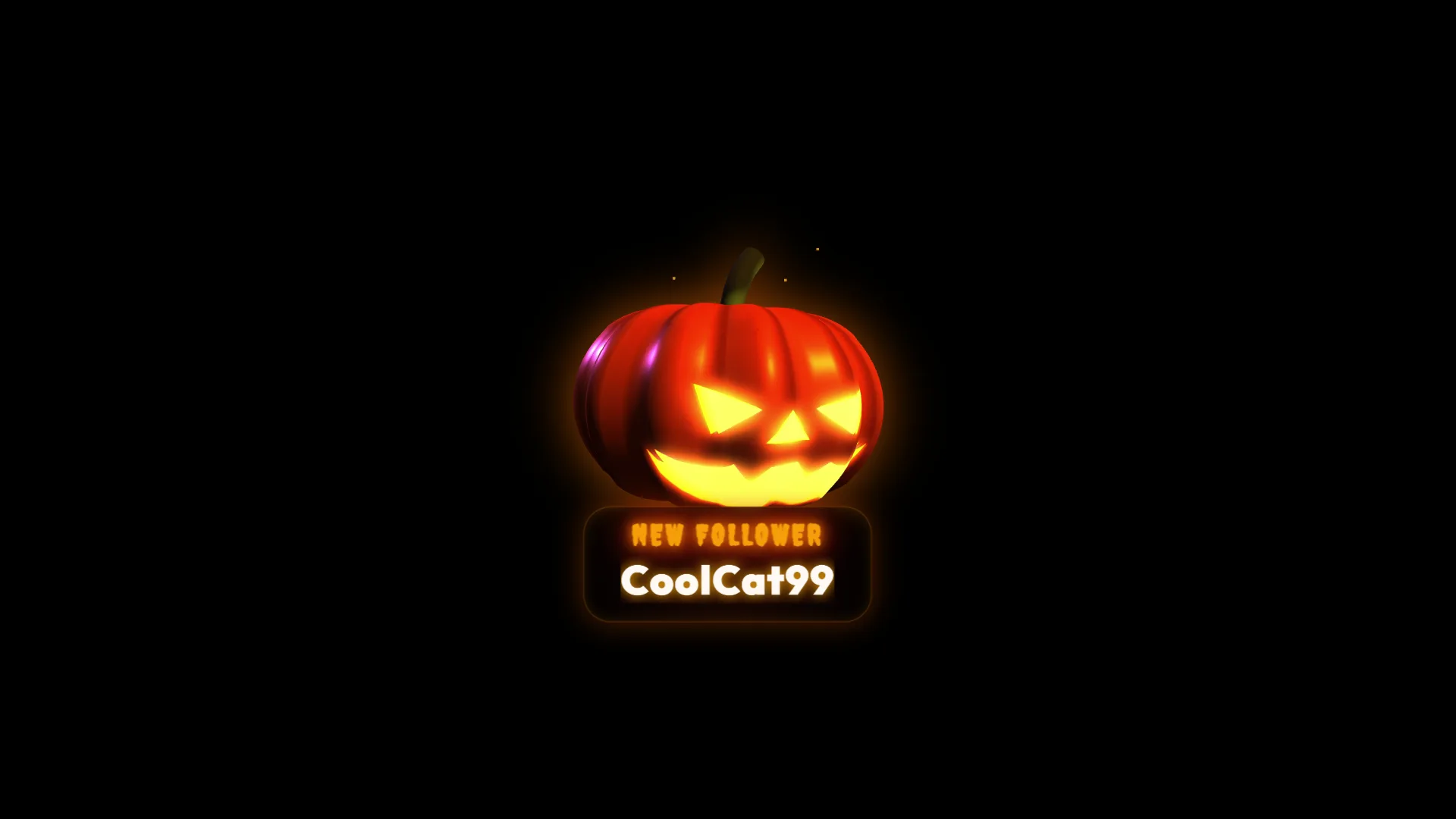
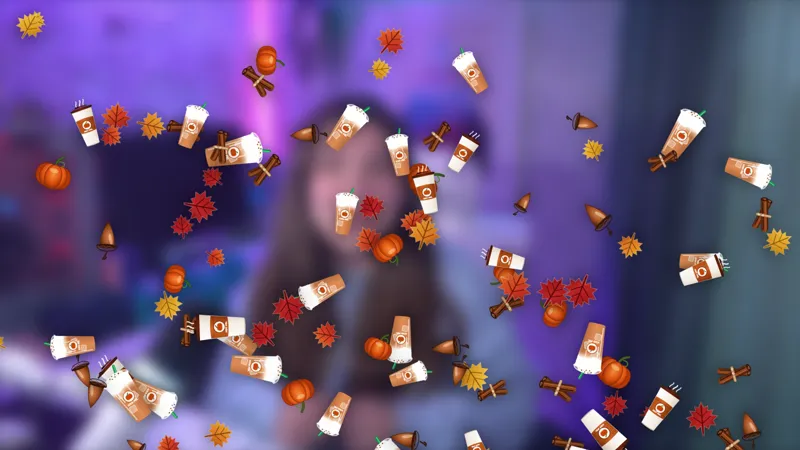
Support can arrive from several places, but the celebration does not have to feel fragmented. Trick or Treat Alert gives subscriptions, Twitch Bits, Kick Kicks, and Fourthwall merch purchases the same playful Halloween response. Every supported interaction brings a little more seasonal chaos to the stream.
The alert is free with Meld Studio and works across Twitch, YouTube Live, Kick, and TikTok Live. Add it to an October scene and let community activity trigger the effect automatically.
One Halloween response for four event types
Trick or Treat Alert listens for subscriptions, Bits, Kicks, and Fourthwall merch purchases. When one occurs, the alert launches without a chat command or manual cue. That makes it easy to maintain a consistent Halloween identity even when support comes from different platforms and services.
Subscriptions can mark a new community member with the same seasonal energy as a Bits or Kicks contribution. Merch purchases join the celebration instead of feeling disconnected from the rest of the stream’s alerts. The shared treatment helps all four event types feel like part of one designed package.
Because the alert appears in response to activity, it can provide the larger motion in a scene while quieter fall and Halloween elements remain visible between events. A camera border, graveyard, or candy jar can establish the setting, then Trick or Treat Alert creates the burst of chaos when support arrives.
Use it across the Halloween schedule
The alert fits costume streams, horror marathons, community nights, and regular broadcasts that receive an October refresh. It is easy for viewers to recognize and does not require an explanation before the event makes sense on screen.
Twitch, YouTube Live, Kick, and TikTok Live are supported, allowing multistreamers to keep one alert package for the entire audience. Fourthwall purchases also trigger the same seasonal response, tying storefront activity into the live production.
You can run the alert for one special night or leave it active through the Halloween season. Its event-driven behavior means the effect appears at useful moments and stays out of the way while no supported activity is occurring.
Download Meld Studio and add Trick or Treat Alert to the scene used for community notifications. If you prefer to remain in OBS, Spark Plug for OBS brings the same free alert into your current setup and keeps Meld Spark available for customization assistance.
Use cases
-
Halloween support celebrations
Give subscriptions, Bits, Kicks, and Fourthwall purchases one consistent seasonal response. Each supported action triggers the Trick or Treat alert, creating a clear celebration during October streams and special Halloween events.
-
Cross-platform community nights
Use the alert when your audience watches from several platforms. The same Halloween treatment can respond to supported activity across the scene, helping a multistream feel like one shared event.
Stream events it reacts to
Frequently asked questions
What triggers the Trick or Treat Alert?
Subscriptions, Twitch Bits, Kick Kicks, and Fourthwall merch purchases trigger the alert. Each supported interaction brings the Trick or Treat animation into the stream.
Is the Trick or Treat Alert free?
Yes. The alert is included free with Meld Studio, with no separate fee or watermark. Add it to your Halloween scene and connect the supported services before going live.
Which platforms work with this Halloween alert?
Twitch, YouTube Live, Kick, and TikTok Live are supported. Meld connects the platforms so one seasonal alert can serve viewers across your full multistream audience.
Does Trick or Treat Alert work in OBS Studio?
Yes. Spark Plug for OBS adds the alert to an existing OBS scene and provides Meld Spark customization help in seconds while you keep your current broadcast workflow.