Make Stream Events Pour Down as Free Pumpkin Rain
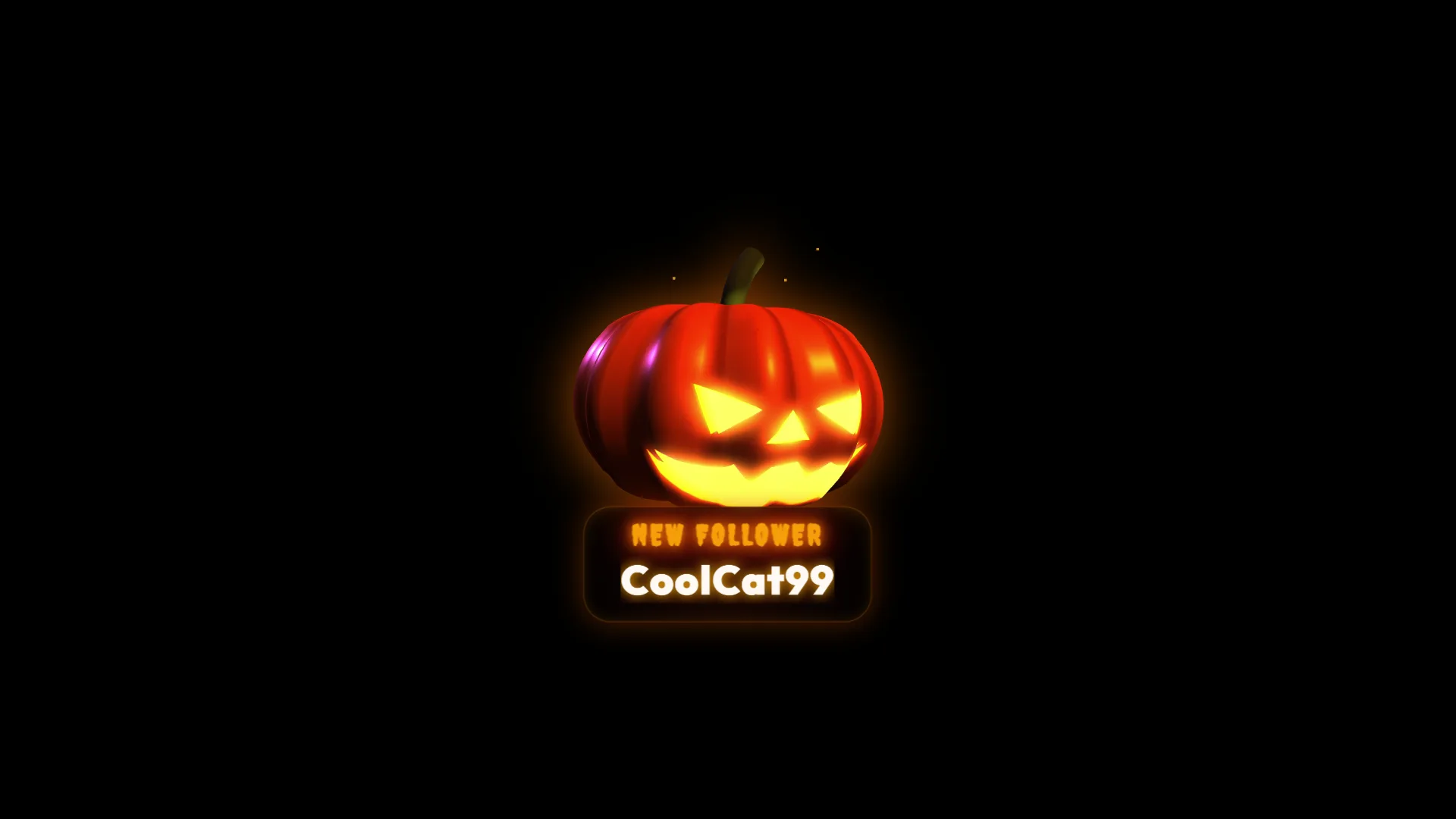
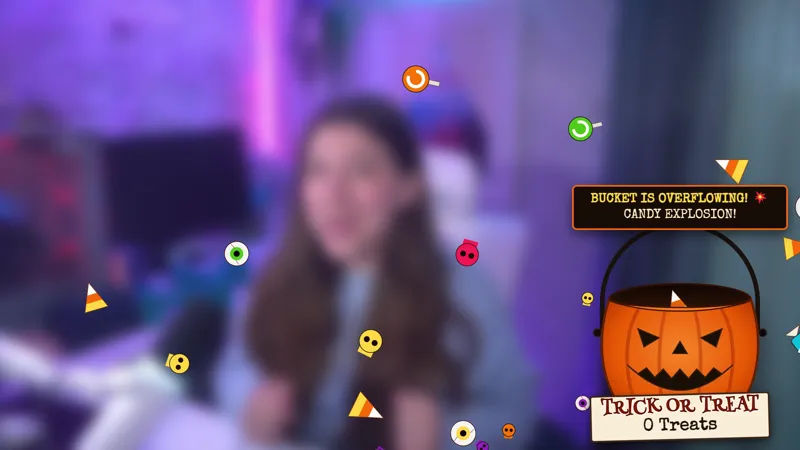
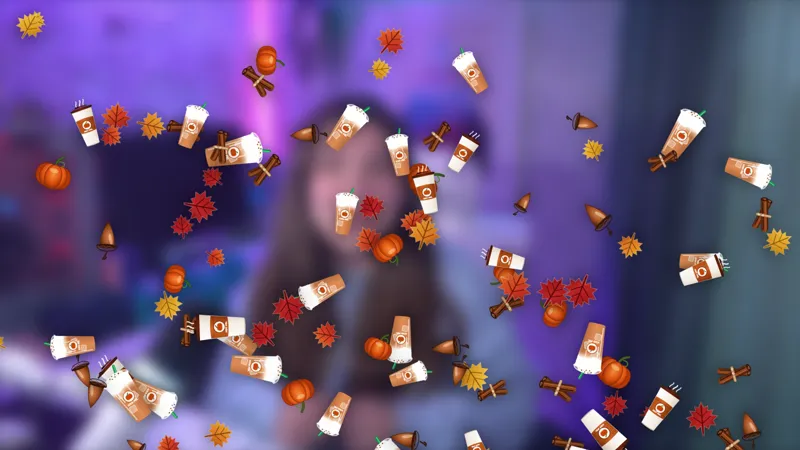
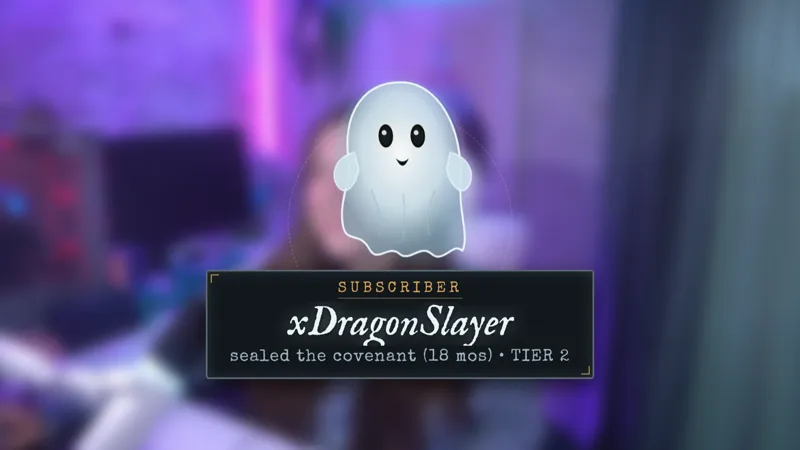
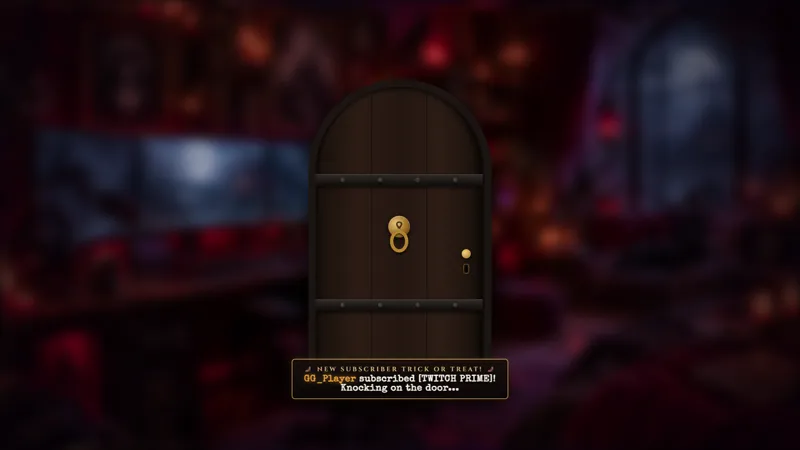
Pumpkins rain down over the stream with an alert notification for events such as follows, raids, and subscriptions.
By Meld
Get Pumpkin Rain Alerts free
Included with Meld Studio. Or stay in OBS with Spark Plug.
A single alert can briefly own the whole scene, and Pumpkin Rain Alerts use that moment for an unmistakable seasonal celebration. When a follow, raid, or subscription arrives, pumpkins rain down over the stream alongside the event notification. The effect gives community support a lively Halloween response instead of leaving it to a small static message.
The alert is free with Meld Studio. It supports Twitch, YouTube Live, Kick, and TikTok Live, making it ready for a seasonal scene whether you broadcast to one platform or several.
Turn stream events into a pumpkin shower
Pumpkin Rain Alerts respond to three common community events: follows, raids, and subscriptions. Each trigger starts the falling pumpkin visual, creating a shared moment that is easy for the streamer and audience to notice. No chat command is required, and you do not need to manually launch the animation during the broadcast.
The full-scene movement is useful when you want alerts to feel celebratory. A new follower receives a visible welcome. A raid enters to an effect large enough for the incoming audience to catch. A subscription becomes part of the seasonal atmosphere rather than appearing as an unrelated notification.
Because the same pumpkin treatment applies across the supported events, your alert package stays visually consistent. That helps the scene feel designed as one Halloween experience even when different kinds of activity are arriving.
Build a complete autumn stream look
Use the alerts for a Halloween schedule, an autumn community night, a costume stream, or any broadcast where pumpkins fit the theme. They can provide the high-motion event layer while quieter seasonal elements, such as a fall camera border, remain on screen between alerts.
Twitch, YouTube Live, Kick, and TikTok Live are all supported. Multistreamers can keep one pumpkin alert experience across the audience instead of creating separate visual packages for each destination.
Download Meld Studio and add Pumpkin Rain Alerts to the scene where you want follows, raids, and subscriptions celebrated. The element reacts to those supported events and supplies the seasonal animation automatically. If you prefer to keep your existing OBS setup, Spark Plug for OBS loads the same free alert into OBS and keeps Meld Spark close by for quick customization guidance.
Use cases
-
Halloween alert celebrations
Mark follows, raids, and subscriptions with a full-canvas burst of seasonal motion. The falling pumpkins make each event visible without asking viewers to type a command or the streamer to launch an effect.
-
Autumn community events
Carry a fall theme into the alerts during a marathon, costume stream, or community night. Each supported event adds a recognizable pumpkin effect that connects the celebration to the rest of the seasonal layout.
Stream events it reacts to
Frequently asked questions
What triggers the Pumpkin Rain Alerts?
Follows, raids, and subscriptions trigger the pumpkin rain effect. When one of those supported events occurs, pumpkins fall over the stream with the alert notification.
Are the Pumpkin Rain Alerts free?
Yes. Pumpkin Rain Alerts are included free with Meld Studio, with no watermark or separate alert purchase. Add the element to a scene and use it for your seasonal broadcasts.
Which platforms work with Pumpkin Rain Alerts?
The alerts support Twitch, YouTube Live, Kick, and TikTok Live. Meld connects your stream platforms so the same seasonal scene can serve your full multistream audience.
Do Pumpkin Rain Alerts work in OBS Studio?
Yes. Spark Plug for OBS brings the alert into an existing OBS scene and offers Meld Spark customization help in seconds while leaving the rest of your OBS workflow intact.