Celebrate Your Community with Names on Festive Holiday Ornaments
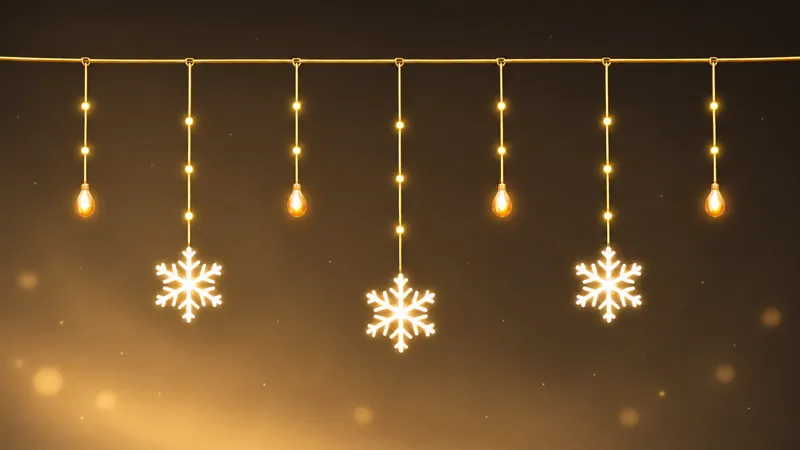
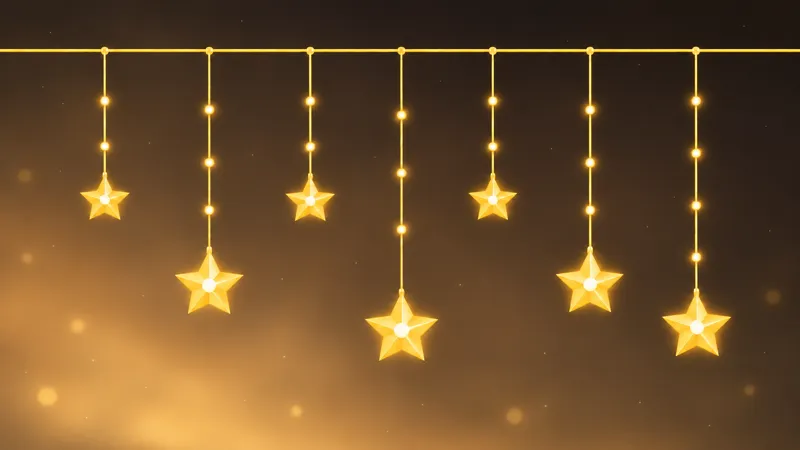
Show off your alerts in holiday style with followers, subscribers, and more displaying their names on festive ornaments.
By Meld
Use this element in Meld or OBS
Copy its link, then paste it where you stream.
-
Have Meld Studio or Spark Plug
Open Meld Studio, or OBS with the Spark Plug plugin installed. Elements need one of them to work.
-
Copy the link
Copy element puts the element's link on your clipboard.
-
Paste it
In Meld Studio, press ⌘V or Ctrl+V and it lands in your scene. In OBS, add a Browser source and paste the link as its URL.
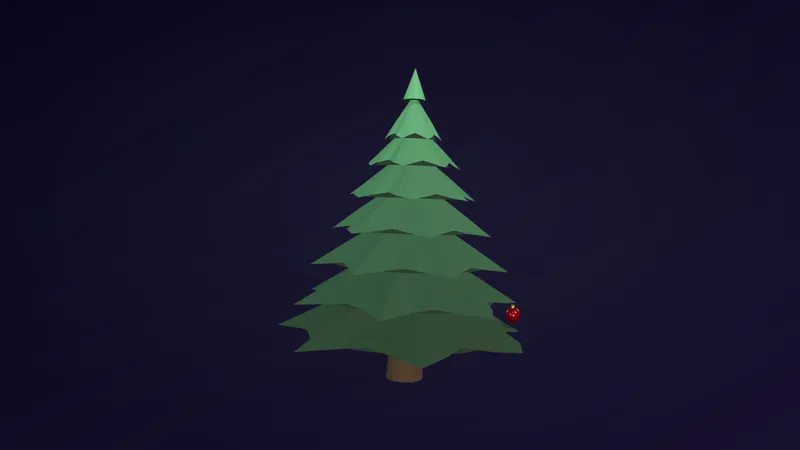
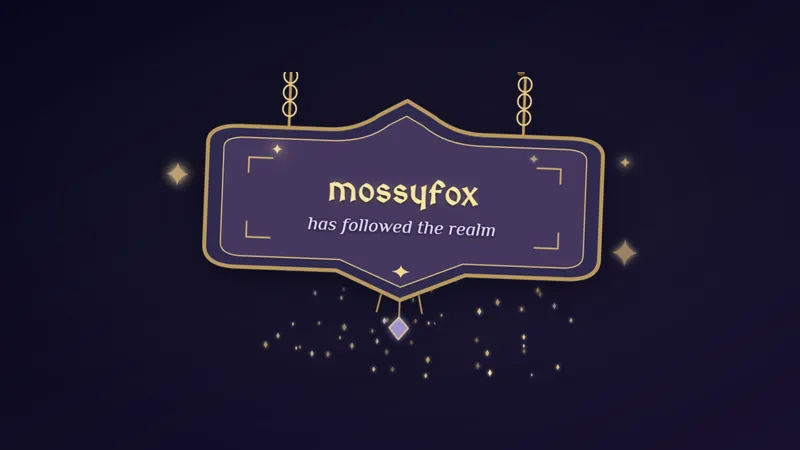
Put the people joining your holiday stream into the decorations. Holiday Ornament Alerts displays follower and subscriber names on festive ornaments, giving familiar community moments a seasonal place on screen. The free alert element suits a Christmas catch-up, a holiday gaming session, or any broadcast where you want the thank-yous to share the festive theme.
Names are the focus of the presentation. Rather than leaving a new follow or subscription as a notification you acknowledge only aloud, the ornament makes the person part of the visual celebration. You can continue hosting while the alert gives you a cue to welcome a viewer or thank someone for supporting the stream.
Follows and subscriptions become festive ornaments
The documented reactions are follows and subscriptions. A follow displays the follower’s name on a festive ornament, and a subscription displays the subscriber’s name. Introduce those two event types when showing the alerts to your audience instead of promising other reactions that are not specified in the listing.
There are no listed chat commands to teach viewers. The interaction comes from supported stream events, so people do not need to memorize a seasonal keyword to take part. You can keep the conversation focused on your show while the ornaments provide a visible response to community activity.
For a relaxed holiday hangout, use each alert as an opening for a brief welcome. During a gaming session, wait for a natural pause to read the name and say thanks. These are choices about how you host the broadcast, not extra modes or controls you need to configure in the element.
Give each name room in your seasonal scene
Before going live, preview the alerts beside your camera, captions, and any game information that must remain visible. Leave a clear area where the ornament and name can be noticed without covering the part of the broadcast viewers are trying to follow. A coordinated seasonal scene can still keep the main activity easy to see.
Holiday Ornament Alerts supports Twitch, YouTube Live, Kick, and TikTok Live. Your scene can reach viewers across every platform you stream to, while the listed reactions remain tied to supported follows and subscriptions. Platform coverage does not mean every service offers identical event types.
Download Meld Studio and add Holiday Ornament Alerts to your festive scene. Streamers keeping an established OBS production can use Spark Plug for OBS as the alternative way to bring named holiday ornaments into that setup. Preview the complete layout before your next holiday broadcast, then let the alerts accompany your community thank-yous.
Use cases
-
A Christmas community catch-up
Welcome new followers with their names on festive ornaments while you host a holiday conversation. The alert gives each arrival a seasonal moment alongside the show.
-
Subscription thank-yous during seasonal streams
Pair your spoken thanks with an ornament displaying the subscriber's name. Use the alerts as part of a festive scene without turning audience participation into a separate chat activity.
Stream events it reacts to
Frequently asked questions
Which events are documented for Holiday Ornament Alerts?
The documented events are follows and subscriptions. The alerts display follower and subscriber names on festive ornaments; additional event types are not specified in this listing.
Do viewers need to type a command?
No chat commands are listed for this element. The ornament alerts celebrate supported follow and subscription events rather than requiring viewers to learn a trigger word.
Are these alerts free, and which platforms work?
Holiday Ornament Alerts are free with Meld Studio and support Twitch, YouTube Live, Kick, and TikTok Live. Follow and subscription reactions apply to supported events from those platforms.
Can I use Holiday Ornament Alerts in OBS Studio?
Download Meld Studio to add the alerts, or use Spark Plug for OBS to keep your existing OBS setup. Spark Plug brings gallery overlays and Meld Spark help with customization in seconds into OBS.