Free Celestial Task List for Co-Working and Body-Doubling Streams
A shared task list for co-working and body-doubling streams. You and your viewers log what you are working on, then cross tasks off as they get done.
Get Celestial Task List free
Included with Meld Studio. Or stay in OBS with Spark Plug.
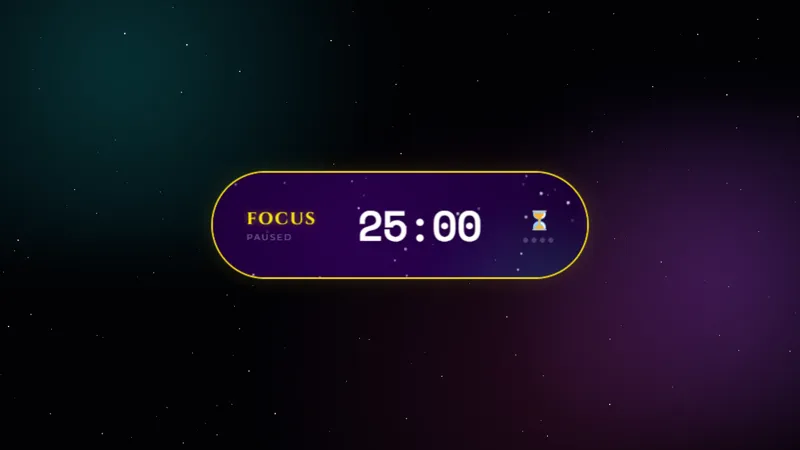
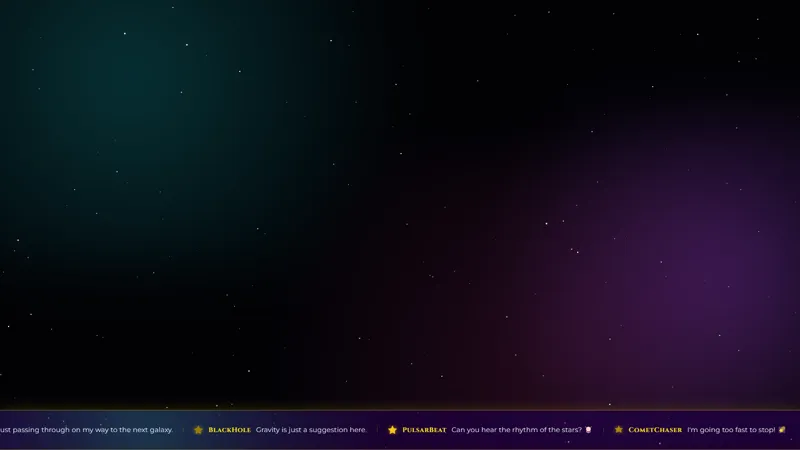
A task list earns its spot on a co-working stream by giving the room something to point at. Celestial Task List puts a shared, chat-driven to-do panel on screen, framed in a starlit background, so the streamer and every viewer in the session can log what they are working on and watch the list shrink across the stream.
It is free with Meld Studio. No watermark, no setup fee, no usage cap.
How the list runs
Three chat commands keep the panel moving. !task [intent] adds a task to the list, attached to the chatter who fired the command. !done [#] crosses out a numbered task as complete. !clear empties the list and is locked to the streamer and mods so a single chatter cannot blow away the entire session by accident. Tasks accumulate as the stream runs, and finished items get visibly checked off rather than vanishing, so the room sees its own progress.
The starlit panel sits cleanly in the corner of any layout. The celestial visuals tie the list into a body-doubling or study-with-me scene that already leans cozy or cosmic, while staying readable enough to use as the only widget on the canvas if that is the look you want.
Why body-doubling streams need this
Body-doubling works because the act of being seen working pulls people into their own work. A passive cam-only scene leaves that mostly implicit. A visible task list makes it concrete: viewers can see what the streamer is tackling, add their own task, and feel the room move forward together. That same loop is what study-with-me, writing-sprint, and art-stream audiences are looking for.
Multi-platform support matters here too. A viewer body-doubling from TikTok Live and another from Twitch can share the same list without you having to bridge chats manually. Meld merges the four chat feeds into one stream of commands.
Customizing with Meld Spark
Meld Spark, the AI overlay editor inside Meld Studio, lets you brand the panel without touching code. A prompt like “Confetti when a task is completed and recolor the starfield to deep purple” wires up the celebration and the new palette in seconds. You can also restyle the typography, change the panel size, or attach a chime to the !done event. Changes persist between sessions, so the same setup loads on the next stream.
Adding it to your stream
Download Meld Studio and the task list drops into a scene with no configuration. If you already run OBS, the free Spark Plug for OBS plugin loads it as a browser source inside your existing OBS layout, with the same chat commands working across Twitch, YouTube Live, Kick, and TikTok.
Use cases
-
Body-doubling streams that need a shared workspace
Body-doubling works because everyone in the room is visibly working on something. The task list makes that explicit: each viewer logs what they are doing with !task, the list shows up on screen, and crossing tasks off becomes a shared rhythm that runs through the session.
-
Long study and craft sessions
For study-with-me, art, and craft streams, a single visible to-do list gives the room a shared progress bar. Viewers see the streamer's task ladder and add their own next to it, which turns a quiet workspace into a slow collaborative session.
Chat commands
Frequently asked questions
How do viewers add and complete tasks?
Three commands run the list. !task [intent] adds a task. !done [#] marks a task as complete. !clear empties the list and is restricted to the streamer and mods so chat cannot wipe it during a session.
Is the Celestial Task List free?
Yes. It ships free with Meld Studio. There is no paywall, no watermark, and no per-session cap, so you can run it across every co-working stream you host.
Which chat platforms can use the task commands?
Twitch, YouTube Live, Kick, and TikTok Live all support the task commands. Meld signs you in once and the overlay listens to chat from every platform you stream to at the same time.
Does this work in OBS Studio?
Yes. Spark Plug for OBS drops the task list into your existing OBS scene as a browser source, and Meld Spark lets you add a confetti burst when a task is finished, recolor the starfield, or brand the panel with your stream accent in seconds.
Can I add a celebration when a task is finished?
Yes. Meld Spark, the AI overlay editor included with Meld Studio, takes plain-English prompts. A request like "Confetti when a task is completed and recolor the starfield to deep purple" applies immediately and persists between sessions.