Free Abstract 3D Background with Neon Geometry and Slow Camera Drift
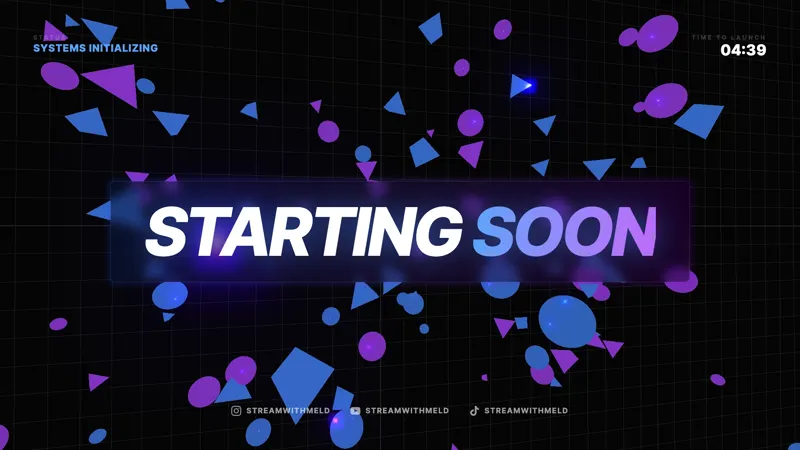
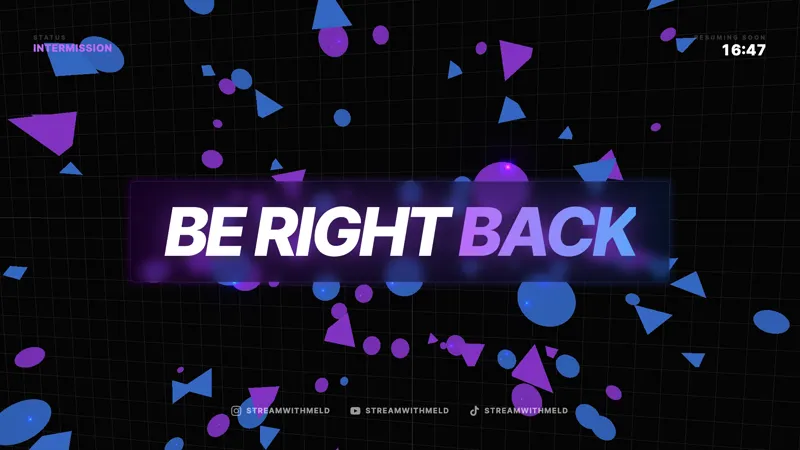
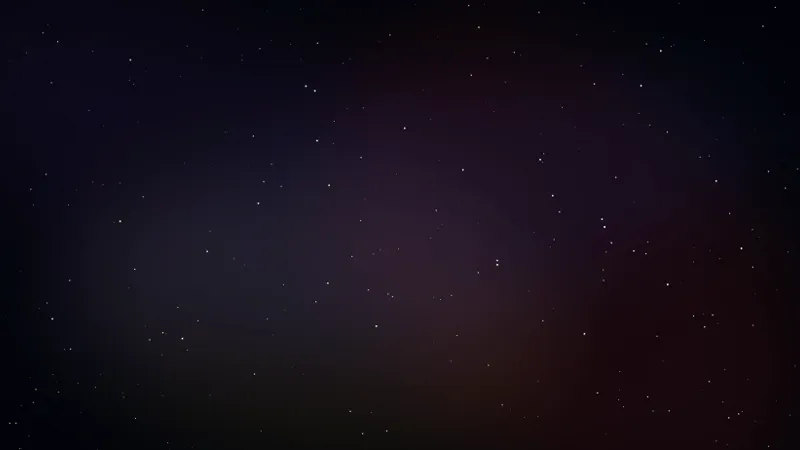
A clean 3D background with floating neon geometry and a slow-panning camera. Same cyberpunk atmosphere as the Abstract 3D Starting Soon and BRB scenes, stripped down to sit quietly behind your active scene.
By Meld
Get Abstract 3D Background free
Included with Meld Studio. Or stay in OBS with Spark Plug.
Floating neon geometry. A camera that drifts slowly through the scene. A bloom pass that softens every emissive edge into a gentle glow. The Abstract 3D Background is the quiet sibling of the Abstract 3D Starting Soon and BRB scenes, stripped down to live underneath your active layout instead of taking center stage.
It is free with Meld Studio. No watermark, no setup fee, no subscription required.
What is on screen
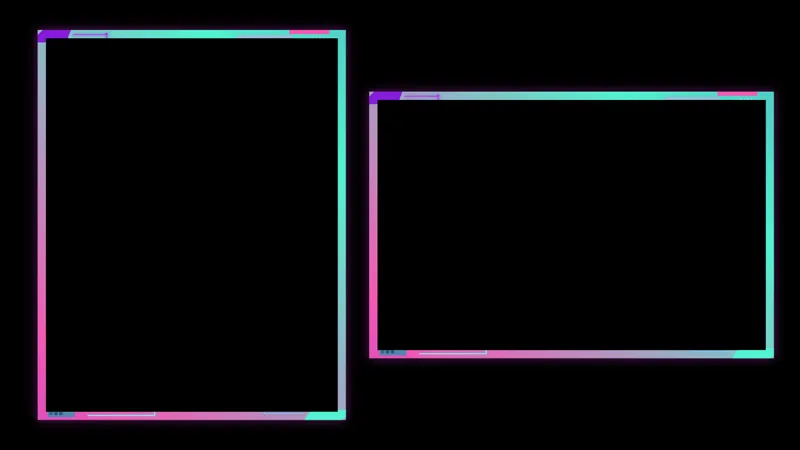
The scene runs as a full-bleed 3D environment behind whatever else you put on the canvas. Geometric shapes drift through space at a slow, steady pace while the virtual camera pans across the field. Emissive materials on the geometry catch the bloom pass, giving the whole frame a soft cyberpunk glow that never spikes hard enough to pull a viewer’s eye away from your foreground content.
The animation runs continuously while the overlay is active. Because the motion is slow and the contrast is controlled, the layer reads as atmosphere rather than action. You can stack a webcam, a gameplay capture, lower thirds, and a chat box on top without the background fighting any of them.
When to reach for it
Use it as the bottom layer of a Just Chatting scene, behind a coding or art-stream window, or under a podcast layout where the camera is the focus. The constant slow motion solves the problem of long broadcasts looking frozen on a static backdrop, which matters for any viewer who lands halfway through your stream and decides whether to stay based on the first few seconds of frame.
It also pairs cleanly with the matching Abstract 3D Starting Soon and Abstract 3D BRB scenes. Run all three across a single broadcast and your open, away, and active scenes share the same atmosphere from the moment you go live to the moment you sign off.
Tuning the look
Meld Spark, the AI overlay editor inside Meld Studio, takes plain-English changes. Retint the geometry to cool blues, soften the bloom for a calmer feel, slow the camera pan to make it more ambient behind your cam, or speed it up for a more energetic vibe under a hype scene. A prompt like “Retint the geometry to cool blues, soften the bloom, and slow the camera pan so it feels ambient behind my cam” applies immediately and stays applied across sessions.
Adding it to your stream
Download Meld Studio and drop the background into a scene as your bottom layer. If you already run OBS, the free Spark Plug for OBS plugin loads the same scene as a browser source inside your existing OBS layout, no migration required. The result broadcasts identically across Twitch, YouTube Live, Kick, and TikTok Live.
Use cases
-
Backdrop behind a webcam-only scene
Solid colors and static images age fast on a long stream. This 3D scene sits behind your webcam and lower thirds with constant slow motion, so a Just Chatting or coding broadcast never looks frozen on a still backdrop. The neon glow gives the cam a soft halo without competing with your face.
-
Filling space on a low-resource gaming layout
For variety streamers running smaller game windows or window-mode sessions, the leftover canvas often becomes dead pixels. Drop the 3D background underneath the gameplay frame and the empty area turns into ambient cyberpunk motion that ties the layout together instead of bleeding into a flat fill.
Frequently asked questions
Is the Abstract 3D Background overlay free?
Yes. It is included free with Meld Studio. No watermark, no paywall, and no per-stream usage cap. Add it to a scene as a full-bleed layer and it starts animating immediately.
Will it broadcast across Twitch, YouTube, Kick, and TikTok Live?
Yes. The scene renders the same on every platform you stream to. It is a pure visual layer with no chat dependency, so it broadcasts identically across Twitch, YouTube Live, Kick, and TikTok Live.
Does this work in OBS Studio?
Yes. Spark Plug for OBS loads the 3D background into an existing OBS scene as a browser source, and Meld Spark can retint the neon, slow the camera pan, or soften the bloom from a plain-English prompt in seconds without touching shader code.
Can I match the colors to my channel branding?
Yes. Meld Spark, the AI overlay editor included with Meld Studio, accepts plain-English color changes. A prompt like "Retint the geometry to cool blues and soften the bloom" applies in seconds and persists between sessions.
Is the motion distracting on top of gameplay or a webcam?
The camera drift is intentionally slow and the geometry stays in the background plane, so it reads as ambient rather than active. If you want it calmer still, ask Meld Spark to slow the pan or reduce the bloom intensity to fit your foreground.