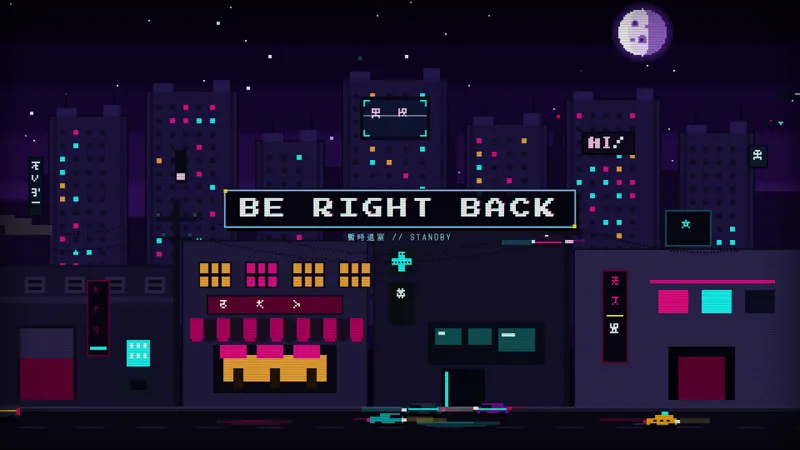
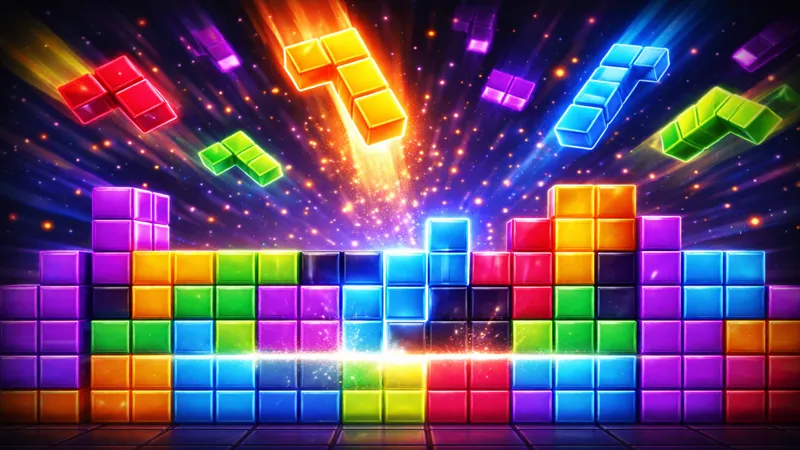
Free Abstract 3D BRB Scene with Neon Bloom and Slow Camera Pan
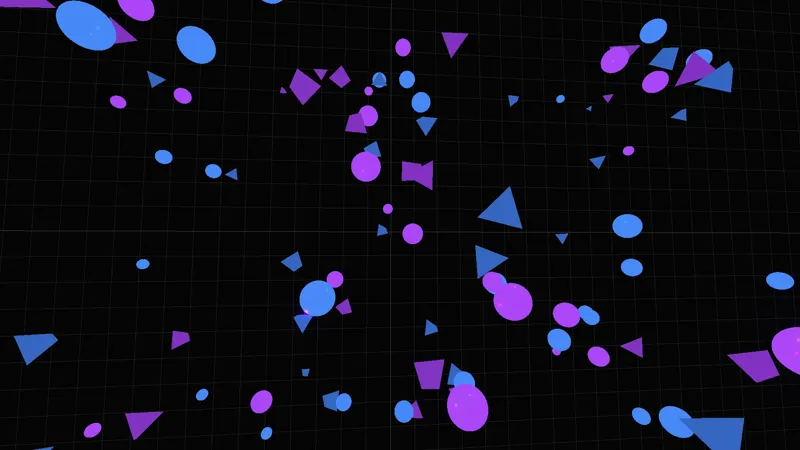
The BRB counterpart to the Abstract 3D Starting Soon scene. Floating geometry, neon emissive materials, and a slow camera pan with bloom keep the same cyberpunk atmosphere while you step away.
By Meld
Get Abstract 3D Be Right Back free
Included with Meld Studio. Or stay in OBS with Spark Plug.
Stepping away from a long stream usually means cutting to a static image and hoping viewers wait it out. The Abstract 3D BRB keeps the canvas alive while you are gone: floating geometric shapes drift through 3D space, emissive neon edges glow under a high-end bloom pass, and a slow camera pan moves the framing inch by inch so the scene never sits still.
It is free with Meld Studio. No watermark, no setup fee, no subscription required.
What viewers see while you are away
The BRB scene fills the full canvas with a 3D environment rendered in real time. Geometric forms catch the light and the camera glides around them at a slow, controlled pace. Bloom on the emissive materials gives every neon edge a soft halo, so the screen reads as cinematic rather than empty. There is no countdown, no overlay clutter, just continuous motion that signals “the stream is still on, the host is coming back.”
That continuous motion matters during a 5 to 15 minute break. A frozen graphic or a static screenshot loses viewers within the first 30 seconds because nothing on the page tells them the broadcast is alive. A scene that keeps moving keeps the player open.
When to use it
Reach for it during food breaks, bathroom runs, hardware swaps, raid intermissions, and any off-camera moment where you need the stream to look intentional rather than abandoned. It also fits cleanly between game sessions on a variety stream, holding the canvas while you load the next title.
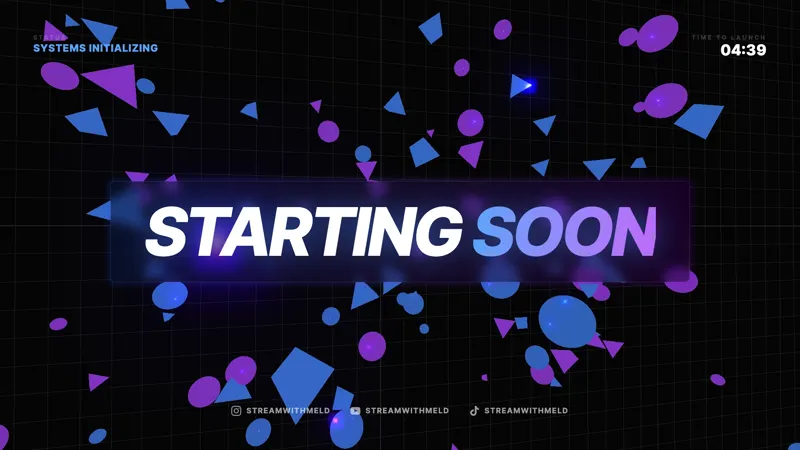
It is built to pair with the Abstract 3D Starting Soon scene and the Abstract 3D Background. Run all three across a broadcast and your open, away, and active scenes share the same neon palette, the same camera language, and the same bloom treatment, so a viewer who arrives mid-stream and a viewer who waited from the starting soon screen both see one consistent show.
Customizing with Meld Spark
Meld Spark, the AI overlay editor built into Meld Studio, takes plain-English requests. Match the neon to your brand purple, slow the camera pan, drop in a “Back in 5” message in the center of the frame, or pulse the geometry on each new chat message. A prompt like “Match the neon to my brand purple, slow the camera pan, and show a Back in 5 message in the center” applies in seconds and persists between sessions.
Adding it to your stream
Download Meld Studio and the BRB drops into a scene with no configuration. If you already run OBS, the free Spark Plug for OBS plugin loads the same scene as a browser source inside your existing OBS layout. The result broadcasts identically across Twitch, YouTube Live, Kick, and TikTok Live.
Use cases
-
Mid-stream breaks on a long broadcast
Six-hour gaming sessions and marathon Just Chatting streams need a real away scene. This BRB fills the canvas with floating geometry and a slow camera drift, so a 10-minute food run never lands on a frozen graphic. Viewers see motion the entire time you are off camera and stick around for the return.
-
Cohesive open-to-close stream aesthetic
Pair this BRB with the Abstract 3D Starting Soon scene and the Abstract 3D Background to keep the same cyberpunk atmosphere across every layer of your show. The three scenes share neon palette, geometry, and bloom, so switching from active to away to active again reads as a single broadcast rather than three borrowed templates.
Frequently asked questions
Is the Abstract 3D BRB screen free?
Yes. The Abstract 3D Be Right Back scene is included free with Meld Studio. No watermark, no paywall, no usage cap. Drop it into a scene and switch to it the moment you need to step away.
Will the BRB scene broadcast on every platform?
Yes. It is a pure visual scene with no chat dependency, so it broadcasts identically across Twitch, YouTube Live, Kick, and TikTok Live. The same neon geometry plays for viewers on every platform you stream to.
Does it work in OBS Studio?
Yes. Spark Plug for OBS loads the BRB into your existing OBS scene collection as a browser source, and Meld Spark can retint the neon to your brand color, slow the camera, or add a "Back in 5" message from a plain-English prompt in seconds.
Can I add a custom away message on top of the scene?
Yes. Meld Spark, the AI overlay editor included with Meld Studio, accepts text and timing changes in plain English. A prompt like "Match the neon to my brand purple and show a Back in 5 message in the center" updates the scene immediately and persists between sessions.
Does it match the Abstract 3D Starting Soon screen?
Yes. The BRB shares the same floating geometry, emissive materials, camera language, and bloom pass as the Abstract 3D Starting Soon scene and the Abstract 3D Background. Run them together for a single visual identity from open to close.