Fill a Free Neon Star Jar with Community Support
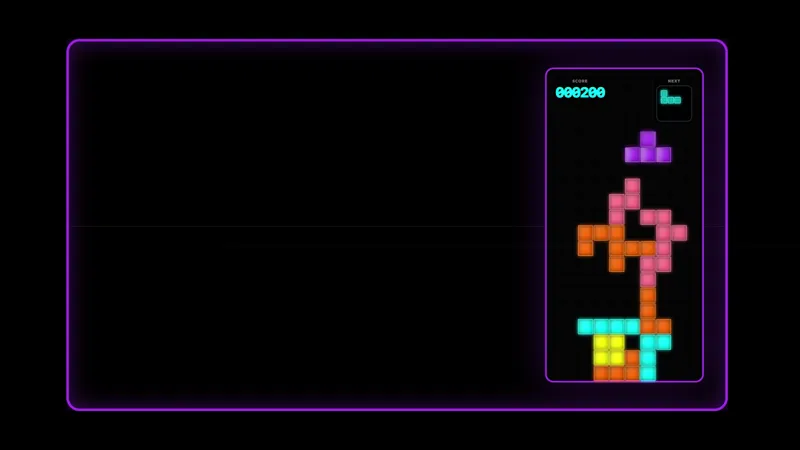
Neon goal overlay where activity like subscriptions, Bits, Kicks, and merch purchases drop glowing stars into the jar.
By Meld
Get Neon Star Jar free
Included with Meld Studio. Or stay in OBS with Spark Plug.
A support goal feels more tangible when viewers can watch it fill. Neon Star Jar turns subscriptions, Twitch Bits, Kick Kicks, and Fourthwall merch purchases into glowing stars that drop into a shared jar. Instead of each event ending when its notification leaves, the activity contributes to a visual that remains part of the scene.
The overlay is free with Meld Studio and works across Twitch, YouTube Live, Kick, and TikTok Live. It gives multistream communities one goal object to build together.
Make every supported event visible
Four kinds of activity feed the jar: subscriptions, Bits, Kicks, and Fourthwall merch purchases. Each supported event drops another glowing star. That direct response helps viewers connect their action with a visible result, and it gives everyone watching a simple way to read the momentum of the stream.
The concept works for a formal community goal or as an ambient record of support. Put the jar beside a goal label during a special event, or keep it in a regular scene so activity naturally builds the display over the course of a session. Because the stars arrive through stream events, viewers do not need to learn chat commands or wait for the streamer to trigger an animation.
The neon styling is especially useful in gaming, music, and Just Chatting layouts with darker backgrounds or bright accent colors. Motion happens when the community acts, allowing the jar to stay visually calm between events and become active at meaningful moments.
One jar across your platforms
Neon Star Jar supports Twitch, YouTube Live, Kick, and TikTok Live. That shared platform coverage lets a multistream audience contribute to the same on-screen object rather than splitting support into separate layouts. Fourthwall purchases join the same visual response as subscriptions and platform contributions.
Pair the jar with other reactive elements when you want a larger event theme, or let it serve as the single persistent support visual in a clean scene. Its job remains easy to understand: community activity becomes a glowing star, and every star adds to the display.
Download Meld Studio and add Neon Star Jar to the scene where you want support activity represented. Streamers staying in OBS can use Spark Plug for OBS to place the same free element into an existing setup and access Meld Spark customization assistance.
Use cases
-
Visible community support goals
Let subscriptions, Bits, Kicks, and Fourthwall merch purchases build one shared visual throughout the broadcast. Each event drops a glowing star into the jar, so viewers can see activity accumulate instead of watching isolated notifications disappear.
-
Neon gaming and Just Chatting scenes
Add the jar to layouts that already use bright color, dark backgrounds, or glowing accents. Its event-driven motion gives the scene something to react with during long sessions while leaving the main content visible.
Stream events it reacts to
Frequently asked questions
Which events add stars to the Neon Star Jar?
Subscriptions, Twitch Bits, Kick Kicks, and Fourthwall merch purchases each drop a glowing star into the jar. The supported events contribute to the same goal visual during your stream.
Is the Neon Star Jar overlay free?
Yes. Neon Star Jar is included free with Meld Studio, with no separate purchase or watermark. Add it to a scene and connect the supported platforms to start reflecting community activity.
Which streaming platforms does the star jar support?
It works across Twitch, YouTube Live, Kick, and TikTok Live. Meld brings the supported activity into one scene, which is useful when your audience is spread across several platforms.
Does Neon Star Jar work in OBS Studio?
Yes. Spark Plug for OBS brings the jar into your existing OBS scene and provides access to Meld Spark for customization help in seconds without replacing your current workflow.