Everything you need to make your stream look professional. Guides to stream overlays, alerts, widgets, starting soon and BRB screens, transitions, color grading, blend modes, and on-screen drawing. Learn how to design your layout, build overlays with Spark, and set them up in Meld Studio or OBS.
Spark on Pro and Max is faster, smarter, and better looking. With the same prompt, you now get overlays in less time, with better composition and smoother animation.
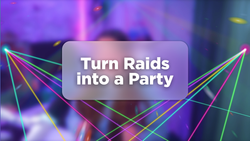
Raids deserve more than a chat notification. Raid Rave is a Meld Spark element that transforms every incoming raid into a full EDM-style laser light show.
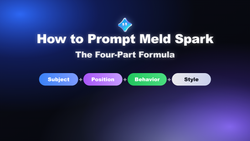
Meld Studio Spark generates working overlay code from plain-English prompts, so output quality depends on prompt structure. The most reliable format is four parts: subject first, then position, behavior and style, with explicit hex colors for consistency across every element.
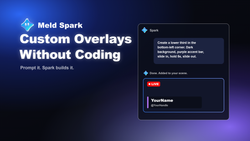
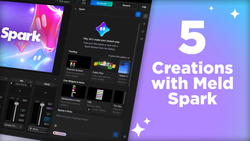
Meld Spark is a chat-based tool inside Meld Studio that turns plain-English prompts into custom stream overlays. Because it writes HTML, CSS and JavaScript rather than images, every overlay animates at 60fps and reacts to live events across Twitch, YouTube, Kick, TikTok and X.
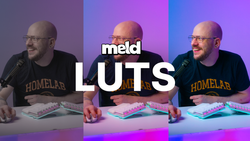
Give your stream a cinematic edge with one effect. Meld Studio now supports LUTs for professional color grading, and a new LUT lab to create your own custom looks.
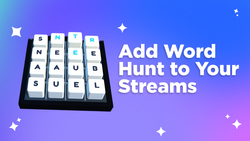
Streamers can now create their own widgets and alerts using Meld Spark! No more templates, just describe your idea and watch it come to life live on stream.