On this page
Your streams run best when Meld runs smoothly behind the scenes. So this update is all about performance, stability, and squashing some bugs! This new Meld Studio release focuses on optimization with fixes that should make your imports cleaner, your memory usage lighter, and your overlays more reliable.
Smoother, More Accurate OBS Imports
We've made several improvements to the OBS Importer so that bringing your existing setup to Meld feels more seamless.
What changed
- Fixed hangs that could freeze the import.
- Improved accuracy of layer scaling and placement.
What this means for you
If you've ever tried importing an OBS scene and:
- Meld froze or felt stuck, or
- Your sources came in slightly "off" (wrong size, wrong spot, just not quite right)
This update should make that experience more accurate to your expectations. Your layouts should now import more consistently, with layers landing where you expect them.
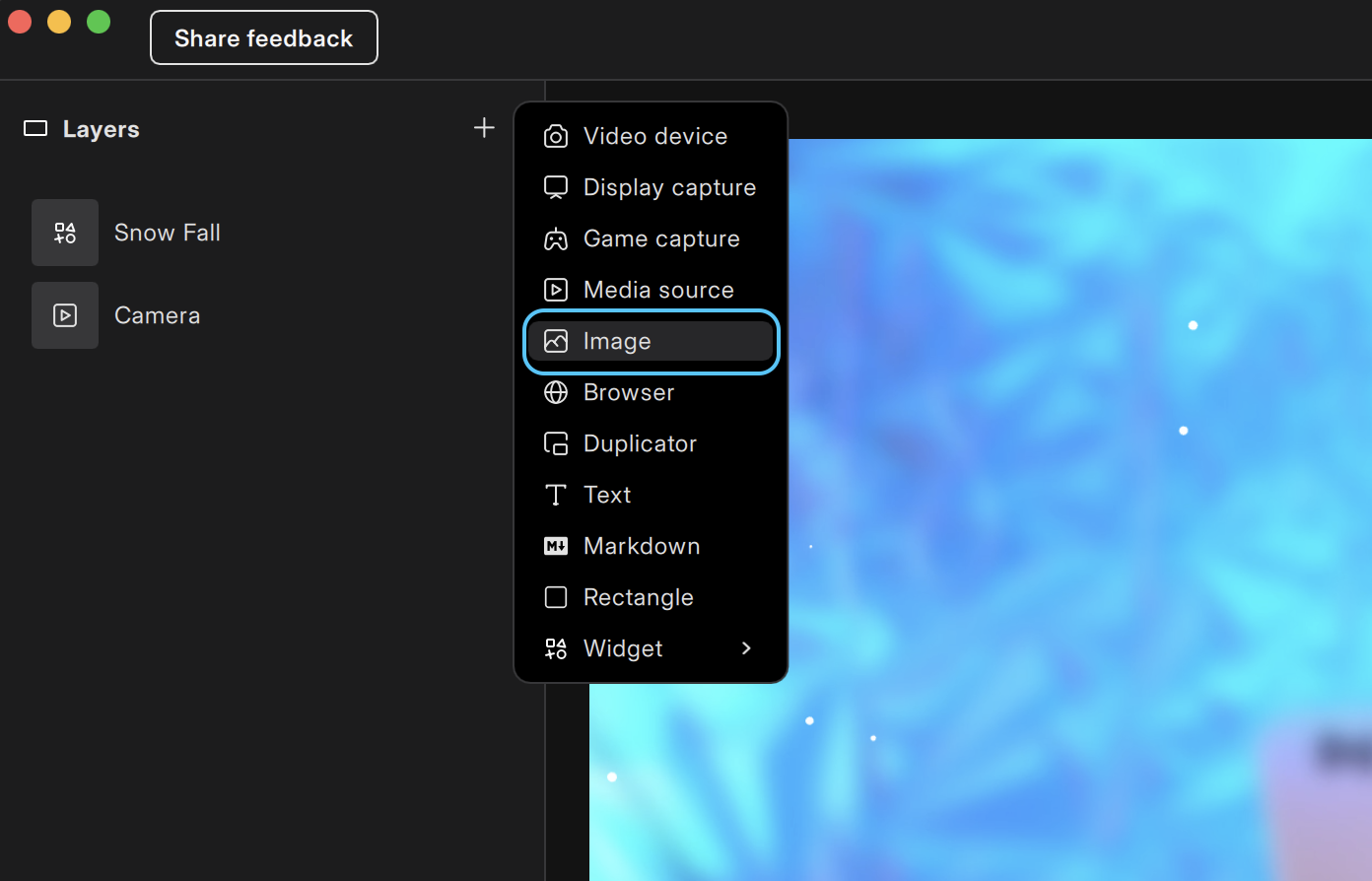
Images & GIFs Memory Usage Cut In Half
We've significantly reduced memory usage for images and GIFs.
If you use:
- Animated overlays
- Emote walls
- Image-heavy scenes
- Lots of GIFs for alerts or reactions
What this means for you
- Lower RAM usage while streaming.
- Less strain on your system in media-heavy scenes.
- Smoother performance when switching scenes or firing alerts.
This change will greatly reduce how much memory usage your media files consume. If you experienced your software freezing or lagging with an AMD GPU, you should see improvements.
AMD Driver Memory Leak Fix
This release also includes a fix related to an AMD driver memory leak. Some creators on AMD systems were experiencing:
- Gradual increases in memory usage over time.
- Longer sessions becoming unstable or feeling sluggish.
We've shipped a fix that addresses this behavior and improves long-session stability for AMD users.
What this means for you
- More efficient handling of browser audio.
- Better reliability when using browser sources as part of your audio mix.
- A stronger foundation for future audio improvements.
Chat Overlay No Longer Hides Missing Resource Dialog
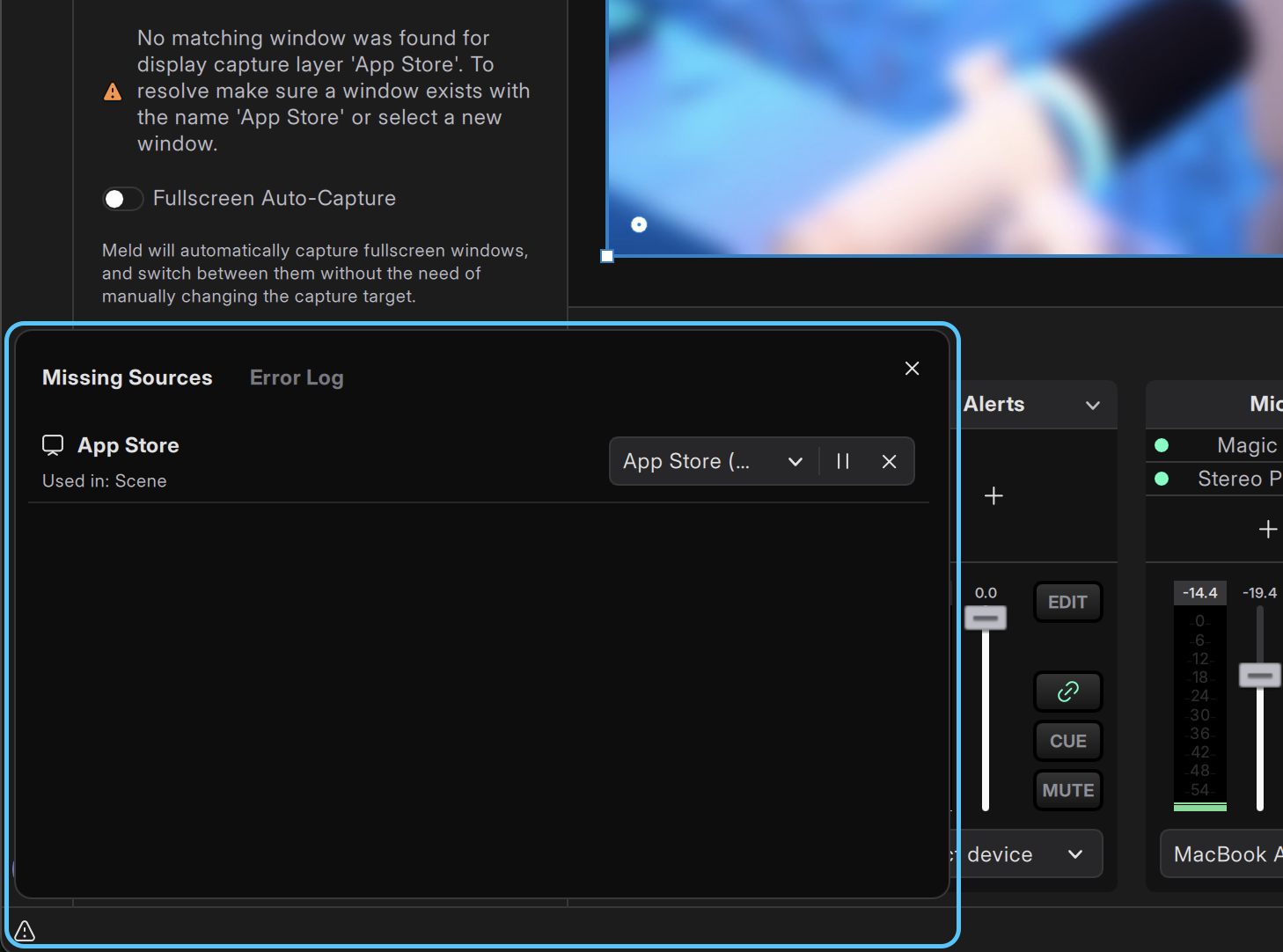
There was a bug where the chat overlay could obscure the "Missing Resource" dialog, which is the notification that appears when Meld can't find a file or source it expects.
If that dialog is hidden behind your chat, it can be hard to understand why something isn't showing correctly.
What we fixed
- The chat overlay no longer covers the Missing Resource dialog.
- You'll clearly see when something is missing or needs attention.
What this means for you
You'll get cleaner feedback when assets are missing (like moved files, renamed resources, or disconnected sources), and you won't be left guessing why something failed to load.
Thanks for Helping Us Improve
Although this release may not be packed with flashy new features, it's an important one for stability and performance across the board.
If you've recently:
- Reported issues with OBS imports
- Noticed high memory usage with images/GIFs
- Run into problems on AMD systems
- Had audio quirks from browser sources
- Seen dialogs hidden behind your chat overlays
Your feedback helped us prioritize this work!
As always, if you run into any issues after starting Meld Studio with update v0.9.8.3, please share logs, screenshots, or details in our support channels in Discord so we can keep tightening things up.
Happy streaming, and enjoy the smoother ride!