On this page
The Meld Studio team is bringing you yet another way to customize your workflow with Audio Reordering. Starting today, you can drag and drop your audio panels to arrange them exactly how you want. Just grab, move, and organize.
Audio Reordering
Whether you're editing for a podcast, mixing music, or producing multimedia content, the arrangement of your audio panels can directly impact your efficiency. A well-organized workspace can reduce your cognitive load, minimize scrolling and keeps your most critical tracks within immediate reach.
Before this update your audio panels would appear in alphabetical order based on whether they were global or non-global tracks. Now that you're able to control the layout, you can put your tracks in an order that works best for you.
How To Reorder Your Audio
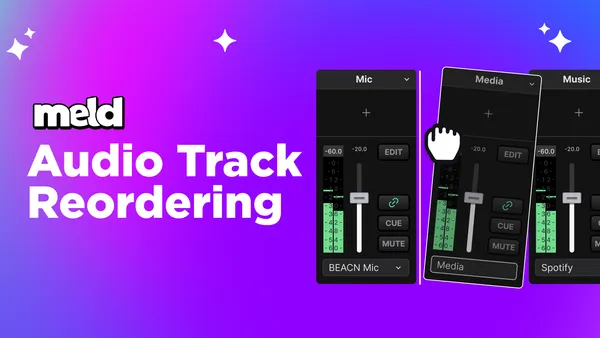
Audio Reordering works exactly how you would expect it to work: you grab an audio track, such as your microphone, drag it and drop it where you want it. The Audio Track will lift with a tilted animation which indicates that it is ready to be moved. Drag the panel left or right to your desired position and then drop it by releasing your mouse.
Your new lay out saves automatically, so your organized tracks persist across your scenes.
Start Reorganizing Your Workspace
Audio Reordering is live in Meld Studio. Open up your Studio, move your audio tracks, and keep creating with a more customized workspace.
FAQ
Does reordering audio panels affect my mix?
No. Audio Reordering is a visual workspace feature. Your audio processing and routing remain completely unchanged. Reorder as much as you want without impacting your sound.
Will my layout save when I close Meld Studio?
Yes. Your reordering will remain exactly how you left them when you open Meld again.
Can I reorder panels while audio is playing?
Absolutely! You can reorganize your workspace on the fly without stopping or interrupting your session.
Can I reorder panels across multiple tracks?
Yes, all audio panels in your workspace can be freely repositioned regardless of their type.